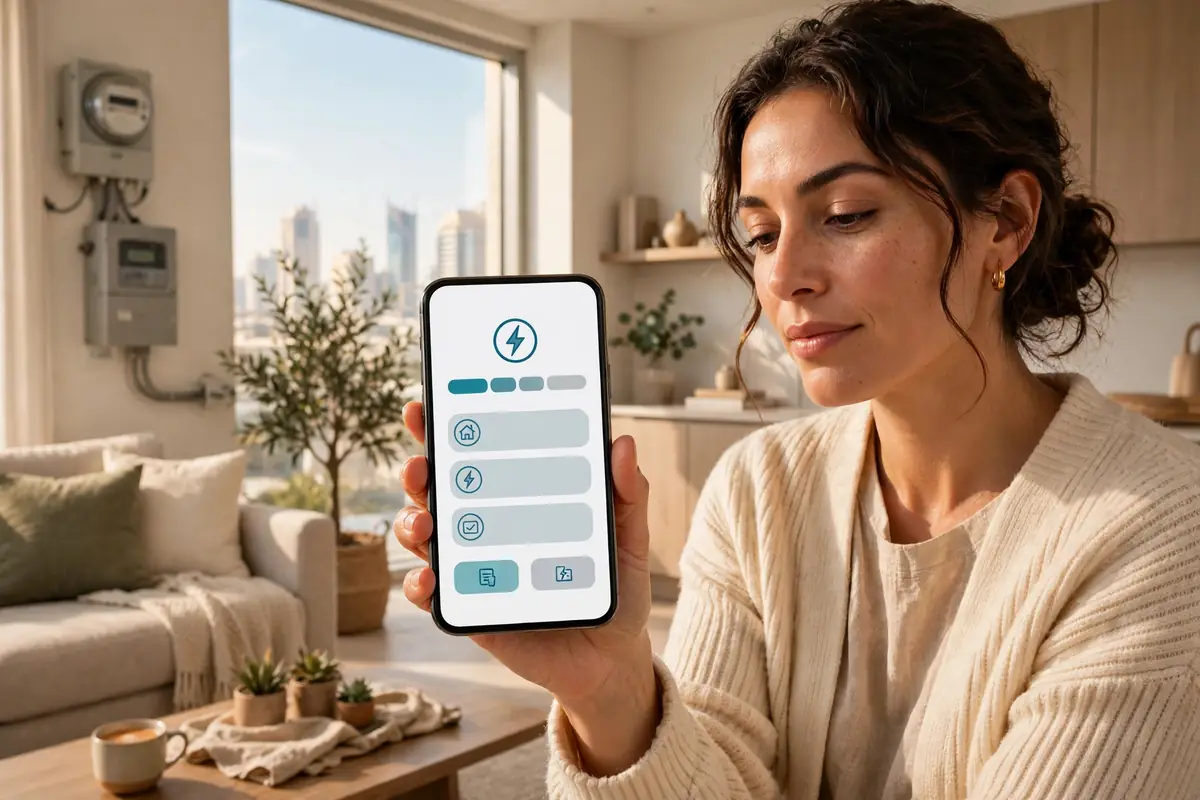
The ADDC app UAE is the phone app for Abu Dhabi electricity and water bills. ADDC means Abu Dhabi Distribution Company. The app now carries the TAQA Distribution name. ADDC and AADC merged into TAQA Distribution from January 2025. The bills, the meters and the account number stayed the same. Only the brand name changed.
Quick Answer: Download the TAQA Distribution app from the App Store or Google Play. Sign in with your account number or UAE Pass. The home screen shows your bill, your usage and your due date. Tap pay and use a card. Set Autopay to pay each month on a date you pick. Call 800 2332 if the app won’t open.
What the ADDC app UAE is now
TAQA Distribution announced the merger on 16 September 2024. ADDC and AADC joined under one brand from January 2025. The UAE government portal now names TAQA Distribution as the body for power and water in Abu Dhabi emirate. The old addc.ae pages still work. They now carry TAQA Distribution pages for payments, tariffs and the bill guide.
The app on the stores is listed as TAQA Distribution. Older phones may still show an ADDC icon. Update the app to the latest version. The new version holds your old account. Your account number still opens your bills. Nothing in your payment history moves. It stays on the same account.
Dubai homes use a different app. Our guide on how to use the DEWA app in UAE covers Dubai bills. Our guide on how to use the FEWA app in UAE covers the northern emirates. Sharjah uses SEWA. This guide covers Abu Dhabi and Al Ain only.
Download and sign in
Step 1: Open the App Store on iPhone or Google Play on Android. Search “TAQA Distribution”. Check the developer name. It must read Abu Dhabi Distribution Company PSC. Fake apps copy the logo. The developer name is the real check.
Step 2: Install the app. It is free. Open it. Pick English or Arabic.
Step 3: Sign in with your TAQA Distribution account number. The number sits on every paper bill and every Green Bill email. New customers activate an online account on the addc.ae site first. The site asks for the account number and your details. Then the same login works in the app.
Step 4: Some users sign in with UAE Pass. The app accepts UAE Pass as a login route. Keep your UAE Pass PIN ready. Face check may follow on a new phone.
Step 5: The home screen opens. It shows the current bill, the due date and the total due. It shows each property linked to your account. One login can hold more than one property. Add a second flat or villa with its own account number.
Note: Never share your account number in a public post. The number alone can open bill details. A scammer can use it to pose as you on the phone. Keep it like a bank detail.
Pay a bill in the ADDC app UAE
Open the ADDC app UAE and tap the bill. The screen shows the full breakdown. It lists each charge on its own line. Electricity and water show apart from waste charges. Read each line before you pay. A sudden jump often sits in one line only. That line tells you what changed.
Tap pay. Pick a saved card or add a new one. The app takes debit and credit cards. Apple Pay and Google Pay also work on supported phones. Confirm the amount. The app sends a confirmation by SMS or email. Save the receipt. The receipt proves the payment date if a dispute comes up later.
You can pay your own bills and other people’s bills. A son in Dubai can pay his father’s Abu Dhabi bill from the same app. He needs the father’s account number. The payment lands on the right account at once. Keep the receipt and send it to the account holder.
One payment can cover more than one property. Pick each property on the payment screen. The app adds the totals. One card payment clears them all. Check each property line before you confirm. A wrong tick pays the wrong home.
Autopay and direct debit
Autopay suits people who forget due dates. Set it up with a GCC issued debit or credit card. Pick a payment date each month. The app charges the card on that date. The bill amount changes each month. Autopay takes the new total each time. You get a message after each charge. Check the message. A failed card means a missed payment.
Direct debit works from your bank account. Register on the website, in the app or by phone on 800 2332. The bank debits the bill each time a new bill comes. No date to pick. No card to renew. Change banks and you must set it up again. A new card number also needs a fresh Autopay setup. Old card details don’t move on their own.
Which one fits you? Autopay fits a card user who likes a fixed date. Direct debit fits a bank account user who wants zero dates to track. Both stop late fees. Pick one and leave the other off. Two auto methods on one account can double charge a bill.
Track usage in the ADDC app UAE
The ADDC app UAE shows how much electricity and water you used. It shows the current month next to past months. Compare the bars. A hot July bar runs higher than a mild March bar. Air conditioning drives the summer jump in most Abu Dhabi homes.
Tap a month to see the daily split. The app splits the bill into a Green rate band and a Red rate band. You pay the lower Green rate up to a daily allowance. Use above the allowance costs the higher Red rate. The tariff page on addc.ae lists the exact bands. Read it once. It explains why a big month costs more per unit, not just more units in total.
A sudden usage jump needs a check. Read the meter yourself and compare it with the app figure. A running toilet can add hundreds of litres a day. A faulty air conditioner can run all night. Our guide on how to report a water leak in UAE shows what to do next.
Tip: Check usage on the 1st of each month. A 2 minute check catches a leak early. A leak caught in week one costs far less than one found at bill time.
Start and stop a service in the app
Moving in? The ADDC app UAE starts a new service. BoloSara24 notes the Tawtheeq step trips up most new tenants. Tenants need a Tawtheeq contract first. Abu Dhabi Municipality runs Tawtheeq. Register the tenancy contract there. Then open the app and apply for a new connection. Upload the passport, Emirates ID and tenancy contract. The app also asks for an account closing letter from the last tenant of that property. Ask the landlord for it before moving day. A missing letter stalls the new account.
Moving out? The app closes the account. Tap the move out option. Pick the last day. Pay the final bill. The app issues a clearance note once the balance hits zero. Landlords ask for that note before they return the deposit. Our guide on how to close an ADDC account in UAE covers each step in full. Our guide on how to transfer an ADDC connection in UAE covers a move to a new home.
A real example from an Abu Dhabi flat
Mariam rents a one bedroom flat in Al Khalidiyah. Her July bill jumps to AED 640. Her June bill was AED 410. She opens the app and taps the usage chart. The electricity bar doubled. The water bar stayed flat. The jump sits in cooling, not water.
Mariam checks the air conditioner. The filter is thick with dust. She cleans it. She sets the thermostat to 24 degrees. Her August bill falls to AED 480. The app chart proves the fix worked. She keeps Autopay on for the 5th of each month. She never misses a due date now. The whole fix took one evening and one app check.
Other ways to pay if the app fails
The app is the fast route. It is not the only route. TAQA Distribution lists every channel on its payment options page. Pay online on the addc.ae site with a card. Pay by phone on 800 2332 with your account number and card ready. Pay through TAMM with a TAMM account. Pay at a partner bank by ATM, phone or internet banking. Pay at MBME smart kiosks in cash. Kiosks take the full outstanding amount only. Pay at exchange houses and some groceries through One Prepay.
Our guide on how to pay utility bills from a bank in UAE lists the bank route step by step. Keep the app as your main route. Keep the phone number 800 2332 as your backup. The call centre takes card payments. Online chat runs 08:00 to 20:00, Monday to Saturday.
Hardship help exists. TAQA Distribution offers an instalment plan for customers in financial difficulty. Apply through the contact centre before the debt grows.
Fix common app problems
The app won’t open? Update it first. An old version can fail after a brand change. Delete and reinstall it if the update fails. Sign in again with the account number. The account and the bills stay on the server. Reinstalling loses nothing.
The bill won’t load? Check the internet. Switch from WiFi to mobile data. Close the app fully and open it again. A bill that still won’t load may mean the account number changed after a merger fix. Call 800 2332 and ask them to confirm the number on file.
A payment shows as failed but the bank took the money? Wait 24 hours. The payment often lands late. Call 800 2332 with the bank reference if it still shows unpaid. Don’t pay twice.
Do you pay by card or by bank debit? That one choice shapes your whole setup. Pick the method that matches how you already pay other bills. One auto method is enough. Two auto methods on one account can clash.
BoloSara24 checked the TAQA Distribution payment options page and the UAE government public utilities page on 29 November 2026. The payment channels, the 800 2332 number and the January 2025 merger all appear on those pages. The app features appear on the TAQA Distribution app store listing. Check the tariff page before you query a bill amount. The tariff page is the source for the Green and Red bands.
Frequently Asked Questions
Is the ADDC app UAE now called TAQA Distribution?
Yes. ADDC and AADC merged into TAQA Distribution from January 2025. The app on the stores carries the TAQA Distribution name. Your account number and bills stayed the same.
What do I need to sign in to the ADDC app UAE?
You need your TAQA Distribution account number. The number sits on every bill. New users activate an online account on the addc.ae site first. UAE Pass sign in also works.
Can I pay another person’s ADDC bill in the app?
Yes. The app lets you pay bills for other people. You need their account number. The payment lands on their account at once. Save the receipt and send it to them.
How does Autopay work in the ADDC app UAE?
Autopay uses a GCC issued debit or credit card. You pick a payment date each month. The app charges the card on that date. The amount follows the new bill each month.
What number do I call if the app fails?
Call 800 2332. Keep your account number and card ready. The call centre takes payments by phone. Online chat runs 08:00 to 20:00, Monday to Saturday.
Can I manage more than one property in the app?
Yes. One login can hold more than one property. Add each property with its own account number. One payment can cover several properties at once.
Official Sources
- TAQA Distribution payment options. Every payment channel, Autopay rules, direct debit and the 800 2332 phone line.
- UAE Government public utilities page. The ADDC and AADC merger into TAQA Distribution and the Tawtheeq rule for tenants.
- TAQA Distribution app on Google Play. The listing covers bill pay, Autopay and usage checks. It also covers multi property support.
- UAE Pass on TDRA. UAE Pass sign in, face check and PIN setup used by the app.
Disclaimer
BoloSara24 is an independent guide. It has no link with TAQA Distribution, ADDC or TDRA. Tariffs and app features change. Confirm the amount and the steps on the official app or site before you pay. This guide gives general information only. It is not legal, financial or immigration advice.
Last Updated: 29 November 2026.



