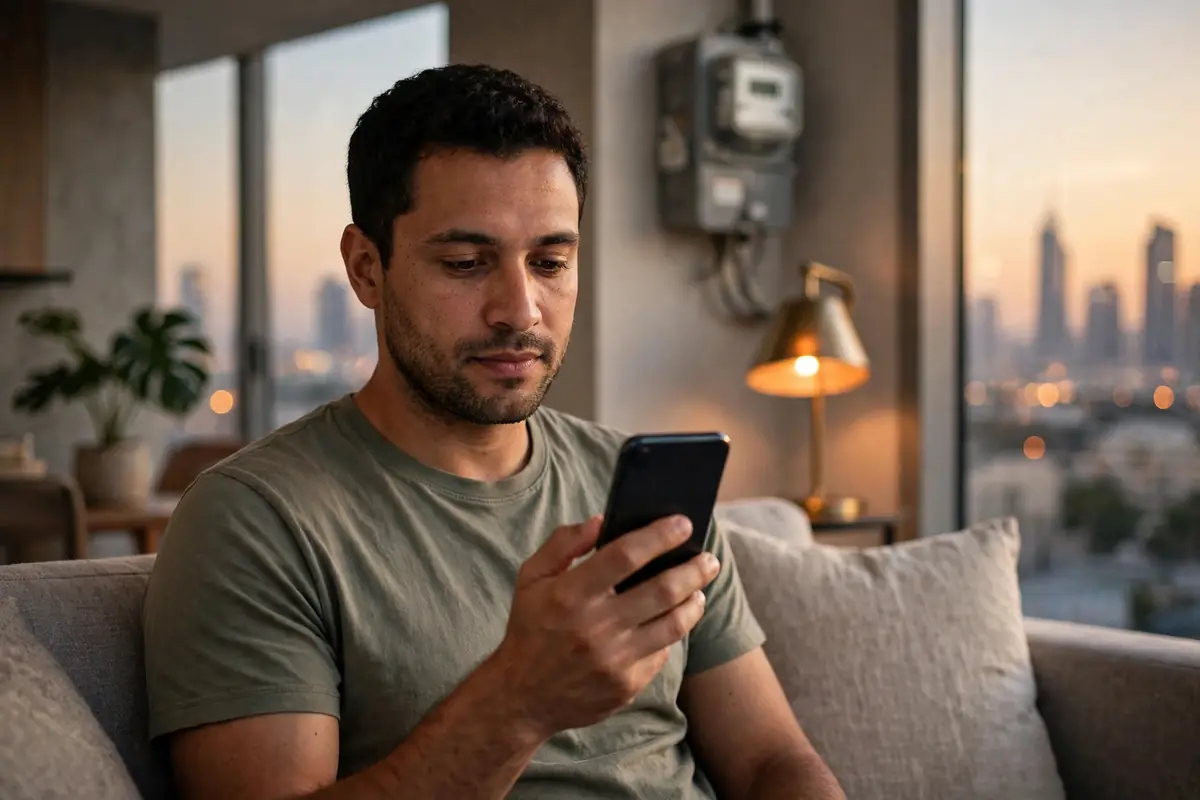
You can pay your DEWA, SEWA, and telecom bills from your UAE bank account in minutes. The bank app holds a bill payment section. You pick the provider, type the account number, and confirm the amount. The money leaves your account at once. The bill shows as paid.
To pay utility bills from bank UAE apps is the fastest way for most homes. The bank app works at any hour. You don't need to visit a service centre. You don't need cash. Set up auto pay once and the bill pays itself each month. You need a UAE bank account first. Our guide on how to open a bank account in UAE shows the steps and the papers.
Quick Answer:
To pay utility bills from bank UAE apps, open your bank app and tap Bill Payments. Pick DEWA, SEWA, ADDC, Etisalat, or du. Type your utility account number. Check the amount on the screen. Confirm with your PIN or fingerprint. The bank sends the money at once. You can also pay by direct debit through the DEWA site, which sends you to your bank page to approve the payment. Auto pay takes the bill amount from your account or card on the due date each month. Keep a receipt for each payment.
BoloSara24 checked the DEWA bill payment page on 29 November 2026. It lists banks as a payment channel. It lists direct debit through the UAE Payment Gateway System, with a payment limit of AED 500,000. It lists card payments up to AED 750,000 at one time on the online portal. BoloSara24 also checked the SEWA payment page on 29 November 2026. It states that a bill can be paid with a bank account, a card, or an ATM card.
Pay Utility Bills From Bank UAE: The Bank App Steps
Open your bank app. Emirates NBD, FAB, ADCB, Mashreq, and Dubai Islamic Bank all hold a bill payment section in their apps. To pay utility bills from bank UAE apps you need the app on your phone and your account number on the bill.
Pick the provider. The list holds DEWA, SEWA, FEWA, ADDC, TAQA Distribution, Etisalat, du, Salik, and Emicool. Pick the right one for your emirate. Dubai homes use DEWA. Sharjah homes use SEWA. Abu Dhabi homes use ADDC or TAQA Distribution.
Type your account number. The DEWA account number sits on your bill. it's a 10-digit number in most cases. The SEWA account number sits on your SEWA bill. Type it with care. One wrong digit sends the money to the wrong account.
Check the amount. The app shows the bill amount and the due date. Check the amount against your paper bill or your email bill. Check the account number once more. A wrong account number is hard to fix after the payment.
Confirm the payment. The app asks for your PIN, fingerprint, or face ID. The money leaves your account at once. The app shows a receipt with a reference number. Save the receipt. The reference number proves the payment if the provider asks.
Pay DEWA From Your Bank
DEWA is the Dubai Electricity and Water Authority. It serves Dubai homes and shops. You can pay a DEWA bill in four ways from a bank account.
The first way is the bank app. Open the app, pick DEWA, type the account number, and confirm. The payment lands the same day in most cases. To pay utility bills from bank UAE apps for DEWA, check the amount on the screen before you confirm.
The second way is direct debit on the DEWA site. The DEWA site sends you to your bank page through the UAE Payment Gateway System. You log in with your internet banking details. You approve the payment. The limit is AED 500,000 per payment. The card limit on the DEWA portal is AED 750,000 at one time.
The third way is auto pay on the DEWA site. You link a bank account or a card. DEWA takes the bill amount on the due date each month. You get a message before the payment. You can stop auto pay at any time from the DEWA site or the DEWA app.
Tip:
Pay DEWA before the due date on the bill. A late payment can bring a disconnection notice. Our guide on how to check a DEWA deposit refund in UAE shows how to claim the deposit back when you leave a home.
Pay SEWA and Other Emirates
SEWA is the Sharjah Electricity, Water, and Gas Authority. It serves Sharjah homes. You can pay a SEWA bill from most UAE bank apps. SEWA has tied up with 22 UAE banks for bill payments. Pick SEWA in the app, type the account number, and confirm.
You can also pay on the SEWA site. The SEWA payment page takes a bank account, a card, or an ATM card. The SEWA app holds the same payment option. SEWA customer care is 600 566665. The emergency number is 991.
Abu Dhabi homes use ADDC or TAQA Distribution. ADCB lists TAQA Distribution and DEWA and SEWA on its bill payment page. BoloSara24 checked the ADCB bill payment page on 29 November 2026. You can pay all three through ADCB internet banking, the ADCB app, or the ADCB contact centre.
FEWA serves the northern emirates. Most UAE banks hold FEWA in their bill payment list. Pick FEWA, type the account number, and confirm. The steps are the same as for DEWA and SEWA.
Pay Utility Bills From Bank UAE: Auto Pay Setup
Auto pay takes the bill from your account on the due date. You set it up once. The bill pays itself each month after that. Auto pay suits a home with a steady bill. It suits a person who travels a lot.
Set up auto pay in your bank app. Pick the provider and the account number. Pick the account to debit. Pick the date. Some banks let you set a maximum amount. A maximum amount stops a very large bill from clearing without your check. Set a maximum near twice your normal bill.
Set up auto pay on the provider site too. DEWA auto pay links a bank account or a card. The DEWA site takes the amount on the due date. You get a message before the payment. You can stop it at any time.
Keep enough money in the account. Auto pay fails when the balance is short. A failed auto pay can bring a late fee from the provider. To pay utility bills from bank UAE apps with auto pay you need a buffer in the account. Keep a buffer of AED 500 in the account for bills. A low-balance account can block auto pay. Our guide on best zero balance bank account UAE lists accounts with no minimum balance.
What Can Go Wrong
A wrong account number is the most common fault. The money goes to the wrong home. The bank can't pull it back on its own. Call the bank at once. Call the provider at once. Give both sides the reference number. The fix can take days. Type the number twice before you confirm.
A failed payment is a third fault. The app shows a fail message. The money stays in your account. Pay again after you check the balance. A fail can come from a short balance or a bank system fault. Try again in an hour if the bank app shows a system message.
A payment to the wrong provider is a fourth fault. You pick FEWA when you meant DEWA. The money lands on the wrong bill. Call the bank and the provider the same day. Give the reference number. The fix takes time. Pick the provider with care each time.
Warning:
Never share your bank PIN or your one-time password with anyone. The bank never asks for them by phone or by message. Our guide on how to transfer money between UAE banks shows the transfer steps and the fees. A person who asks for your OTP is a fraud.
Save Money on Bills
A bank app can also cut your bill cost. Some banks give cashback on bill payments. Some banks give points. Check the cashback terms in your bank app. A cashback of 1% on a bill of AED 800 a month is AED 96 a year. It is small. It still helps.
Pay on time each month. A late DEWA bill can bring a disconnection. A reconnection can bring a fee. A late telecom bill can bring a service cut. Set a reminder two days before each due date. Auto pay is the best reminder of all.
Check the bill each month. Compare the amount with last month. A jump of 50% or more needs a check. A leak, a faulty meter, or an air conditioner left on can push the bill up. Call the provider if the amount looks wrong. Ask for a meter check. Our guide on how to save on your AC bill in a UAE home shows the AC steps that cut the bill most.
Example:
Ahmed lives in a two-bedroom flat in Dubai. His DEWA bill is AED 650 a month. He sets up auto pay in his Emirates NBD app. The bank takes AED 650 on the 5th of each month. He keeps AED 1,000 in the account as a buffer. He checks the bill once a month in the DEWA app. He never misses a due date. He saves the late fee and the worry.
Example:
Mariam lives in Sharjah. Her SEWA bill is AED 420 a month. She pays it in her Dubai Islamic Bank app. She types the SEWA account number from her bill. She saves the receipt each month. She pays her Etisalat bill in the same app. She pays both bills in five minutes. She used to visit a service centre. She now pays from home.
Frequently Asked Questions
Can I pay utility bills from bank UAE apps for DEWA and SEWA?
Yes. Most UAE bank apps hold DEWA, SEWA, FEWA, ADDC, Etisalat, and du in the bill payment list. Pick the provider, type the account number, and confirm. SEWA has tied up with 22 UAE banks for bill payments.
What is the DEWA payment limit through a bank?
Direct debit through the UAE Payment Gateway System has a limit of AED 500,000 per payment. Card payments on the DEWA portal go up to AED 750,000 at one time. Apple Pay and Samsung Pay go up to AED 500,000 at one time on the portal.
How do I set up auto pay for DEWA from my bank?
Open your bank app and pick DEWA in the bill payment list. Pick the account to debit and the date. You can also set up auto pay on the DEWA site by linking a bank account or a card. To pay utility bills from bank UAE apps with auto pay, keep a buffer in the account for the due date.
What happens if I type the wrong DEWA account number?
The money goes to the wrong home. Call the bank and DEWA at once. Give both sides the payment reference number. The fix can take days. Type the account number twice before you confirm the payment.
Can I pay my Etisalat and du bills from my bank account?
Yes. Most UAE bank apps hold Etisalat and du in the bill payment list. Pick the telecom provider, type the account number or the mobile number, and confirm. You can also set up auto pay for the telecom bill.
Do banks charge a fee to pay utility bills from bank UAE apps?
Most banks charge no fee for a bill payment in the app. The provider can charge a fee for some payment ways. Noqodi net banking on the DEWA site charges AED 5 plus VAT for a payment of AED 25,000. Check the fee on the screen before you confirm.
Official Sources
Dubai Electricity and Water Authority, Bill Payment Channels – Lists banks, direct debit through the UAE Payment Gateway System, auto pay, and the payment limits.
Sharjah Electricity, Water and Gas Authority, Make Payment – States that a SEWA bill can be paid with a bank account, a card, or an ATM card.
Sharjah Electricity, Water and Gas Authority, Home – The Sharjah utility provider, with customer care 600 566665 and emergency 991.
ADCB, Utility Bill Payments – Lists TAQA Distribution, DEWA, and SEWA as payable through ADCB internet banking and the ADCB app.
Disclaimer
BoloSara24 is an independent guide. It isn't a bank, a utility provider, or a government body. It has no link with DEWA, SEWA, ADCB, or any bank named here. Facts were checked on official pages on 29 November 2026. Rules, limits, and fees change. Confirm the payment steps and the limits with your bank and the provider before you act. It is general information only. It is not legal or financial advice.
Last Updated: 29 November 2026.