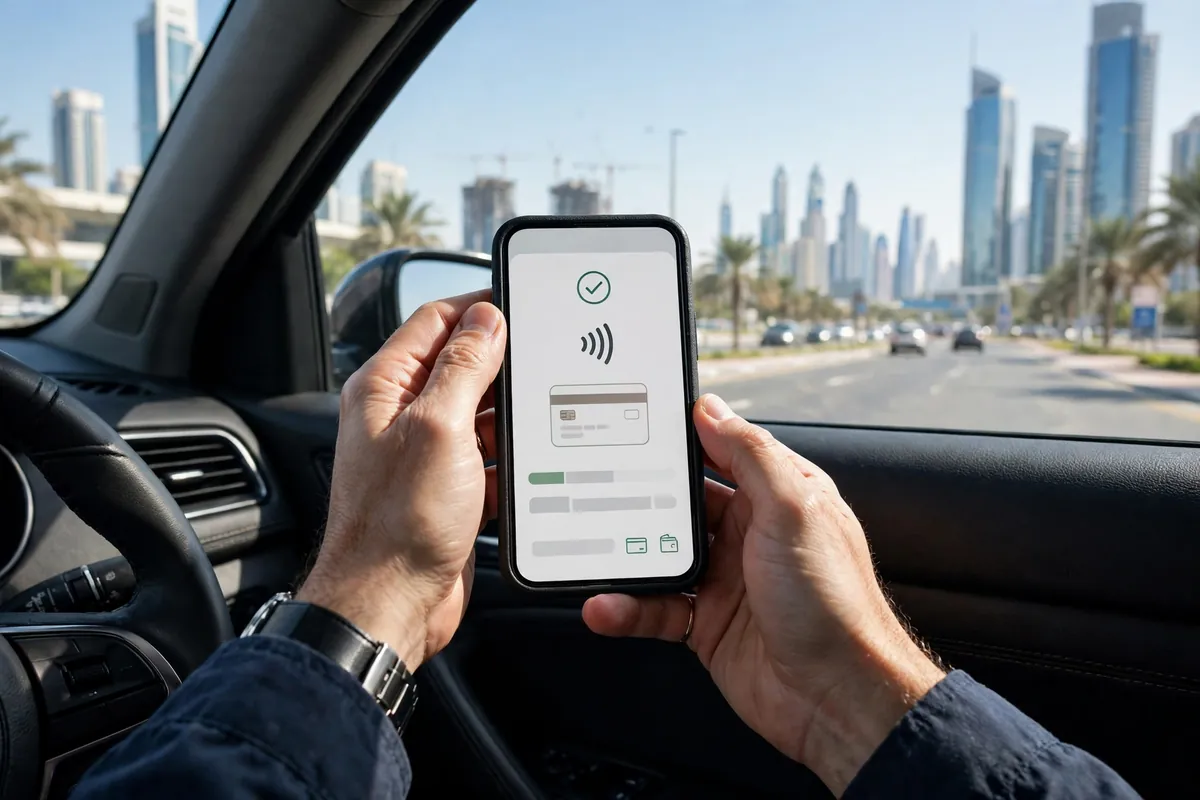
A fine sits on your file till you pay it. It can block your car renewal. It can grow with late fees. It can turn a small slip into a big bill. The fix is quick when you know the route. You can pay fines UAE Pass UAE logins open for you. The MOI app, the Dubai Police app and the RTA app all take a few taps.
Quick Answer: Open the MOI app, the Dubai Police app or the RTA app and log in with UAE PASS. Your fines show up under your plate number, licence number or traffic file. Pick the fines you want to clear. Pay by card or Apple Pay. Save the receipt the app sends you. The check is free. You pay only the fine itself, plus AED 20 per fine on RTA channels.
BoloSara24 checked the official fine services on 29 November 2026. The MOI app lists Traffic Fine Payment on its home screen after a UAE PASS login. Dubai Police lists Fines Inquiry and Payment on its site and app. RTA lists Fines Enquiry and Payment on its site and app, with a receipt by email after each payment.
Khalid drives a taxi in Dubai. A speed camera caught him on Sheikh Zayed Road on a Tuesday. The fine reached his phone by SMS the next morning. Khalid opened the Dubai Police app and logged in with UAE PASS. The fine sat there with the date, the place and the amount. He paid it within the week and got the receipt by email. The early payment cut the amount by a quarter. Khalid now checks the app every Friday, so no fine ever sits long on his file.
What UAE PASS Does for Fine Payments
UAE PASS is your national digital identity. One login opens most government apps in the UAE. You sign in once with your face or your passcode. The app then pulls up the fines tied to your Emirates ID, your licence and your cars. You type nothing twice.
Without UAE PASS, each portal asks you to type facts by hand. Your plate number, your traffic code or your licence number all go in one by one. With UAE PASS, the app fills those facts in for you. The login also proves the fines are yours. No one else can open your file and pay, or see, your fines.
Set up UAE PASS before you need it. Download the UAE PASS app from your app store. Verify your identity with your face in the app or at a kiosk. Kiosks sit in DEWA centres, government offices and big malls across all emirates. The UAE PASS helpline runs on 600 561 111 if you get stuck.
Pay Fines UAE Pass UAE Through the MOI App
The MOI app covers fines from all seven emirates. It is the best first stop when you don’t know which emirate issued the fine. Follow these steps.
- Open the MOI app on your phone.
- Log in with your UAE PASS account.
- Pick Traffic Fine Payment from the home screen.
- Type your traffic code, licence number, plate number or Emirates ID.
- Tap Fines to see the list.
- Pick the fines you want to pay.
- Pay through the secure payment gateway.
- Save the digital receipt the app gives you.
The MOI app takes cards, Apple Pay, Samsung Pay and Google Pay. The receipt lands in your email and in the app. Keep it till your car renewal goes through. This is the fastest way to pay fines UAE Pass UAE accounts list for you. A saved receipt ends any argument about a paid fine.
Tip: Check your fines once a month, even if no SMS arrived. Cameras log fines that SMS messages sometimes miss. A monthly check takes two minutes. A missed fine can cost you far more.
Pay Fines UAE Pass UAE Through the Dubai Police App
Dubai Police runs its own fines service for Dubai. It shows Dubai fines with the date, the place, the amount and the black points tied to each one. Follow these steps.
- Open the Dubai Police app.
- Log in with UAE PASS.
- Open Fines Inquiry and Payment.
- Search by plate number, traffic code, licence number or ticket number.
- Read each fine on the list.
- Pick the fines you want to clear.
- Pay by card or Apple Pay.
Dubai Police gives a 25 percent discount when you pay within 60 days of the fine. The discount shows on its own. You don’t apply for it. The app shows the lower figure once you pick the fine. Pay early and keep the quarter. Wait past 60 days and the full amount stands.
You can also pay on the Dubai Police website at dubaipolice.gov.ae. The site takes the same search facts and the same cards. The website suits a one-off payment on a laptop. The app suits a quick check on the road.
How to Pay RTA Fines With UAE PASS
RTA covers Dubai fines of a different kind. Salik toll fines and parking fines sit with RTA, with passenger transport fines too. RTA also shows fines from other emirates and from GCC countries. Use RTA when the fine is not a police traffic fine.
- Open the RTA website or the RTA Dubai app.
- Log in with UAE PASS.
- Open Fines Enquiry and Payment.
- Type your plate, licence or traffic file facts.
- Pick the fines you want to clear.
- Pay and wait for the receipt by email.
RTA adds a Knowledge and Innovation fee of AED 20 per fine, wherever you pay it. The receipt comes by email. For passenger transport fines, the receipt comes by SMS. A Salik fine starts at AED 50 for the first offence within 24 hours of the unpaid trip. Top up your Salik balance within five working days and the fine often drops off on its own. Read how to pay a Salik fine in UAE for the full steps. Keep the RTA app in UAE on your phone for Salik top-ups and fine checks in one place.
Note: A fine with black points needs one extra step on RTA. You must confirm who was driving. RTA sends a traffic code by SMS. Type that code in the app to confirm the driver. Then the payment goes through.
Pay Fines for Someone Else
You can pay a fine for a family member or a friend. The RTA Dubai app and the Dubai Now app both carry a Pay Fines for Others option. The Dubai Police app lets you search by another person’s plate or traffic file number. You can pay the fine from your card.
You need the other person’s plate number or traffic file number. You don’t need their UAE PASS login. Never ask for their login. Their login opens far more than fines. A plate number is enough for the payment.
Parents use this route for a son who drives the family car. Bosses use it for a driver on the company fleet. Keep the receipt and send a copy to the person whose fine you paid. The receipt proves the fine is gone if the traffic file still shows it a day later.
What Happens If You Don’t Pay
Unpaid fines don’t vanish. They sit on your traffic file. RTA lists a fines check as a basic step before it renews a driving licence or a vehicle registration. A car with unpaid fines can fail its renewal at the testing centre. The owner must clear the fines first, then renew.
Late payment can also cost you the early discount. The 25 percent cut on Dubai Police fines lasts 60 days only. After that, the full fine stands. A fine left for a year can draw more trouble than the cash it costs. Pay early, pay small, and move on.
Do you drive a rental car? Rental firms pass fines to the renter with an admin fee on top. Check the car for fines the day you return it. A fine you pay yourself costs less than a fine the rental firm pays for you.
Common Mistakes to Avoid
BoloSara24 hears this story from readers each month. Ahmed got an SMS about a fine with a link to pay. The link looked real. It used the police name and logo. Ahmed tapped it and typed his card facts. The money left his account within minutes. The fine stayed on his file. The SMS was fake. Real police apps never send a payment link by SMS. Ahmed called his bank at once and blocked the card. He then paid the real fine on the Dubai Police app.
- Never pay a fine through a link in an SMS or an email.
- Never share your UAE PASS login or your OTP with anyone.
- Never pay on a site whose address looks odd or misspelt.
- Never trust a caller who asks for your card facts for a fine.
- Never skip the receipt. Save it after each payment.
Warning: Fake fine messages are the most common scam in the UAE. The scammer copies the police logo and the fine format. The only safe route is the official app or the official site. Open the app yourself. Type the address yourself. Pay there and nowhere else.
Frequently Asked Questions
Can I pay fines UAE Pass UAE accounts show in any app?
Yes. UAE PASS logs you in to the MOI app and the Dubai Police app. It also opens the RTA app and the Dubai Now app. Each app shows the fines tied to your Emirates ID, licence or cars. Pick the app that matches the fine type and pay there.
How much discount do I get for early payment in Dubai?
Dubai Police gives a 25 percent discount when you pay within 60 days of the fine. The discount shows on its own in the app. You don’t apply for it. After 60 days the full amount stands.
What is the AED 20 fee on RTA fines?
RTA adds a Knowledge and Innovation fee of AED 20 per fine. The fee applies wherever you pay an RTA fine. It shows as a separate line before you pay. The receipt lists it with the fine amount.
Can I pay fines in instalments?
Yes, in some cases. Dubai Police and RTA both offer instalment plans for large fines. Read how to pay a UAE traffic fine in instalments to see the terms and the banks that take part.
How do I check my fines before I pay them?
Log in to the MOI app, the Dubai Police app or the RTA app with UAE PASS. Your fines show under your plate, licence or traffic file. You can also check a UAE traffic fine by Emirates ID on the official portals.
Do black points vanish when I pay the fine?
No. Paying the fine clears the cash, not the points. Black points stay on your licence till they expire under the traffic rules. Read how to check black points on a UAE driving licence. Then read how to remove black points in UAE for the full picture.
Official Sources
- Ministry of Interior: Pay traffic fines from all seven emirates through the MOI app with UAE PASS.
- Dubai Police: Check and pay Dubai traffic fines, with the 25 percent early payment discount.
- Roads and Transport Authority: Pay RTA, Salik and parking fines and get the receipt by email.
- UAE PASS: Set up your national digital identity to log in to fine payment services.
- The Official Portal of the UAE Government: Read official guidance on traffic fines and government services.
Disclaimer
BoloSara24 is an independent guide. It has no link with the UAE government, the Ministry of Interior, Dubai Police, RTA or any bank. Facts here were checked on official sources on 29 November 2026. Rules, fees and discounts can change. Confirm the latest facts with the official authority before you act. It gives general information only. It is not legal advice.
Last Updated: 29 November 2026.