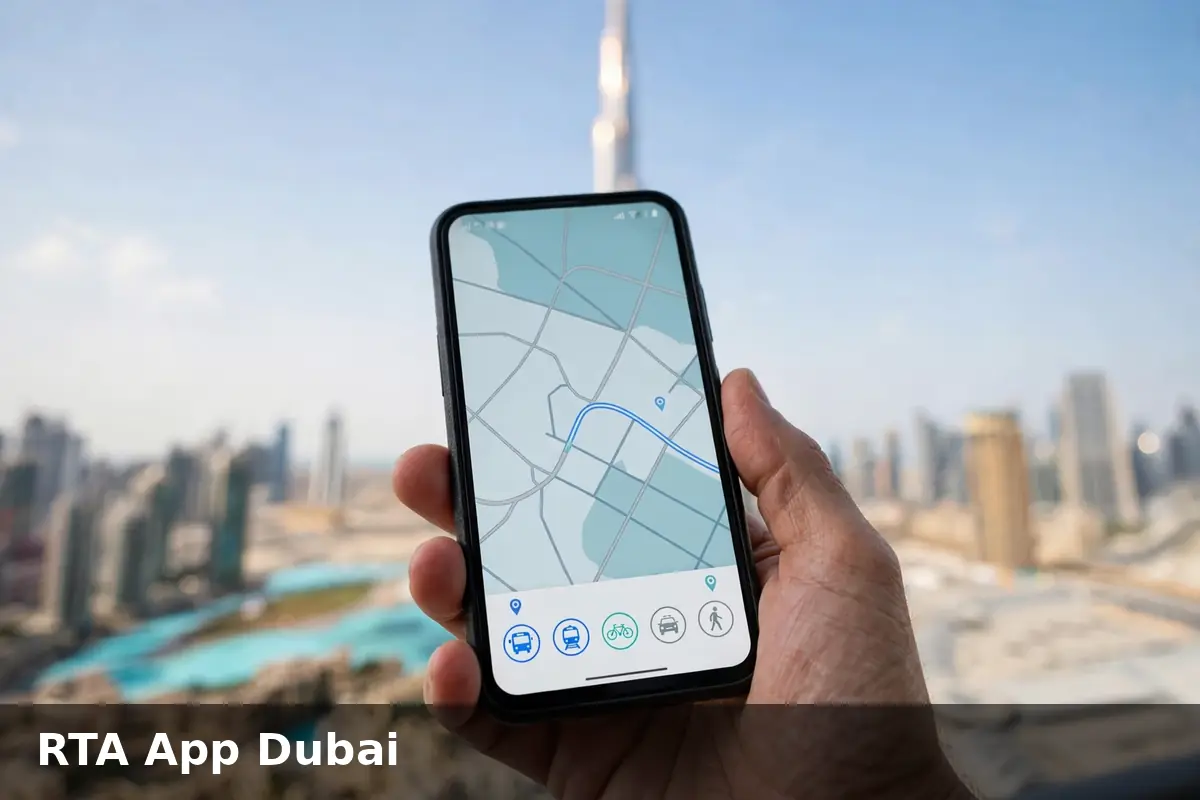
One app on your phone can renew your licence and pay a fine. It can also top up Salik and top up your Nol card. That app is the RTA Dubai app. The Roads and Transport Authority built it for drivers and public transport users in Dubai. You sign in once with UAE PASS and your cars, your licence, and your fines all show on one screen.
This guide shows how to use the RTA app UAE in plain steps. It covers the download, the sign-in, and each main service. It also shows what the app can’t do, so you don’t waste time on a dead end. BoloSara24 read the official RTA pages on 29 November 2026 and wrote each step from them.
Quick Answer: Get the RTA Dubai app free from the Apple App Store or Google Play. Sign in with UAE PASS. The RTA app UAE lets you renew your driving licence and car registration. You can also pay traffic fines, top up Salik and Nol, pay for parking, and book a driving test. Fines must be clear before you renew a licence or a registration.
Get the app and sign in
Open the Apple App Store on an iPhone or Google Play on an Android phone. Type RTA Dubai in the search box. Look for the app with the Roads and Transport Authority as the publisher. The app is free. Don’t install a copy with a near name or a strange publisher. Fake apps can steal your card details.
Open the app after the download ends. Tap Sign in with UAE PASS. Type your UAE PASS PIN or use your fingerprint. The app then shows your dashboard. Your cars, your licence end date, and your open fines all sit on that one screen. Your Salik balance and Nol balance sit there too.
If you have no UAE PASS account, make one first on the UAE PASS app. You need your Emirates ID. The RTA app won’t work with a plain email sign-in for most services. UAE PASS is the key to the full list.
Tip: BoloSara24 says turn on alerts in the app after you sign in. The app can warn you before your licence ends and when your Salik balance falls low. A warning a week early beats a fine on the last day.
Renew your driving licence in the app
Your licence shows its end date on the dashboard. Tap the licence card and then tap Renew. The app first reads your open fines. You must pay each fine before the renewal can go ahead. The app also reads your eye test result. You need a fresh eye test from an approved optician before you renew. The test result goes straight to the RTA system in most shops.
Pay the renewal fee with a card in the app. The fee depends on your age and your licence type. The RTA site lists the exact fee for each case. The new licence comes as a digital card in the app. You can also ask for a printed card at a service centre.
Read our full guide on how to renew your UAE driving licence online. It shows the fee list and the eye test steps. If your licence is lost or broken, read our guide on how to replace a lost driving licence. It covers the UAE steps.
Example: Sara lives in Al Barsha and her licence ends in 10 days. She opens the RTA app on a Sunday night. The app shows one open parking fine of AED 100. She pays it in the app. She takes an eye test at an optician near her home on Monday. She opens the app again on Monday night and renews the licence in four minutes. She never visits a service centre.
Renew your car registration in the app
Tap your car on the dashboard and then tap Renew registration. The app reads three things before it lets you pay. It reads your insurance, your car test result, and your open fines. Your car needs valid insurance and a pass on the RTA car test. Each fine must be paid first.
Pay the fee in the app with a card. The new registration card shows in the app at once. A printed card can be picked up at a service centre or sent to your home for a small fee. Keep the digital card on your phone. Traffic police accept the digital card on the road.
Good to know: The app shows a banner when a renewal will fail. It lists each block, like an open fine or a missing car test. Fix each item on the list first. Then tap renew again. The banner saves you from a failed payment.
Pay fines in the RTA app UAE
Tap Fines on the dashboard. The app lists each fine with the date, the place, and the sum. Traffic fines, parking fines, and Salik fines all sit in one list. Tap a fine to read its details. Tap Pay and use a card. Save the receipt the app sends you.
You can dispute a fine in the app too. Open the fine, tap Dispute, and write your reason in plain words. Attach a photo if you have one. The RTA reads the dispute and sends its answer to your phone. Read our guide on how to dispute a traffic fine in the UAE. It shows the full steps.
Fees: Traffic fines in Dubai start at AED 100 for small faults and rise to AED 3,000 for grave ones. Black points sit next to most fines. A fine list with black points can block a licence renewal. Read the fine list in our guide to pay traffic fines in Dubai before you pay a big sum.
Note: BoloSara24 says pay your fines a week before a renewal date, not on the day. A bank payment can take a day to clear in the RTA system. A fine paid on the last day may still show as open when you tap renew.
Top up Salik and Nol in the RTA app UAE
Tap Salik on the dashboard. The app shows your balance and your recent trips. Tap Top up and pick a sum. The lowest top-up sum is AED 50. Pay with a card. The new balance shows at once. You can also buy a Salik tag in the app and link it to your account. Read our guides on how to top up Salik and how to check your Salik balance for each step.
Tap Nol on the dashboard to top up your Nol card. Type the card number or scan the card with your phone. Pick a sum and pay with a card. The top-up lands on the card when you tap it at a Metro gate or a bus reader. You can also buy a monthly pass in the app if you ride the Metro each day.
Do you ride the Metro to work each day? Then read our guide on the Dubai Metro Nol card in the UAE. It shows the fares by zone and the cost of each card type. The RTA app also shows the Metro times and the nearest station to your home.
Pay for parking and book services
Tap Parking to pay for a parking bay. Pick the zone code from the sign near your car. Pick the hours you need. Pay with a card. The app shows the end time of your paid hours. Set an alert for 10 minutes before the paid time ends.
Tap Driving test to book a test slot. Pick your driving school, the test type, and a date. The app shows free slots. You can move a booking to a new date in the app. Read our guide on how to pass the UAE driving theory test before you book the theory test.
The app also covers plate services. You can ask for a new plate or a plate change. Each service shows its fee before you pay. The app also shows RTA service centres on a map with their working hours.
How to Check: Open the app, tap your licence card, and read the end date. Open the fines list and read each open fine. Open the Salik card and read the balance. These three reads take one minute. Do them on the first day of each month. You will never face a surprise fine or a dead balance again.
What the RTA app UAE cannot do
The app cannot fix a car. It cannot pay a fine from another emirate. Abu Dhabi fines sit in the TAMM app or the Abu Dhabi Police app, not in the RTA Dubai app. Sharjah fines sit in the Sharjah Police app. The RTA app covers Dubai fines and Dubai services.
The app can’t report a crash. Use the Dubai Police app to report a small crash with no injuries. The police app lets you file the report from the road and get a report number for your insurance. The RTA app has no crash report service.
The app can’t book a taxi on its own. Use the Hala service in the Careem app, or the S’hail app, to book a taxi. Read our guide on how to book a taxi in the UAE for the fares and the booking steps.
Warning: Never share your UAE PASS PIN with any person. RTA staff will never ask for it on a call or in a message. A message that asks for your PIN is a scam. Delete it and report it in the UAE PASS app.
Common mistakes with the RTA app
Common Mistakes: The first mistake is an old app. The RTA updates the app each month. An old app can show wrong fines or fail at payment. Turn on auto-update in your app store so the app stays fresh.
The second mistake is a wrong plate on the account. You buy a new car and forget to add its plate to the app. Fines on the new plate do not show. Add each new plate the day you buy the car.
The third mistake is a dead UAE PASS. UAE PASS asks you to update your details when your Emirates ID renews. An old UAE PASS blocks the RTA sign-in. Update UAE PASS first, then open the RTA app.
Checklist: BoloSara24 says download the app from the official store. Sign in with UAE PASS. Turn on alerts. Read your fines, your licence date, and your Salik balance. Pay fines a week before a renewal. Keep the app updated.
Frequently Asked Questions
What is the RTA app called in the UAE?
The app is called RTA Dubai in the app stores. Some stores list it as RTA Dubai Drive. Both names point to the same official app from the Roads and Transport Authority. BoloSara24 checked both names on 29 November 2026. Look for the RTA as the publisher before you install it.
Is the RTA app free to use?
Yes. The app is free to download and free to use. You pay only the official fees for each service, like a licence renewal fee or a fine. The app adds no extra charge for most services.
Can I pay traffic fines on the RTA app?
Yes. Tap Fines on the dashboard of the RTA app UAE to see each open fine. Tap a fine and pay it with a card. The app shows traffic fines, parking fines, and Salik fines in one list. Save the receipt the app sends you.
Can I renew my driving licence on the RTA app?
Yes. Tap your licence card and tap Renew. You need a fresh eye test first and each open fine must be paid. Pay the fee in the app. The new digital licence shows in the app at once.
Can I top up Salik on the RTA app?
Yes. Tap Salik on the dashboard of the RTA app UAE to see your balance. Tap Top up, pick a sum, and pay with a card. The lowest top-up sum is AED 50. The new balance shows at once.
Do I need UAE PASS to use the RTA app?
Yes, for most services. UAE PASS is the sign-in for UAE government apps. Make a UAE PASS account with your Emirates ID first. Then sign in to the RTA app UAE with it.
Official Sources
Roads and Transport Authority (RTA) Dubai. The official RTA site. See the RTA Dubai app and its licence, fine, Salik, and Nol services.
Salik official website. The official Salik site. See tag prices, top-up ways, and the toll gate map.
Nol official website. The official Nol site. See Nol card types, top-up ways, and Metro fares.
UAE Government Portal (u.ae). The official UAE government portal. See UAE PASS, driving licence rules, and transport services.
Disclaimer: BoloSara24 is an independent guide. It is not part of the RTA, Salik, or any government body. App screens and fees can change. Read the official RTA site before you pay for a service.
Last Updated: 29 November 2026.