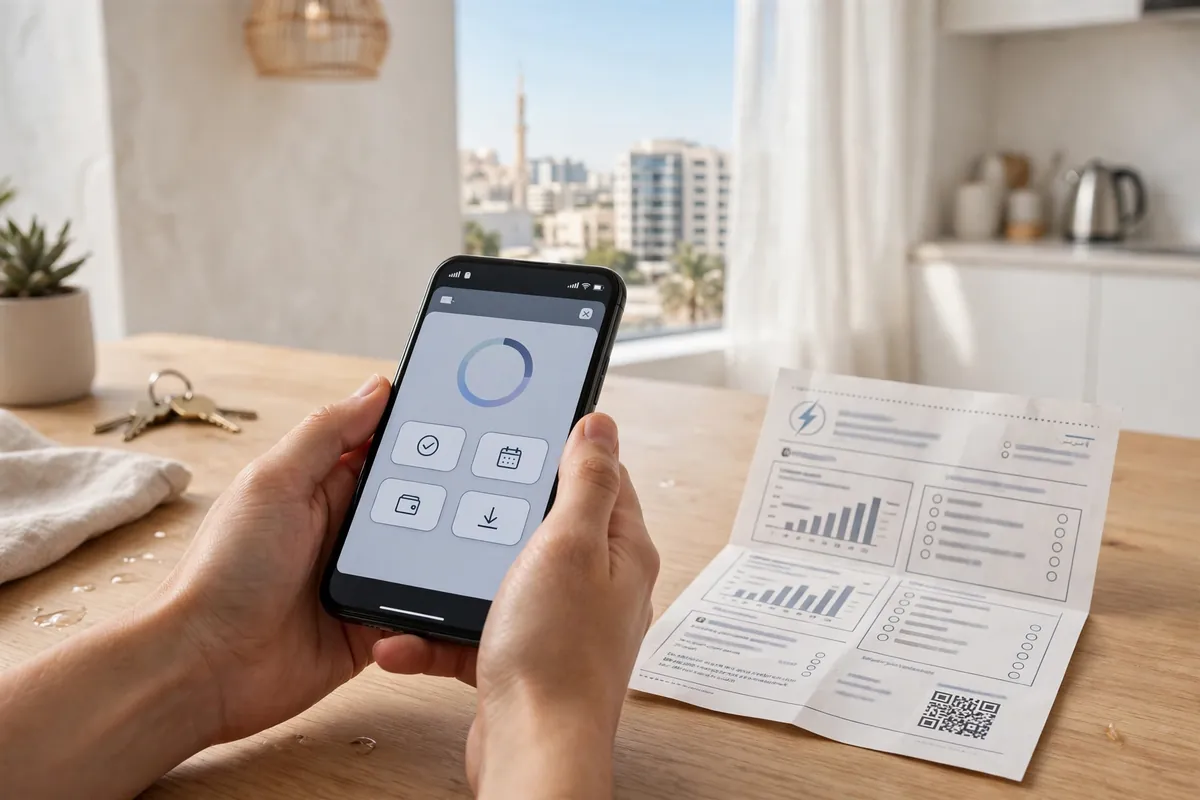
Your SEWA bill just landed in your inbox. The lights are on. The water runs. Now the bill needs paying, and the fastest way takes about a minute. You can pay SEWA bill online UAE without a visit to any office and without a login.
SEWA stands for the Sharjah Electricity, Water and Gas Authority. It supplies electricity, water and piped gas across the emirate of Sharjah. Every home in Sharjah runs on SEWA. If you just moved in, read how to get a SEWA connection in UAE first. No other provider serves the emirate.
BoloSara24 checked the SEWA site at sewa.gov.ae on 29 November 2026. The steps in this post come from the official SEWA pages. Fees and screens can change, so read the payment page once more before you confirm.
Quick Answer: To pay SEWA bill online UAE, open the Check Bill page on sewa.gov.ae. Enter your service account number and your primary contact number. The page shows your bill. Pick a payment method and confirm. No login is needed. You can also pay in the SEWA app, in the e-services portal, at a SEWA centre, through banks or at exchange houses.
Where to Find Your SEWA Account Number
The account number is the key to the whole job. Without it, no payment page can find your bill.
Look at your last SEWA bill. The service account number sits near the top. It also shows on the paper bill your building leaves at your door. If you pay through the SEWA app, the number sits inside your account details.
New tenants often ask the landlord for it. Ask for the number on the last bill for your flat. Copy it digit by digit. One wrong digit opens someone else’s bill or no bill at all.
Your primary contact number matters too. SEWA holds one phone number against your account. The Quick Pay page asks for that number. If the page rejects your details, the phone number SEWA holds may be an old one. Call 600 566 665 and ask the team to update it.
Tip: Save the account number in your phone notes the first time you find it. You will use it every month. A saved number beats a hunt through old bills.
Pay SEWA Bill Online UAE Without a Login
This is the fastest route. SEWA calls it Quick Pay. The Check Bill and Bill Inquiry links on the SEWA home page all open the same page. You need no account and no password.
Step 1. Open sewa.gov.ae. Click Check Bill.
Step 2. Enter your service account number.
Step 3. Enter your primary contact number. This is the phone number linked to the account.
Step 4. The page shows your bill. Check the name, the amount and the due date. The name must match your own name or your landlord’s name for that flat.
Step 5. Pick your payment method. The page takes bank account payments, MasterCard, Visa, Discover, American Express, ATM cards and debit cards. Apple Pay and Samsung Pay work too.
Step 6. Review the details on the confirmation step. Submit once. Don’t tap twice. A double tap can charge you twice.
Step 7. Save the receipt. Screenshot it or download it. The receipt is your proof if the payment ever goes missing.
The whole job takes about a minute when the numbers are ready. The page asks for the full bill amount. SEWA takes full payments online. A part payment needs a visit to a service centre or a kiosk.
Good to Know: The Quick Pay page shows the bill before it asks for money. If the amount looks wrong, stop. Check the meter reading and call SEWA before you pay.
Pay Through the SEWA App
The SEWA app suits people who pay every month. It is free on iPhone and Android. Sign in with UAE Pass or Face ID. The app shows your bill, your past payments and your daily use of electricity and water.
The app also lets you set up auto payment. The bill gets paid on its own each month from your chosen card or account. Check the card expiry date twice a year. An expired card stops the auto payment and the bill goes unpaid. It’s the easiest way to pay SEWA bill online UAE every month without thinking about dates.
You can download earlier bills as PDFs from the app. Banks and government offices accept those PDFs as proof of address and payment. Keep one saved on your phone. BoloSara24 readers in Sharjah use these PDFs for tenancy and visa papers too.
Pay Through the SEWA E-Services Portal
The e-services portal is the desktop route to pay SEWA bill online UAE. Register once with your account details. Log in each month to view the bill, pay it and study your use.
The portal suits people who like a full view. It shows billing history, consumption graphs and past payments in one place. The Quick Pay page suits a fast one off payment. The portal suits a household that tracks every dirham.
Other Ways to Pay a SEWA Bill
Not everyone pays online. SEWA lists several other routes. Each one works. Pick the one near you.
- SEWA customer service centres across Sharjah take cash and card payments.
- Banks that work with SEWA take bill payments at branches and through their own apps.
- Exchange houses across the UAE take SEWA payments over the counter.
- Emirates Post offices take SEWA bill payments too.
- Etisalat payment machines across Sharjah take the payment as well.
The Halwan Customer Service Centre stays open 24 hours a day, seven days a week, for enquiries, payments and reconnections. Most other centres keep shorter hours. Check the SEWA contact page before you drive over.
Note: SEWA serves Sharjah only. A Dubai home pays DEWA, and the steps to pay a DEWA bill online run on a different site. An Abu Dhabi home pays ADDC. A northern emirates home pays EtihadWE. Do not pay the wrong provider by mistake.
What a SEWA Bill Holds
A SEWA bill splits into parts. Electricity use sits in slabs. Water use sits in slabs. Each part carries a small surcharge. Then 5% VAT goes on top. The SEWA energy calculator on sewa.gov.ae splits a bill into those parts so you can see what each one costs.
Read the meter number on the bill. It must match the meter outside your flat. Read the reading too. A reading far above your normal use may mean a leak. A water leak can push the bill up fast. Call SEWA on 600 566 665 if the reading looks wrong. Check the bill before you pay SEWA bill online UAE, not after.
Your bill also shows the due date. Pay before that date. A late payment can lead to a warning and then a cut in supply. The app sends a reminder before the due date if you turn it on.
A Worked Example From Sharjah
Mariam lives in a one bedroom flat in Al Majaz. Her bill comes on the 5th of each month. She opens the SEWA Check Bill page on her phone. She types her service account number and her phone number. The page shows AED 312 due on the 20th. She pays by Visa. The receipt lands in her email in seconds. The whole job takes two minutes.
Now take a second case. Omar moved into a new flat in Muwaileh. He tries Quick Pay and the page rejects his number. His landlord gave him the old tenant’s account number. He calls 600 566 665. The team gives him the right number for his flat. He pays the same evening. The lesson is plain. The account number must match your own flat, not the last tenant. New renters can also read how to rent a studio apartment in Sharjah before they sign.
When the Amount Looks Wrong
A bill can surprise you. A high bill has three usual causes. First, a leak in a toilet tank or a tap. Second, an air conditioner left on all day. Third, a wrong meter reading.
Check the meter first. Read the number on the meter. Compare it with the reading on the bill. If the meter shows less than the bill, take a photo and send it to SEWA. If the meter shows far more, look for a leak. Turn off all taps and watch the meter. A meter that still moves points to a leak inside the flat.
Call 600 566 665 for a wrong bill. Keep the bill number ready. The team can check the reading and raise a complaint. Do not skip the payment while you wait if the due date is near. A late bill can still lead to a cut. Pay it, then chase the correction.
Fees: SEWA takes full bill payments online. A card payment can carry a small processing fee. The payment page shows the exact figure before you confirm. Read it before you tap pay.
Keep Your SEWA Payments Safe
Pay only on sewa.gov.ae, in the official SEWA app or at a known SEWA centre. Never pay from a link in a text message. SEWA doesn’t ask for card details by SMS or WhatsApp. A message that asks for them is a scam.
Check the web address before you type your card number. It must start with sewa.gov.ae. A look alike address with one extra letter is a fake page. Type the address yourself instead of tapping a link. That’s the one habit that keeps your card safe.
Save every receipt for a year. A saved receipt settles any dispute about a missed payment in seconds.
The Bottom Line
You can pay SEWA bill online UAE in about a minute. Open Check Bill on sewa.gov.ae. It’s the same page every month, so the routine gets faster each time. Enter your service account number and your primary contact number. Check the name and the amount. Pay by card, bank account or mobile wallet. Save the receipt. The app and the portal suit people who want history and auto payment. The centres, banks and exchange houses suit people who pay in person. BoloSara24 lists the official pages at the end of this post. Open them and confirm the steps before you pay.
Frequently Asked Questions
Can I pay SEWA bill online UAE without a login?
Yes. The Check Bill page on sewa.gov.ae needs only your service account number and your primary contact number. No account and no password are needed for a one off payment.
Where do I find my SEWA service account number?
It sits near the top of your last SEWA bill. Your landlord can give it to you from the last bill for your flat. It also shows inside the SEWA app under your account details.
What payment methods does SEWA accept online?
The Quick Pay page takes bank account payments, MasterCard, Visa, Discover, American Express, ATM cards and debit cards. Apple Pay and Samsung Pay work too.
Can I pay only part of my SEWA bill online?
No. SEWA takes full payments online. A part payment needs a visit to a SEWA service centre or a payment kiosk.
What is the SEWA customer care number?
Call 600 566 665 for bill queries and account help. The emergency number is 991. The Halwan centre stays open 24 hours a day for payments and reconnections.
What should I do if the Quick Pay page rejects my details?
The phone number SEWA holds may be old. Call 600 566 665 and ask the team to update the contact number on your account. Then try the payment again.
Official Sources
- Sharjah Electricity, Water and Gas Authority (SEWA): The official SEWA site with Check Bill, e-services and the SEWA app.
- SEWA E-Services Portal: The official portal for SEWA account login, bill payment and consumption history.
- UAE Government Portal on Public Utilities: The UAE government page that names SEWA as the provider for Sharjah.
- Digital Sharjah: The Sharjah government portal for the Move-In service that links tenancy attestation with SEWA.
Disclaimer
BoloSara24 is an independent guide. It has no link with SEWA, the Sharjah government or any bank. Facts in this post were checked on the official pages listed here on 29 November 2026. Fees, payment methods and screens can change. Confirm them on the official SEWA site before you pay. This post is general information only. It is not legal, financial or immigration advice.
Last Updated: 29 November 2026.



