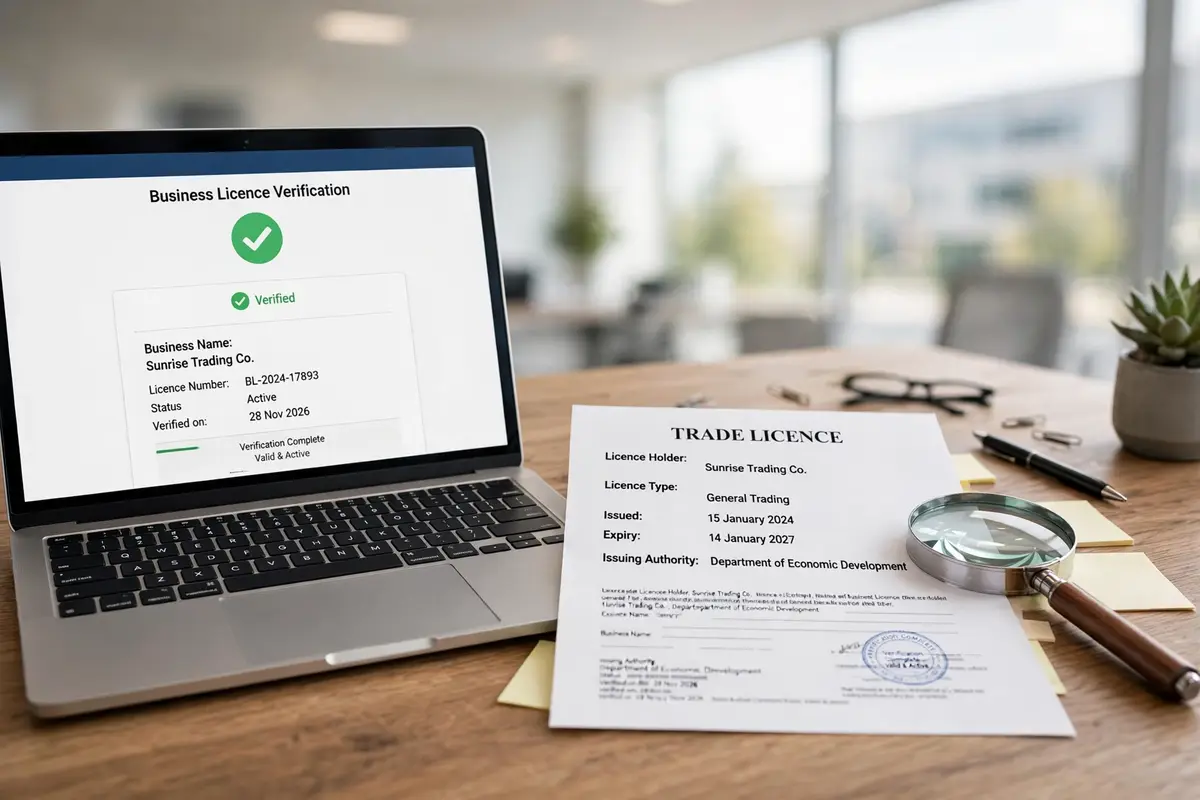
Layla wants to hire a cleaning firm for her villa in Jumeirah. The firm quotes a low price and asks for half the money in advance. Layla pauses. She has never heard of the firm. In ten minutes she checks its trade licence online and sees it expired six months ago. She walks away and keeps her money. This guide shows you how to check trade licence status UAE the same way, before you pay anyone.
To check trade licence status UAE means you look up a business on the official portal of the emirate that issued its licence. You type the trade name or the licence number. The portal shows the licence status, the expiry date, the activities, and the legal type. The check costs nothing. A check trade licence status UAE search takes less than five minutes. BoloSara24 checked the DET, TAMM, and SEDD portals on 29 November 2026. The steps here match what those portals show.
Quick Answer: Open the portal for the right emirate. Dubai uses DET eServices or Invest in Dubai. Abu Dhabi uses TAMM. Sharjah uses SEDD. Type the licence number or the trade name, finish the security check, and read the result. A status of Active with a future expiry date means the licence is valid.
Why You Check a Trade Licence
A trade licence is proof that a business may trade by law in the UAE. A firm with an expired licence may still take your money. A firm with no licence at all may vanish after the first payment. A quick check protects you in three cases.
First, you hire a firm. A cleaning crew, a moving firm, a contractor, or a tutor all need a licence for the work they sell. Check it before you pay a deposit.
Second, you sign a deal with a supplier. A supplier who cannot show a live licence may fail to deliver, and your contract may prove hard to enforce.
Third, you own the business. Check your own licence each month. A wrong expiry date in your diary can cost you a fine. The check also shows if a violation sits on your file. A live licence also backs work permits and visas, so owners often check visa status in the same sitting. If you plan to start a business in UAE, the licence check is the first test of any partner you pick.
Do you plan to pay a deposit this week? Then spend five minutes on the check first. It is the cheapest safety step in any deal in the UAE.
How to Check Trade Licence Status UAE in Dubai
Dubai mainland licences come from the Department of Economy and Tourism, called DET. The check runs on DET eServices or on the Invest in Dubai portal. Both carry a Search License Information service. The steps are the same.
- Open the DET eServices site or the Invest in Dubai portal.
- Find Search License Information in the enquiries section.
- Type the licence number or the trade name.
- Finish the security check on the screen.
- Tap Search.
- Read the list of matches. Tap the right licence number to open the company profile.
Search by licence number first. Trade names repeat across Dubai, and a name search can return many firms with near-identical names. The licence number is unique, so it lands on the right firm at once.
The profile shows the trade name in English and Arabic, the licence number, the status, the expiry date, the legal type, the business activities, and the contact details where the firm listed them. An Active status with a future date means the licence is live. An Expired status means the firm must renew before it trades again.
Tip: Save a screenshot of the result with the date. It proves what the portal showed on that day if a dispute starts later.
BoloSara24 checked the DET licence search on 29 November 2026. The service lists the trade name and licence number search, and the profile shows status, expiry date, legal type, activities, and address. That check backs the steps above.
Check Trade Licence Status UAE in Abu Dhabi and Sharjah
Abu Dhabi licences come from the Abu Dhabi Department of Economic Development, called ADDED. The check trade licence status UAE steps for Abu Dhabi run on TAMM. The check runs on TAMM, the Abu Dhabi government services portal. It also runs on TAHAQAQ, the ADDED verification service. TAHAQAQ started in 2020 so buyers can confirm a business is licensed before they pay for goods or services.
- Open TAMM and sign in if the service asks for it.
- Find the business licence verification service.
- Type the company name or the licence number.
- Read the result. It shows the licence status and the expiry date.
Sharjah licences come from the Sharjah Economic Development Department, called SEDD. The check runs on the SEDD eServices portal under Inquiry Services. That section covers licence data, authorised activities, and existing violations.
- Open the SEDD eServices portal.
- Open Inquiry Services.
- Type the trade name or the licence number.
- Read the licence data, the activities, and any violations listed.
A violation on the file can mean a late renewal or a missing paper. Read what it says, then ask the firm to explain it before you sign anything.
Check a Licence in Any Emirate with the National Register
The National Economic Register, called NER, is the federal platform for licences, activities, and trade names. It sits at growth.gov.ae and links from the UAE government portal, u.ae. It covers mainland licences across the Emirates, not free zone licences.
Use the NER when you don’t know which emirate issued the licence. BoloSara24 checked the NER link from u.ae on 29 November 2026. Type the trade name or the licence number. The register points you to the issuing authority and the licence record. Then confirm the status on that emirate’s own portal. The local portal is the final word, since it holds the live record.
Ajman licences come from the Ajman Department of Economic Development. Its eServices portal carries a trade name search. Ras Al Khaimah, Fujairah, and Umm Al Quwain have their own department portals too. Start from the National Economic Register if you can’t find the local page, then move to the department site it names.
Good to Know: The check is free on every official portal. No official site asks you to pay to view a licence status. A site that asks for money for a basic check is not the official portal. Close it and start from u.ae.
What the Result Shows You
A licence profile holds more than a yes or no. This is what a check trade licence status UAE result tells you. Read each line before you decide.
Trade name. The official name the firm trades under. It must match the name on the quote, the invoice, and the contract. A different name is a warning sign.
Licence number. The unique number for the licence. Use it in your contract so there is no doubt which firm you hired.
Status. Active means live. Expired means the firm must renew. Cancelled means the licence is dead. Under renewal can mean the firm filed and waits. Ask for proof if the status is not Active.
Expiry date. The last day the licence covers. A licence that ends next week needs a renewal now. Don’t pay a full year in advance to a firm whose licence ends next month.
Activities. The work the licence allows. A firm licensed for cleaning cannot sell you building work. The activity on the quote must sit inside the licensed activities.
Legal type. Sole owner, limited company, or branch. It tells you who owns the firm and who answers for it.
Note: Only the owner sees the full licence details. Public search shows enough to verify the firm, but not the owner’s private papers. That limit is by design. It keeps the check open to all and the private data private.
Red Flags to Watch
A clean result feels boring. A bad one shows clear signs. Watch for these.
The licence number brings no result. Run a check trade licence status UAE search on the right emirate portal. The number may be fake, or it may belong to another emirate. Ask the firm for the issuing authority and check that portal.
The trade name matches but the activities don’t. The firm may trade outside its licence. A cleaning firm that quotes building work is one example.
The status shows Expired but the firm still takes bookings. The firm trades without a valid licence. Walk away, or ask for proof of a fresh renewal first.
The firm refuses to share its licence number. A real firm shares it gladly. A refusal is the biggest flag of all.
The portal link came in a message. Open the portal yourself from u.ae or the department site. A link in a WhatsApp message can lead to a fake page that shows a fake Active status.
Hassan wanted to buy a property in Dubai and checked the developer’s licence first. He had already read our DLD property registration guide, so he knew which papers to ask for. The status showed Active, but the activities did not cover property sales. He asked the developer, who showed a second licence for sales. Hassan then checked that licence too. It was Active and it covered the work. He signed with calm after that.
Free Zone Licences
A free zone licence does not sit on a DED portal. A free zone check trade licence status UAE search runs on the zone’s own site. Each zone runs its own check. DMCC, JAFZA, DIFC, and Dubai South each list a verification page on their own site. Open the zone site, find the licence search, and type the company name or licence number.
If you can’t find the zone page, start from the zone’s main site and use its search box. A real zone lists its member firms in public. If the firm claims a zone licence but the zone site shows nothing, ask the firm for the licence copy and call the zone to confirm it.
Eligibility: Anyone can run a public licence check. You need no login for most portals. A few services ask you to sign in, and a UAE Pass login covers those.
Frequently Asked Questions
How do I check trade licence status UAE for free?
Use the official portal for the emirate. Dubai uses DET eServices or Invest in Dubai. Abu Dhabi uses TAMM. Sharjah uses SEDD. The National Economic Register covers all Emirates. None of them charge for a status check.
What do I need to check a trade licence?
You need the trade name or the licence number. The licence number works best, since trade names repeat. You need no papers and no login for most portals.
Can I check a trade licence without the licence number?
Yes. Search by trade name. The portal lists matches, and you pick the right firm from the list. Check the activities and the address to pick the right one.
What does an Expired status mean?
It means the licence passed its expiry date and the firm must renew it before it trades again. Don’t pay a deposit to a firm with an Expired status until it shows a fresh Active licence.
Does the check work for free zone firms?
Yes, but on the zone’s own portal. Each free zone runs its own licence search. The DED portals and the National Economic Register do not cover free zone licences.
Can I check my own licence status?
Yes. Owners can check their own licence the same way. The public view shows status, expiry date, and activities. The owner sees more detail after signing in. If your licence is near expiry, read our trade licence renewal guide next.
Official Sources
- UAE Government Portal. The UAE government portal. It links to the National Economic Register and to business licensing services.
- National Economic Register. The federal register for licences, activities, and trade names across the Emirates.
- Invest in Dubai. The Invest in Dubai portal. It carries the Search License Information service for Dubai mainland licences.
- TAMM Abu Dhabi. The Abu Dhabi government services portal. It covers ADDED licence verification.
- Ministry of Human Resources and Emiratisation. The MOHRE site. Its inquiry services check a firm by company number.
- Sharjah Economic Development Department. The SEDD site. Its Inquiry Services cover Sharjah licence data, activities, and violations.
Disclaimer
BoloSara24 is an independent guide. BoloSara24 checks every fact on the official page before it is published. It is not part of DET, ADDED, SEDD, MOHRE, or any government body. Facts here come from official pages checked on 29 November 2026. Portal names and steps can change. Confirm the current service on the official portal before you rely on a result. This page gives general facts only. It is not legal advice.
Last Updated: 29 November 2026.



