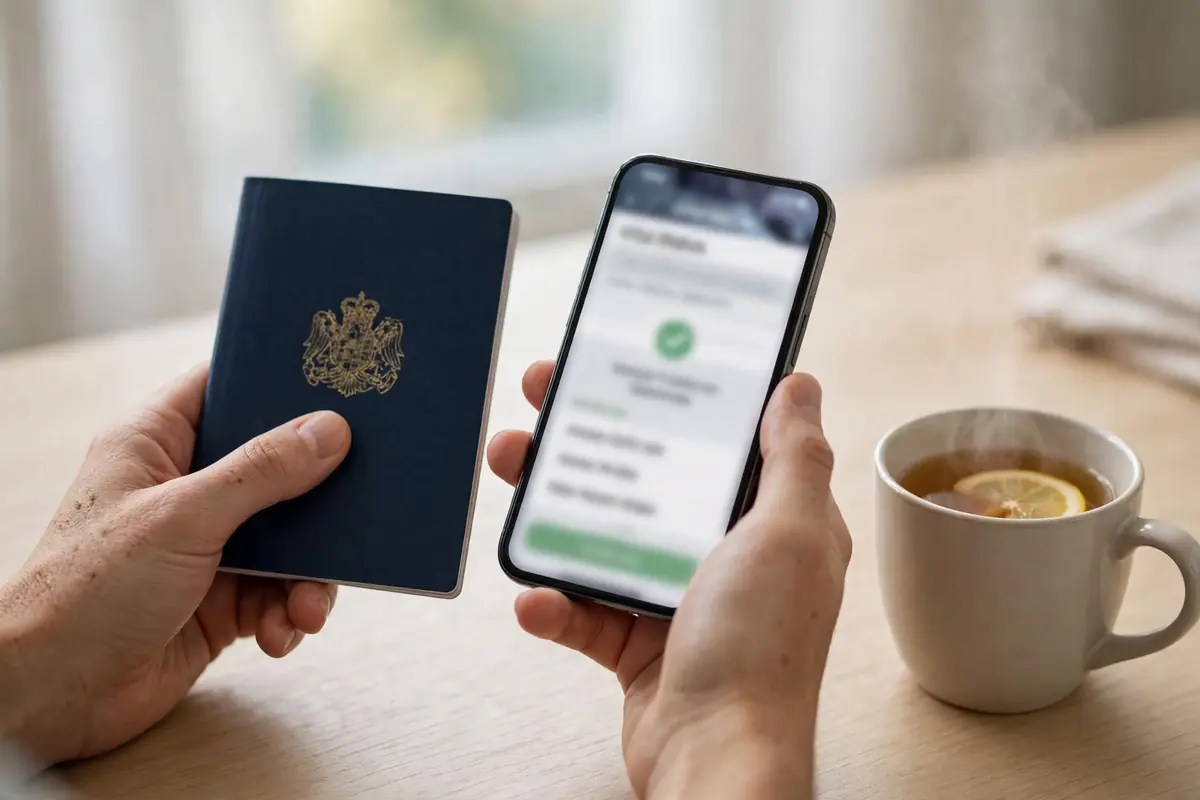
You applied. Days pass. No mail arrives. You want one answer: where does my visa stand? Your passport number gives it to you. The UAE runs a free public check. You need no login, no UAE phone number, and no visit to an office. You can check UAE visa application status by passport number from anywhere in the world, in about two minutes.
Quick Answer: Open the ICP File Validity page and pick "Passport Information". Type your passport number, expiry date, nationality and date of birth. The result shows your file number, visa type, status, issue date and expiry date. It takes two minutes. Dubai visas sit with GDRFA, so check those on the GDRFA site instead. Both checks are free, and neither needs a login.
How to check UAE visa application status by passport number on ICP
ICP runs the visa system for every emirate except Dubai. Its File Validity page is the public tool for the job. No account, no login, no fee.
Follow these steps.
- l
- Open the ICP File Validity page on the ICP Smart Services site.
- Pick "Passport Information" under "Search by". Pick "File Number" only if you already hold an issued visa or entry permit.
- Pick "Visa" for a visit visa or entry permit. Pick "Residency" for a residence visa.
- Type your passport number exactly as printed, with any leading zeros.
- Type your passport expiry date and pick your nationality from the list.
- Type your date of birth, tick the captcha box, and click "Search".
You'll see the result at once. It shows your file number, your Unified ID (UID) number, and your visa type. It also shows the issue date, the expiry date, and the current file status. Read the status line first. That's the line that tells you where the file stands.
Did you apply in Dubai or in another emirate? The emirate that issued your visa decides the portal, not the emirate you live in. Abu Dhabi, Sharjah, Ajman, Ras Al Khaimah, Fujairah and Umm Al Quwain all sit with ICP. Dubai sits with GDRFA. The first three digits of the file number on your visa or e-visa tell you which emirate issued it.
Ahmed applied for a family visa in Sharjah on 10 November 2026. His sponsor sent no update for a week. He opened the ICP File Validity page and picked "Passport Information". He typed his passport number, expiry date, nationality and date of birth. The result showed his file number, his UID, and the status "Under Process". He checked again three days later, and the status had changed to "Issued". He printed the e-visa from the same portal.
The BoloSara24 team checked the ICP File Validity page, the ICP portal and the GDRFA site on 29 November 2026. All three pages load. The File Validity page opens with both search options in place: "File Number" and "Passport Information".
Check UAE visa application status by passport number on GDRFA
Dubai runs its own system. A visa issued in Dubai lives in the GDRFA database, not the ICP database. An ICP search finds nothing for a Dubai visa. That blank result means nothing on its own. It only means you checked the wrong portal.
Open the GDRFA Dubai site and look for the visa or file status inquiry under Public Services. You can search by file number, application number, or passport details. The GDRFA Dubai app and the DubaiNow app carry the same check on your phone.
For a new application with no visa yet, search by application number. The number sits on the receipt from the typing centre, the Amer centre, or the company that applied for you. The result shows the application status: under review, approved, or returned for changes.
Priya applied for a Dubai tourist visa through her hotel on 18 November 2026. The hotel sent her an application number on the receipt. She opened the GDRFA site and typed the application number. The screen read "Under Study". Two days later the status read "Approved". Her e-visa arrived by mail the same day.
If a UAE relative, a hotel, or a travel agent applied for you, ask them for the application number. Ask for a copy of the e-visa too. Then check it on the GDRFA site. You need no login for the public inquiry.
What the result tells you
You can check UAE visa application status by passport number as often as you like. The result updates as the file moves. The result screen uses short status words. Each one means a clear thing.
- l
- Active: your visa is live and valid. The expiry date on the screen is your last legal day.
- Expired: your visa has ended. Do not travel on it. Renew it or leave before you overstay.
- Cancelled: the visa no longer stands. A cancelled visa gives you no right to enter or stay.
- Under Process or Under Review: the file still moves through the system. Wait, and check again in a day or two.
- Issued: the visa is ready. Download the e-visa and keep a copy on your phone.
- Returned for changes: the file needs a fix. A paper is missing, or a detail does not match. The sponsor or the agent must fix it and resend.
Read the dates with care. The issue date and the expiry date sit next to the status. Your stay counts from the issue date on a visit visa, and the expiry date is your last day. A visa can show "Issued" and still sit close to its expiry date, so read both lines.
The UAE moved to electronic visas years ago. Your visa lives in the federal database, not as a stamp in your passport. A printout of the e-visa helps at check-in, but the record in the system is what counts at the border.
No result? Read this
A blank result scares people. Most of the time it means a small thing, not a rejection.
First, check the passport number. One wrong digit, one missed zero, or an old passport number breaks the search. If you renewed your passport after you applied, search with the old passport. The system may still hold the old number.
Second, check the portal. A Dubai visa shows nothing on ICP, and a Sharjah visa shows nothing on GDRFA. Pick the portal that matches the emirate on the file. Don't know the emirate? Read the first three digits of the file number on your receipt or e-visa.
Third, check the timing. The portal shows a visa only after ICP issues it. If your application still sits in process, a blank result does not mean a rejection. It only means the visa isn't in the system yet. Search by application number instead, or wait a day and search again.
Fourth, check the file type. A visit visa search under "Residency" finds nothing, and a residence visa search under "Visa" finds nothing. Pick the type that matches your application. You can check UAE visa application status by passport number again once you fix the type.
If the result still stays blank after all four checks, call the helpline. ICP answers on 600 522222. GDRFA Dubai answers through Amer on 800 5111. Keep both numbers ready. The agent needs both to find your file.
Tip: Save a screenshot of the result page with the date. The screenshot proves what the portal showed on that day, and it helps if the status changes later.
Other ways to check
The web check is the fastest route, but three more routes work.
The UAEICP app lets you check UAE visa application status by passport number on your phone. Download it, open the public services, and search by passport details. The GDRFA Dubai app and the DubaiNow app carry the same check for Dubai visas.
An Amer centre in Dubai can check a Dubai file for you in person. A typing centre can check an ICP file. Bring your passport and your application number. The centre reads the same portal you read at home. The staff can explain a status word you don't follow.
The helplines work when the web check fails. ICP answers on 600 522222 for all emirates except Dubai. GDRFA Dubai answers through Amer on 800 5111. Both lines run in English and Arabic. Call in the morning for a shorter wait.
Never pay a stranger to check your status. The check is free on the official portals. BoloSara24 lists this warning because fake check sites target visa applicants every year. A site that asks for a fee to "check your visa fast" sells you a free service. Type the official address yourself, and never click a status-check link from a random message.
Keep your papers safe
A status check needs your passport number, your date of birth, and your application number. Those details open your file. Guard them like cash.
Check only on the official portals. The ICP address starts with smartservices.icp.gov.ae. The GDRFA address starts with gdrfad.gov.ae, and it ends there. A look-alike address with one extra word is a trap. Type the address yourself, or open it from the official site.
Share the result with no one except your sponsor or your agent. A screenshot of your file number and UID can help a thief build a fake visa in your name. Send it only to the person who applied for you. BoloSara24 never asks for your passport number. No real guide does.
The check takes two minutes, and it saves days of worry. Use it the day after you apply, then once every two days until the status turns to "Issued". That rhythm keeps you ahead of every delay, and it costs you nothing.
Frequently Asked Questions
Can I check UAE visa status with only my passport number?
Yes. Open the ICP File Validity page and pick "Passport Information". Type your passport number, expiry date, nationality and date of birth. You need no login. Dubai visas need the GDRFA site instead. That's the fastest way to check UAE visa application status by passport number.
Why does the ICP portal show no result for my visa?
Four causes cover most blanks. Check the passport number first. Then check the portal. Then check the timing, because a fresh application shows nothing yet. Then check the file type. Fix each one in turn, then search again. A blank result during processing does not mean rejection.
How do I check a Dubai visa by passport number?
Use the GDRFA Dubai site, the GDRFA Dubai app, or the DubaiNow app. Search by file number, application number, or passport details. You can check UAE visa application status by passport number on each of them. ICP will not show a Dubai visa, because Dubai runs its own database.
What do I need besides my passport number?
Your passport expiry date, your nationality, and your date of birth. For a new application that is not issued yet, use the application number from your receipt instead. Keep both numbers in hand before you call a helpline.
How long does a UAE visa application take?
It varies by visa type and by emirate. A pre-arranged tourist visa takes around 48 hours through an airline, a hotel or a licensed agent. A residence visa takes longer, because it adds a medical test and an Emirates ID step. The status page shows the real state of your file, so check it instead of guessing.
Is the UAE visa status check free?
Yes. The ICP File Validity check and the GDRFA public inquiry are both free. No login, no fee, no UAE phone number. Any site that charges you for the check sells a free service.
Official Sources
- l
- ICP File Validity check: Check a visa or entry permit by passport number, with no login.
- ICP Smart Services: Apply for visas and entry permits, extend a visit visa, and use the File Validity check.
- GDRFA Dubai: Dubai visa services and status checks for Dubai-issued visas.
- UAE Government portal visas and Emirates ID: Read the official visa types, entry rules and the two-system split between ICP and GDRFA.
Read more on BoloSara24: How to check UAE visa status online, Check entry permit status UAE, UAE visa processing time explained, Print UAE visa copy, UAE visa rejection reasons, ICP Smart Services UAE.
Disclaimer: BoloSara24 is an independent guide. It has no link with the UAE Government, ICP, GDRFA or any airline. Visa rules change, so confirm the current rule on the official page before you travel. It gives general facts only. It is not legal advice and not immigration advice.
Last Updated: 29 November 2026.