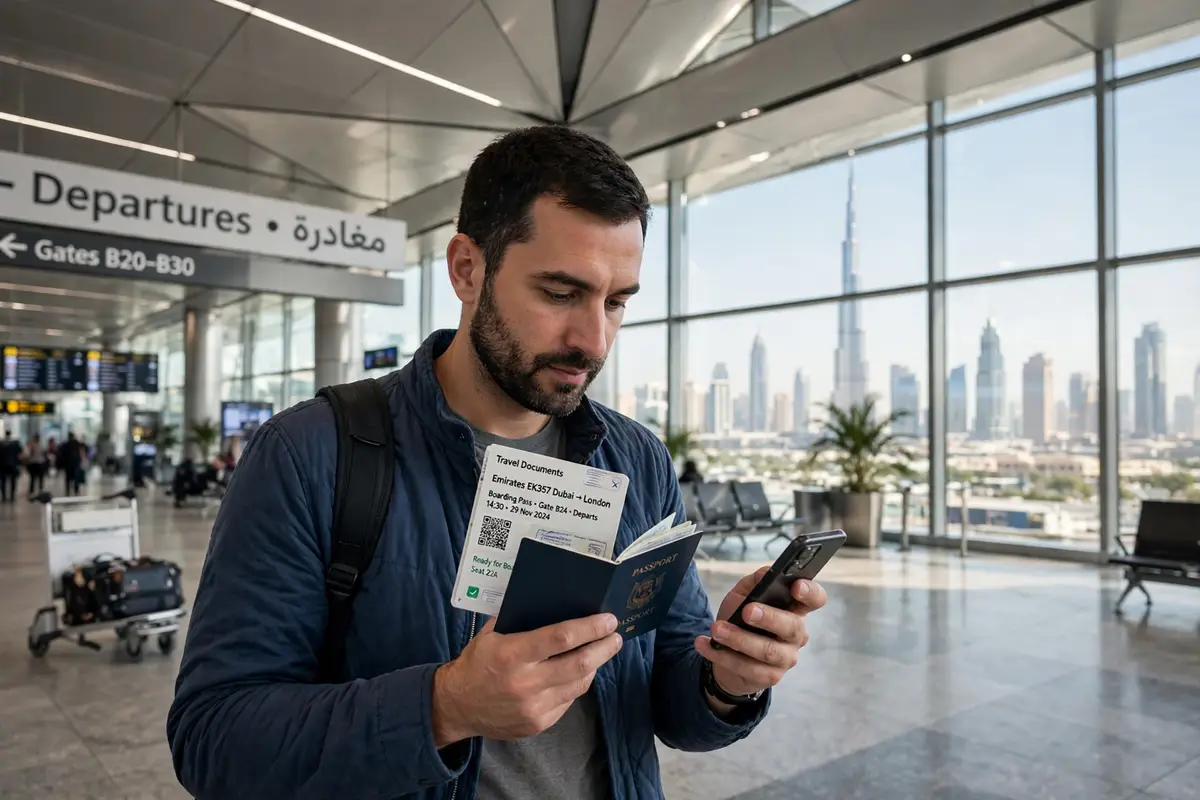
You applied for a UAE entry permit. Days pass. No mail comes. You want to know if it is approved. You can check entry permit status UAE online in a few minutes. The check is free. You don’t need an agent.
Two systems hold UAE visa records. ICP holds records for six emirates. GDRFA Dubai holds records for Dubai. Pick the wrong portal and the screen says no record found. Your permit can still be fine. Pick the right portal and the record appears at once.
Quick Answer: Use ICP File Validity at smartservices.icp.gov.ae for the six northern emirates. Use GDRFA Dubai Status Inquiry at smart.gdrfad.gov.ae for Dubai. Enter your passport details or your file number. The result shows if the permit is valid and when it ends.
Omar waits in Cairo. His brother in Sharjah applied for his visit permit. Omar opens the ICP site on his phone. He picks Passport Information. He types his passport number, his expiry date and his nationality. The screen shows his permit is valid. He books his flight the same night.
Lina waits in Manila. Her Dubai employer applied for her work permit. She opens the GDRFA Dubai site. She picks the application search. She types her first name, her application number, her nationality and her date of birth. The screen shows her application is in progress. She waits one more day and checks again.
Which portal holds your permit
To check entry permit status UAE, start with the emirate that issued your permit. That emirate decides the portal. This is the first fact to get right. It saves you hours of worry. Look at your entry permit or your e-visa. It names the emirate of issue. Your sponsor’s emirate can also tell you.
| Permit issued in | Authority | Portal | Phone in UAE |
|---|---|---|---|
| Abu Dhabi | ICP | ICP Smart Services | 600 522222 |
| Sharjah | ICP | ICP Smart Services | 600 522222 |
| Ajman | ICP | ICP Smart Services | 600 522222 |
| Ras Al Khaimah | ICP | ICP Smart Services | 600 522222 |
| Fujairah | ICP | ICP Smart Services | 600 522222 |
| Umm Al Quwain | ICP | ICP Smart Services | 600 522222 |
| Dubai | GDRFA Dubai | GDRFA Dubai smart services | 800 5111 |
The UAE Government portal u.ae points people to the same split. ICP covers six emirates. GDRFA Dubai covers Dubai alone. A free zone licence can confuse the picture. Your job may sit in Dubai while the licence sits in Sharjah. The licence emirate is the one that counts. Ask your sponsor if you are not sure.
Note: The check is free on both portals. A site that asks for money for a status check is not official. Close it and use the official portal.
How to check entry permit status UAE on ICP
Open smartservices.icp.gov.ae. You can also use the UAEICP app on your phone. No account is needed for the public check. No UAE Pass is needed. Go to Public Services on the site. Tap File Validity.
Pick Passport Information as your search way. Pick Visa as the type if you check a new entry permit. Pick Residency if you check a residence visa. Type your passport number exactly as it sits on your passport. Keep the leading zeros. Type your passport expiry date. Pick your nationality from the list. Tick the captcha box. Tap Search.
You can also search by file number. Pick File No. as the search way. Pick Unified Number, File No. or Identity Number. Type the number. Add your nationality and your date of birth. Tap Search. The screen shows your unified number, your file number, your issue date and your expiry date.
The result tells you if the permit is valid and when it ends. It can also show a fine on the file. Read every line on the result screen. A valid permit with a fine still needs the fine paid. Don’t book a flight until you have read the full result.
Tip: Type the passport number with no spaces. A space can break the match. Copy it from your passport page, not from an old chat message.
How to check a Dubai permit on GDRFA
Open the GDRFA Dubai status inquiry page at smart.gdrfad.gov.ae. The page may open in Arabic first. Switch it to English at the top. Pick your search way. You can search by application number or by file number.
For an application search, type your first name in English exactly as it sits on your visa. Type your application number. Pick your nationality. Type your date of birth. For a file search, type your file number in place of the application number. Fill the captcha. Tap Search.
The result shows the state of your application. It may say in progress, approved or issued. An approved entry permit means you can travel. A permit in progress means the file is still with the officers. Check again the next day. Don’t call the office after one day of waiting. Most files move in a few working days.
Keep your application number safe. It starts with 010 on ICP files. On GDRFA files the number sits on your receipt or your e-visa draft. Ask your sponsor for it if you don’t have it. Your sponsor can see it on their own portal.
Track an application after you sign in
When you check entry permit status UAE after you sign in, you get more detail. The public check tells you if a permit is valid. It does not tell you each step inside the file. Sign in for that detail. ICP account holders open My Applications or My Requests. The list shows every request you sent. Each one shows its current state.
Guest users can also track an application on the ICP site without an account. Look for the application tracking choice in the guest section. You need the application number for that search. Keep the receipt from your typing centre or your sponsor.
GDRFA Dubai has the same idea. Sign in to see your files. Sponsors see the files they sent for their workers and family. A worker can ask the sponsor for a screen shot of the state. A good sponsor will share it.
Read the BoloSara24 guide on how to apply for a UAE visit visa online. It shows the steps your file went through. If your visa was refused, read the BoloSara24 guide on UAE visa rejection reasons before you apply again.
What each result means
When you check entry permit status UAE, a result marked valid means your permit is live. You can travel on it before it ends. Check the expiry date on the screen. Count the days left. Don’t travel on the last day if you can avoid it. A flight delay can push you past the date.
In progress means the officers still hold your file. It is not a refusal. Wait and check again. A file can sit for days if a paper is missing. Ask your sponsor if the file needs one more paper.
No record found has three common causes. You used the wrong portal. You typed a number wrong. The file is too new and not in the system yet. Try the other portal. Check each digit again. Wait one day and try once more.
Expired means the permit date has passed. You can’t travel on it. Ask your sponsor to apply for a new one. Don’t try to board a flight with an expired permit. The airline will stop you at the counter.
Important: Never book a flight on a photo of a permit from an agent. Check the permit yourself on the official portal first. A photo can be old or fake. The portal is the truth.
Fix the errors people hit most
A wrong first name is the top error when you check entry permit status UAE on GDRFA. Type your first name only. Type it in English. Type it exactly as it sits on your visa. A middle name in the first name box will fail the match. A short form of your name will fail too.
A wrong passport number is the top error on ICP. Check the letter O and the digit 0. They look alike on a bad scan. Check each digit twice. Type the number from the passport page itself.
An old browser can break the captcha. Update your browser. Clear the cache if the page looks broken. Try the UAEICP app if the website still fails. The app uses the same records.
A permit that is too new may not show yet. Files take time to reach the public search. Wait a day. Ask your sponsor to confirm the file was sent. If the sponsor has a receipt, the file is in the system. It will show soon.
Example: A man in Lahore checked his Dubai permit on ICP for three days. The screen said no record each time. His sponsor told him the permit came from Dubai. He switched to GDRFA. His permit showed as valid in one minute. He had used the wrong portal all along.
After the permit is approved
After you check entry permit status UAE and see an approval, save the e-visa PDF on your phone. Print one copy too. Keep the printout with your passport. Show it at check-in if the airline asks. The airline checks your permit before it lets you board.
Check the entry date on the permit. Most permits give you a set window to enter. Travel inside that window. A permit that lapses before you fly is dead. You will need a new one.
After you land, your sponsor starts the residence steps. Those steps are a medical test, an Emirates ID and a residence visa. You can check your work permit state while you wait. Read the BoloSara24 guide on how to check your work permit status in UAE for that check. Read the BoloSara24 guide on how to transfer your UAE visa to a new passport when that day comes.
Worried about a travel ban? A ban can block you even with a valid permit. Read the BoloSara24 guide on how to check a travel ban in UAE before you book. The team checked the ICP and GDRFA portals and the u.ae guidance on 29 November 2026. Both checks were free and needed no login.
Frequently Asked Questions
Is it free to check entry permit status UAE?
Yes. To check entry permit status UAE is free on both portals. The ICP File Validity check and the GDRFA Dubai status inquiry cost nothing. No login is needed. No agent is needed. A site that charges for the check is not official.
Which portal do I use for a Dubai entry permit?
Use GDRFA Dubai at smart.gdrfad.gov.ae. ICP does not hold Dubai records. Search by application number or file number with your first name, nationality and date of birth.
What do I need for the ICP check?
To check entry permit status UAE on ICP, you need your passport number, passport expiry date and nationality. You can also search by file number or unified number with your nationality and date of birth.
What does “no record found” mean?
It often means you used the wrong portal or typed a number wrong. Try the other portal. Check each digit again. Wait a day if the file is brand new.
How do I know my application number?
It sits on your receipt or your e-visa draft. Ask your sponsor for it if you don’t have it. ICP application numbers start with 010.
Can I travel as soon as the permit shows approved?
Yes, if the permit is valid and inside its entry window. Save the e-visa PDF and print one copy. Show it at check-in if the airline asks for it.
Official Sources
ICP Smart Services. The official portal for File Validity and application tracking in six emirates.
Federal Authority for Identity, Citizenship, Customs and Port Security (ICP). The official ICP site for visa and Emirates ID services.
GDRFA Dubai. The official site for Dubai visa and entry permit services.
UAE Government Portal (u.ae). The official UAE portal that directs people to the right visa portal by emirate.
Disclaimer: BoloSara24 is an independent guide. It is not ICP and it is not GDRFA. Portal screens can change. The official portal result is the final word on your permit.
Last Updated: 29 November 2026.