The Short Answer
Uber works in the UAE through the same app you may know from home. You set a pickup point and a destination. The app shows the fare before you book, and you pick a car type while a driver comes to you. This guide shows how to use Uber in UAE from your first download to the end of your first trip.
You need a phone, the Uber app and a payment method. A card works, cash works in Dubai and Google Pay works too. The BoloSara24 team checked the Uber payments page on 29 November 2026. Uber confirms the fare shows in the app before you confirm the ride.
Quick Answer: Download the Uber app and add your phone number. Set your pickup point and destination, then read the fare on the screen. Pick a car type. Pay by card, cash or Google Pay.
What you need before your first ride
Start with three things. A phone with internet. The Uber app from your app store. A payment method that works in the UAE. Most visitors already have all three, so the next step is quick.
Download the app and open it. The app asks for your phone number. The app sends a code to that number for you to type in. Type the code in the app. The app then asks for your name and email. Fill them in and your account is ready.
Add a payment method next. A debit or credit card works in most cases. You can add Google Pay in Dubai. You can also pick cash before you book. You don’t need a card on file if you pay cash in Dubai. Uber says this on its payments page.
Your account from another country works in the UAE too. The app may ask you to verify your number again. Keep your phone close. A wrong number can block the check at that step.
Do you have a UAE SIM or a home SIM? Either SIM works. A UAE SIM is easier for the driver to call you. Ask your hotel for help if the code never arrives.
Tip: Save your hotel and home addresses in the app. Saved places cut typing errors. They also speed up late night bookings when you feel tired.
How to use Uber in UAE to book a ride
Booking takes less than a minute once the app is set. Walk through it once at home so the real booking feels easy.
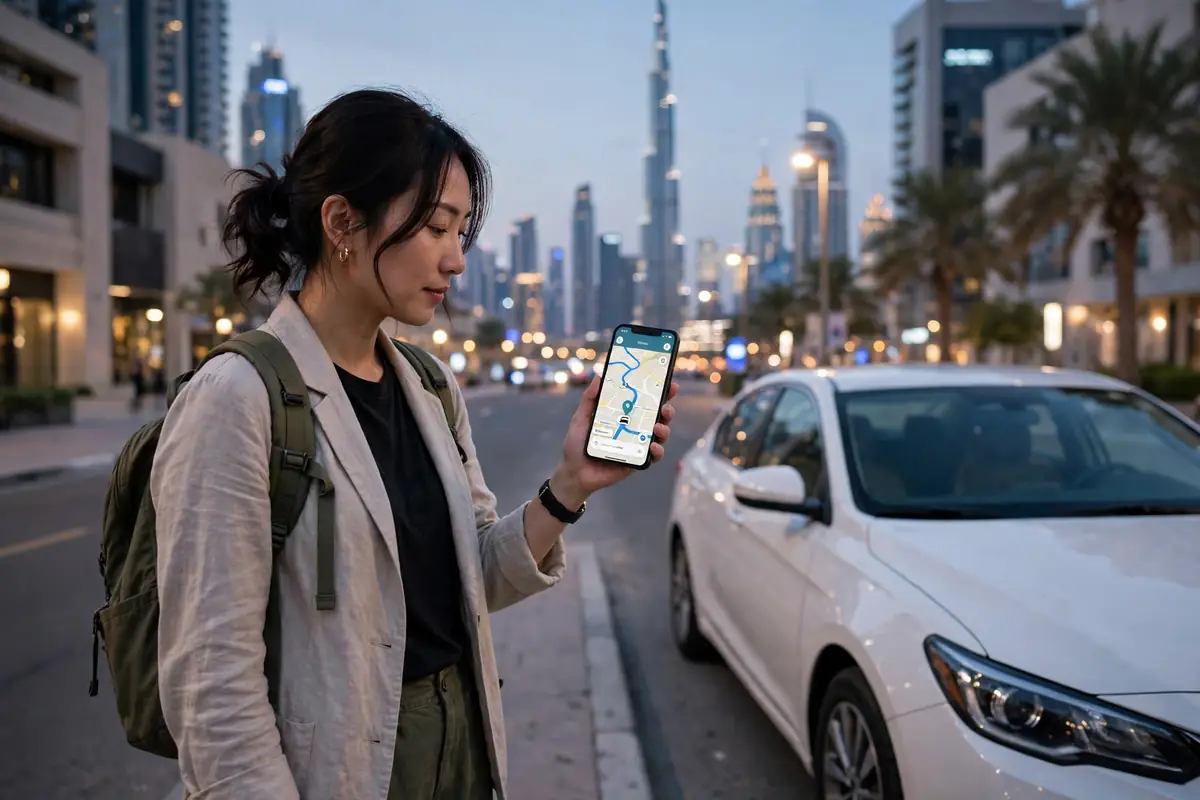
Open the app and tap the search box. Type your destination. Pick the right place from the list. The app sets your pickup point from your phone location. Move the pin. A wrong pin sends the driver to the wrong gate.
The app shows car types next. UberX is the standard car. Comfort costs more and gives a newer car, while Black is the premium car with a professional driver. XL fits a bigger group and more bags. Pick the one that fits your group and your bags.
Read the fare on the screen before you tap confirm. The fare can move with demand, traffic and the time of day. Uber calls this dynamic pricing. A busy hour costs more than a quiet hour. If the fare looks high, wait a few minutes and look again.
Tap confirm and the app finds a driver. You see the driver name, photo, car model and plate number. You see the arrival time on the map. Watch the car move toward you on the screen.
Example: Sara lands at Dubai airport at night. She opens the app at the arrivals hall. She sets her hotel in Jumeirah as the destination. The app shows the fare for UberX. She confirms and the driver meets her at the pickup zone.
Fares and what changes the price
Uber shows the fare before you book. That fare is the key fact of the trip. Read it each time. Don’t guess the price from your last trip.
Three things move the fare. Distance moves it most. Time in traffic moves it next. Live demand moves it too. A short trip at noon costs less than the same trip at rush hour. A trip to the airport costs more than a trip down the road.
Car type changes the fare a lot. UberX is the cheapest choice. Comfort sits above it. Black sits at the top. XL costs more than UberX because the car is bigger. Pick the cheapest car that fits your group.
Tolls can add to the fare. Salik gates on Dubai roads add a toll to some trips. The app adds tolls to the fare you see. Ask the driver if you want to know the route. A driver who takes a long route through toll gates costs you more.
Note: The fare on the screen is the fare you pay in most cases. A change of destination mid trip can change it. A long wait at the pickup point can change it too. Read the final fare in the app at the end of the trip.
How to use Uber in UAE and pay
Uber gives you three ways to pay in Dubai. Card, Google Pay and cash. Pick the way that suits you before you book.
Card is the default way. Add the card in the Payments part of the app. The app charges the card at the end of the trip. You don’t hand cash to the driver. The receipt lands in the app and in your email.
Google Pay works in Dubai. Go to Payments in the app. Tap Add Payment Method. Pick Google Pay and finish the extra checks. The app then charges your Google Pay after each trip, just like a card.
Cash works in Dubai too. Pick Cash as the payment method before you book. The driver tells you the exact fare from the app at the end of the trip. Hand over the fare in cash. The driver gives no change. If you pay too much, Uber adds the extra money to your account as Uber Cash. You can use it on a later trip.
You can split a fare with friends. Swipe up in the app during the trip. Tap the payment method. Tap Share Ride. Add your friends. The fare splits in equal parts. No coins change hands at the end.
Payment: Set your payment method before you book, not after the car arrives. A card that fails at the end of the trip blocks your next booking till you fix it.
Stay safe on every trip
Uber has safety tools in the app. Learn them before your first ride. They take seconds to use.
Check the car before you get in. Match the plate number on the screen with the plate on the car. Match the driver photo with the driver at the wheel. Match the car model too. Don’t get in if any detail differs. Cancel the trip and report it in the app.
Share your trip with a friend or family member. The app lets you share live trip details. Your friend sees the car, the route and the arrival time. Share the trip on late night rides and airport rides.
Sit in the back seat if you can. Keep your seat belt on. Keep your bags close. Tell the driver your destination at the start. The app already shows it, but a quick word avoids a wrong turn.
Rate the driver after the trip. A fair rating helps good drivers and flags bad ones. The BoloSara24 team rides Uber in Dubai each week and uses these checks.
Fatima rides from Deira to Dubai Mall each week. She shares each trip with her brother. She checks the plate before she opens the door. Her trips feel safe because the checks take ten seconds. Her friend skipped the plate check once. That friend got into the wrong car and lost 20 minutes.
Uber in Dubai and Abu Dhabi
Uber runs in both big cities. The app works the same way in each one. Small details differ by city.
In Dubai, Uber cars run under the RTA e-hail system. The RTA sets the taxi fare rules for the city. Uber shows its own fare in the app. The fare follows demand and distance. You can book from the airport, malls, hotels and homes across Dubai.
In Abu Dhabi, you can book Uber the same way. The app shows the fare before you book. Cars run under the Abu Dhabi taxi system. The pickup zones at the airport and malls are marked. Follow the signs to the pickup zone.
Other emirates have fewer Uber cars. Sharjah, Ajman and Ras Al Khaimah may show long wait times. A taxi or a bus may suit you better there. For trips without a car, read the public transport guide for Dubai. For trips to the capital, read the Dubai to Abu Dhabi bus guide. The Metro is the cheap choice for many trips in town. Read the Dubai Metro Nol card guide. Check the app first. If no car shows up in a few minutes, pick another way to travel.
You can also book a taxi through the same app in some cities. The app may show a taxi choice next to UberX. A taxi follows the meter. An Uber fare is fixed on the screen before you book. Pick the one you like.
Tips for first time riders
A few small habits make your first week smooth. They cost nothing and save time.
First, book from a clear pickup point. Stand where the driver can stop. A mall entrance beats a busy road bend. A hotel lobby beats a side street. Text the driver if your spot is hard to find.
Next, keep your phone charged. The app needs power to show the car and the fare. A dead phone at the end of a trip blocks your payment and your rating. Carry a small power bank on long days out.
Then, keep small cash notes if you pay cash. The driver gives no change. A 50 dirham note for a 38 dirham fare leaves 12 dirhams as Uber Cash. Exact notes avoid that. Keep 5 and 10 dirham notes in your wallet.
Finally, plan airport trips with extra time. Airport pickup zones can be busy at night. Book early and wait at the marked zone. BoloSara24 will update this guide when Uber changes its payment options.
Warning: Never share your Uber code or password with a driver or a stranger. Uber never asks for your code by phone. A person who asks for it wants your account. Say no and report the chat in the app.
Frequently Asked Questions
Can I use Uber in UAE without a credit card?
Yes, in Dubai you can pay cash. Pick Cash as the payment method before you book. You don’t need a card on file for cash trips. Card and Google Pay also work.
How do I book an Uber ride in the UAE?
Open the app and type your destination. Check your pickup point on the map. Read the fare. Pick a car type. Tap confirm. The app shows the driver, the plate number and the arrival time.
Does Uber show the fare before I book?
Yes. Uber shows the fare in the app before you confirm the ride. The fare can move with demand, traffic and the time of day. Read it on each booking.
Can I tip my Uber driver in the UAE?
Yes. You can add a tip in the app after the trip. You can also add it from your ride history. For cash trips, hand the tip to the driver in cash.
Is Uber safe to use at night in Dubai?
Yes, if you use the app checks. Match the plate, the driver photo and the car model. Share the trip with a friend. Sit in the back and keep your belt on.
Does my Uber account from home work in the UAE?
Yes, in most cases. The app may ask you to verify your phone number again. Keep your phone close for the code. Your payment methods travel with your account.
Official Sources
- Uber payment methods in the UAE: Uber explains how fares show in the app and how to pay by card, Google Pay or cash in Dubai.
- Uber cash payments in the UAE: Uber explains the cash choice and how change works as Uber Cash.
- Uber driver requirements in the UAE: Uber lists the Dubai and Abu Dhabi rules for drivers on its platform.
Disclaimer: BoloSara24 is an independent guide. It is not linked to Uber or the RTA. Fares move with demand and time, so read the fare in the app before you book each trip.
Last Updated: 29 November 2026.