- Slug: update-uae-pass-details-uae
- Focus keyword: update UAE Pass details UAE
- Category: Government Services (6)
- Meta description (149 chars): Update UAE Pass details UAE on the app or portal. Change phone, email and address, sync your Emirates ID, and fix login problems fast.
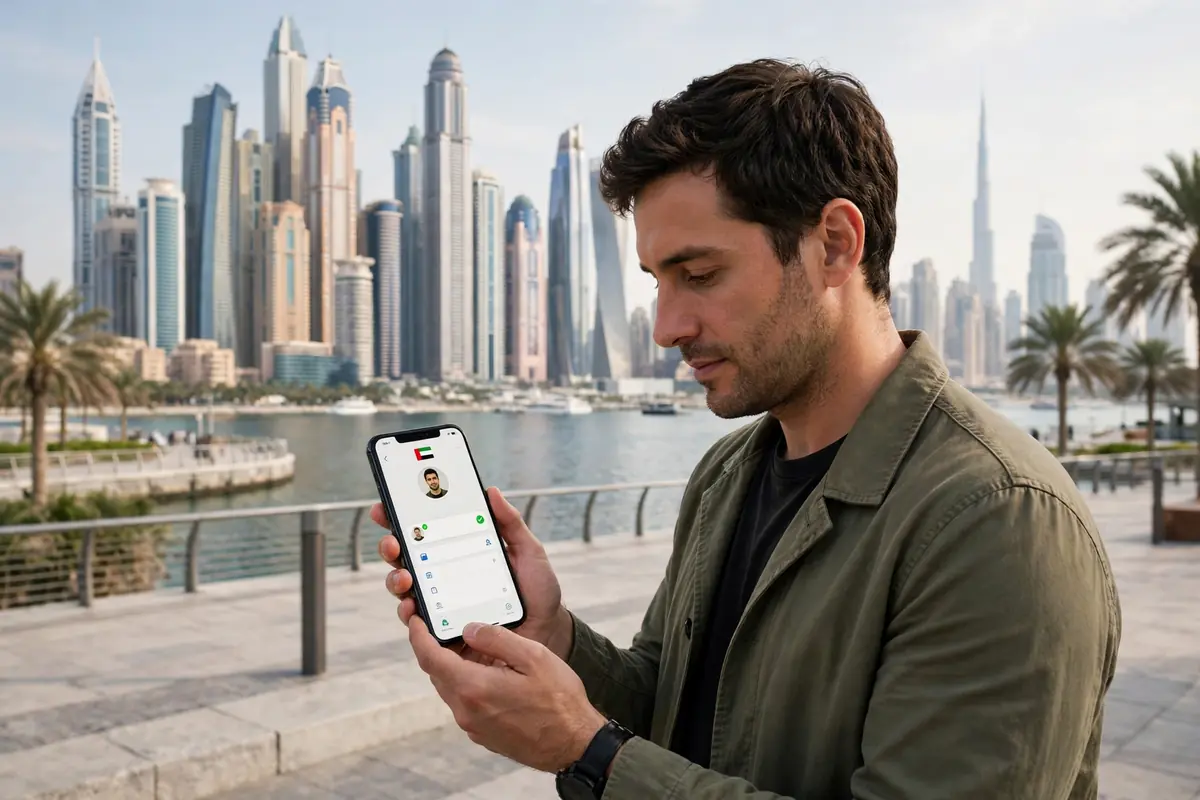
- Featured image alt: Person holding a phone with the UAE Pass app in Dubai, for update UAE Pass details UAE
- Counts: {"words": 2169, "keyword": 10, "brand": 5, "internal": 4, "external": 5, "faq": 6, "last_updated": true, "meta_leak": false}
Your phone number changed last month. Your old number still sits on your UAE Pass account. The one time code goes to a SIM you no longer own. You can't sign in to a single government service. You can update UAE Pass details UAE in a few minutes once you know which fields you can change on the spot and which ones need a fresh Emirates ID record first.
BoloSara24 checked the official UAE Pass pages on 29 November 2026. UAE Pass is the single digital identity for citizens, residents and visitors in the UAE. The TDRA page says citizens and residents need a valid Emirates ID and an active UAE mobile number to register. Visitors can use a passport or a GCC national ID. You verify with face recognition and a PIN. You can also verify at a UAE Pass kiosk with your Emirates ID.
Quick Answer: To update UAE Pass details UAE, open the UAE Pass app or the self care portal at selfcare.uaepass.ae. Sign in with your Emirates ID number, email or phone number. Open your profile. Edit the phone number, email or address. Confirm the change with a code or face check. Save it and open your profile again to see the new detail in place.
What you can change on UAE Pass
Some details sit in your UAE Pass profile. You can change those yourself. Other details come from your Emirates ID record. Those change only when the ID record changes first. Know the split before you start. It saves a failed edit and a wasted trip.
Your phone number is the first field to keep fresh. Every login code goes there. Your email is the second field. Password resets and service alerts go there. Your home address is the third field. Some services read it from your profile when you apply. Your name, date of birth and nationality come from your Emirates ID record. The app will not let you type a new name over the one ICP holds.
Requirements: Your Emirates ID number. Access to the phone number or email on the account for the check code. Your UAE Pass PIN. A phone with the UAE Pass app installed. A face check works on most phones. Keep your Emirates ID card near you. The app may ask for its number again.
Ahmed moved from Abu Dhabi to Dubai in October 2026. He changed his flat and his mobile number in the same week. His DEWA login failed first. Then his traffic fine check failed. Both services sent codes to his old number. He fixed the number in UAE Pass once. The next login worked on both services. One fix fed every service that uses UAE Pass.
How to update UAE Pass details UAE on the app
The app is the fastest path for most people. It holds your profile, your documents and your PIN in one place. The steps run the same on iPhone and Android. Menu names can shift a little when the app updates. The order stays the same.
- Open the UAE Pass app on your phone.
- Sign in with your PIN or your face.
- Tap your profile icon at the bottom of the screen.
- Open the account settings or profile section.
- Tap the field you want to change. Type the new phone number or email.
- Confirm the change with the code sent to the new contact detail.
- Save the change and reopen the profile to check it.
Tip: Change one field at a time. Save it. Check it. Then change the next one. A batch of edits can fail on one bad field and roll the rest back with it. One at a time shows you exactly which field stuck.
The app may ask for a face check before it saves a phone number change. BoloSara24 suggests you do that check in good light so it passes first time. That check guards your account. A stranger with your phone can't swap the number and lock you out. Hold the phone still. Look at the camera. The check takes seconds in good light. Do it indoors with the light on your face, not behind you.
How to update UAE Pass details UAE on the website
A computer works when your phone is lost or the app will not open. The self care portal runs in a browser. It asks for the same login facts as the app. Keep your phone near you. The portal sends a code to your phone during sign in.
- Open selfcare.uaepass.ae in your browser.
- Click Login at the top of the page.
- Type your Emirates ID number, email or phone number.
- Complete the check on your phone when the portal asks.
- Open your profile or account settings from the dashboard.
- Edit the phone number, email or address you need to change.
- Confirm the change and save it.
Good to Know: The portal shows your linked documents too. You can see which papers sit in your Digital Vault. The vault stores your documents in one place so you can share them with a government office from your phone. Don't share a document with a link sent by a stranger. BoloSara24 never asks readers to share papers by a link. Real offices ask you to share from inside the app.
If the portal asks for a code and your old phone is gone, you face a harder path. You can't receive the code. The app can't approve the login. Visit a UAE Pass kiosk with your Emirates ID. The TDRA page says you can verify at a kiosk with your Emirates ID. A kiosk lets you prove who you are in person. Bring the ID card itself, not a photo of it.
When the detail comes from your Emirates ID
A name change, a nationality change or a date of birth change does not start in UAE Pass. It starts with the body that holds that record. Your Emirates ID record sits with ICP, the Federal Authority for Identity, Citizenship, Customs and Port Security. Fix the record there first. Then sync the new detail into UAE Pass.
Open the ICP Smart Services portal or the UAEICP app. Sign in with UAE Pass. Find the service that fits the change. Upload the paper that proves it. A passport page proves a name spelling. A court paper proves a legal name change. The portal shows the fee before you pay, so read that screen before you confirm. Once ICP accepts the change, open UAE Pass and check your profile. The new detail should show there. If it still shows the old one, sign out and sign in again. A fresh login pulls the new record.
Note: A new Emirates ID card after renewal can leave UAE Pass showing old data for a short time. The two systems sync, but not always in the same hour. Wait a day. Sign out. Sign in again. Check the profile. If the old detail still sits there after a day, use the help or support option in the app to raise a request. Say which field is stale and when the ID changed.
Fix a phone number you no longer own
This is the most common UAE Pass problem. You changed your SIM. You lost your phone. The login code goes nowhere you can read. You need a path that does not depend on the old number.
First, try the UAE Pass app on a phone where you are still signed in. An active session can let you change the number without a fresh login code. Open the profile. Edit the number. Confirm with your PIN and a face check. The new number takes over from that moment.
Second, try account recovery in the app. The app offers an existing account path. It asks for your email, phone number or Emirates ID. Then it runs a face check with a short video. After the check it shows your registered devices. Pick the ones to keep. Set a new PIN. This path works when the app can still prove you are you by face.
Third, visit a UAE Pass kiosk with your Emirates ID. Kiosks sit in customer happiness centres across the UAE. The TDRA page lists kiosk verification as a normal way to verify. Staff at the centre can point you to the nearest kiosk. Bring the physical ID card. A kiosk cannot help without it.
Warning: Never pay a stranger who promises to fix your UAE Pass account. No agent can change your number for you. No shop can bypass the face check. Anyone who asks for your PIN or your code is trying to take the account. UAE Pass staff never ask for your PIN. Keep the PIN in your head, not in a note on the phone.
Keep your UAE Pass details safe after the update
A fresh detail is only half the job. The other half is keeping the account safe so the next login works too. Small habits do that work for you.
Checklist: New phone number saved and tested with a login. New email saved and tested with a reset mail. Address matches your current flat. Name matches your Emirates ID card. Old devices removed from the device list. PIN changed if anyone saw it.
If you need a fresh account from scratch, read how to register UAE Pass in UAE. It covers the Emirates ID and mobile number you need at the start. If you forgot your PIN, read how to reset UAE Pass password in UAE. If your Emirates ID itself needs a change, read update Emirates ID details UAE. And if you want to check the ID card behind the account, read Emirates ID status check UAE.
BoloSara24 checks the UAE Pass pages again each time the app changes a menu. To update UAE Pass details UAE, start in the app, confirm with a code or a face check, and test the new detail with a real login. A number you own and an email you read keep every government service open to you.
Frequently Asked Questions
Can I update UAE Pass details UAE without my old phone number?
Yes, in most cases. Try the app while you are still signed in, or use account recovery with a face check. A UAE Pass kiosk with your Emirates ID also works when the old number is gone.
Which details can I change in the UAE Pass app?
You can change your phone number, email and address in the app. Your name, date of birth and nationality come from your Emirates ID record, so change those with ICP first.
Does UAE Pass charge a fee to update my details?
The portal or app shows any fee on screen before you pay. Read that screen before you confirm. Don't pay anyone outside the official app or portal for an update.
Why does UAE Pass still show my old name after I renewed my Emirates ID?
The two systems sync after the ID record changes. Sign out and sign in again after a day. The new detail should show then. Raise a support request in the app if it still shows the old one.
What do I need to update UAE Pass details UAE at a kiosk?
Bring your physical Emirates ID card. The kiosk verifies you with the card. A photo of the card will not work. Staff at the customer happiness centre can point you to the kiosk.
Can someone else update my UAE Pass details for me?
No. Only the account holder can change the details. The app asks for your PIN or a face check. Never share your PIN or a login code with anyone.
Official Sources
UAE Pass: the national digital identity portal, login and self care services.
UAE Pass Self Care: profile, login and account recovery, with the FAQ page at selfcare.uaepass.ae/faq.
TDRA UAE Pass: registration needs, a valid Emirates ID and an active UAE mobile number, face check or kiosk verification.
ICP Smart Services: Emirates ID services and the record behind your UAE Pass details.
UAE Government Portal (u.ae): federal guide to UAE Pass and digital government services.
Disclaimer: The information here is general only. App menus, fees and portal steps can change. Check the official UAE Pass page before you act. BoloSara24 is an independent guide and is not linked to UAE Pass, TDRA, ICP or any government body.
Last Updated: 29 November 2026.