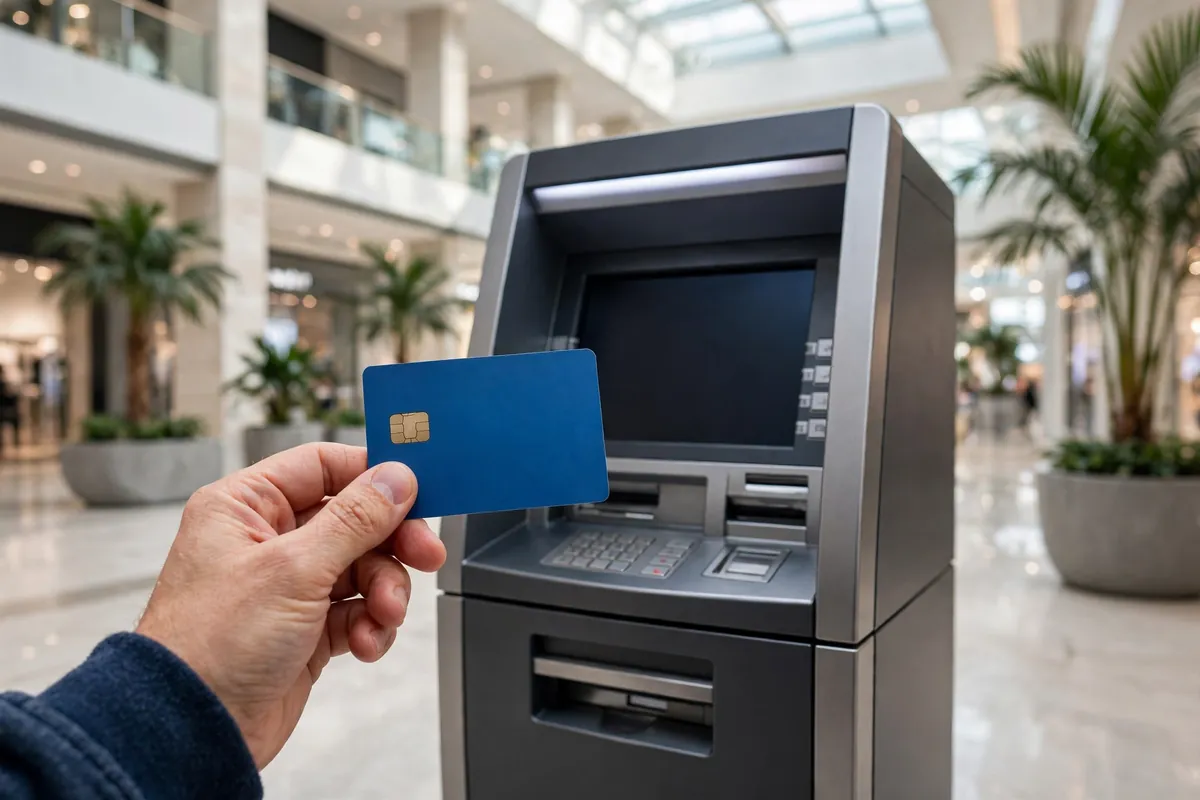
Your ATM card stopped working. The machine shows a block message. An unblock ATM card UAE fix is often quick. You can do it in the app, by phone, or at a branch. First, find out why it blocked. The fix depends on the cause.
Quick Answer: Open your bank app and go to Cards. Tap unblock. Emirates NBD lets you block and unblock your card in online banking. CBD lets you tap Change or unblock PIN in the app. A card blocked for wrong PIN tries often opens again after a PIN reset. A card the bank blocked for fraud needs a call. Call the bank number on the back of your card.
Why your card got blocked
Wrong PIN tries top the list. Type the wrong PIN again and again and the bank locks the card. The bank does this to stop a thief with a stolen card. An unblock ATM card UAE request after wrong tries is the most common case.
You may have blocked it yourself. Most bank apps have a freeze or block button in the cards tab. One tap blocks the card at once. Many people tap it by mistake. Many tap it on purpose and then forget.
The bank may have blocked it for fraud. Emirates Islamic says the bank will block a card for a short time when it spots fraud. Then the bank calls you to let you know. The bank’s security team works round the clock. It’s a guard, not a punishment.
Other causes exist too. An expired card stops working, and an account hold can freeze the card. A card reported lost or stolen stays blocked for good. A lost card takes a new card, not an unblock.
Note: A blocked card and a dead card are not the same. A blocked card can open again. A dead or expired card cannot. Check the expiry date on the front of the card first.
Unblock ATM card in the app
The app is the fastest fix for a card you blocked yourself. An unblock ATM card UAE app flow takes a few taps. Log in and find the card. Tap unblock.
Emirates NBD names block and unblock your card as an online banking service. Log in to online banking or the mobile app. Tap the card and tap unblock. The card works again. The BoloSara24 team read that list on the Emirates NBD online banking page on 29 November 2026.
CBD gives you a clear button for it. Log in to CBD Mobile Banking. Go to Cards and pick the debit card, then tap Change or unblock PIN and type the new PIN. Confirm it with the one-time code from your mobile. The BoloSara24 team read those steps on the CBD digital banking page on 29 November 2026.
DIB says a card blocked by three wrong PIN tries can be reset through its mobile app or phone banking. ADCB runs the same idea through its PIN reset. Log in to the ADCB app and pick the card. Tap Service Requests, then PIN setup or reset. Prove it is you with FacePass or a code. Type your new 4-digit PIN twice.
Tip: Check the card status in the app before you call. You’ll see blocked, frozen, or active next to the card. A card that shows active has another problem. The ATM or the account may be at fault.
Unblock ATM card by phone
An unblock ATM card UAE phone call works when the app will not help. Keep your card and your Emirates ID near you. The agent will ask for facts only you know, so never read out a one-time code to a caller.
Emirates NBD runs phone banking on 600 540000, and agents work 24 hours a day, 7 days a week. They speak English, Arabic, Hindi. Ask them to unblock the card and tell you why it blocked. The BoloSara24 team read that list on the Emirates NBD phone banking page on 29 November 2026.
Emirates Islamic runs a 24-hour call centre on 600 599 995. The bank says to call that number at once when your card stops working. The call centre guides you to the fix.
FAB runs phone banking on 600 52 5500. The bank puts that number on its own site. Call it for an unblock ATM card UAE request when the app will not help.
Example: Layla lives in Abu Dhabi and her card stopped at a mall ATM. She opened her bank app in the mall. The card showed blocked. She had frozen it the night before and forgot. She tapped unblock in the app. The card worked at the next ATM ten minutes later.
Unblock ATM card at a branch
An unblock ATM card UAE branch visit fixes almost every block. Take your Emirates ID and your card. Take the phone with your registered number too. The desk checks your ID and lifts the block. You can also reset the PIN there.
Ask the desk why the card blocked. The answer tells you what to fix. A wrong PIN block ends with a new PIN. A fraud block ends with a talk with the security team. An account hold ends with the account fixed first.
Some blocks end with a new card. A card the machine kept can’t come back. A card reported lost or stolen cannot come back either. The branch orders a new card for you. It arrives by courier in a few days.
Do you know where your nearest branch is? Find your nearest branch in the bank app. Go in the morning to skip the queue. Bring your Emirates ID even for a small request.
When the bank blocked it for fraud
An unblock ATM card UAE fraud block feels scary, and it means the bank saw a payment that looked wrong. Emirates Islamic says the bank will block a card for a short time when it spots fraud. Then the bank calls you to let you know. Wait for that call. Answer it. The bank asks about the payment and lifts the block when you confirm it was you.
Call the bank yourself if no one calls you. Use the number on the back of the card, and never use a number from a text message. A text with a bank number can be fake.
Change your PIN after a fraud block. A reset takes a few taps in the app. Read our guide on how to reset your ATM PIN in the UAE for the steps. A fresh PIN locks out anyone who saw the old one.
Example: Bilal lives in Dubai and got a call from his bank at 9 in the evening. The bank had blocked his card after a strange online payment. Bilal said the payment was not his. The bank kept the card blocked and sent him a new one. His money stayed safe.
Keep it from happening again
Safety: Memorise your PIN. Never write it on the card. Never save it in your phone notes. No one can guess a PIN you know by heart from your wallet.
An unblock ATM card UAE safety rule is simple: stop after two wrong tries at an ATM. A third wrong try can block the card. Walk away and open the app. Reset the PIN there. A reset beats a block every time.
Turn off the freeze when you finish. A card you froze for a trip stays frozen till you lift it. Check the card status in the app before a big shopping day.
Do and Dont: Do check the card status in the app once a month. Do keep the bank number saved in your phone, and call the bank fast when a payment looks wrong. Don’t share your PIN or your codes with anyone. Don’t tap unblock links in text messages. Don’t use the same PIN on two cards.
Frequently Asked Questions
How do I unblock my ATM card in the UAE?
Open your bank app and go to Cards. Tap unblock. An unblock ATM card UAE app flow takes a few taps. Emirates NBD lets you block and unblock a card in online banking. CBD lets you tap Change or unblock PIN in the app. A branch visit with your Emirates ID works too.
Why did my ATM card get blocked?
Wrong PIN tries are the top cause of an unblock ATM card UAE request. A fraud flag is next. You may also have frozen the card yourself in the app. An expired card or an account hold can stop the card too. Ask the bank which cause hit your card.
Will my card unblock on its own?
No. A card you froze opens when you tap unblock in the app. A card blocked for wrong PIN tries opens again after a PIN reset. A card the bank blocked for fraud stays blocked till you talk to the bank.
Can I unblock my card at an ATM?
No. An ATM cannot lift a block. Use the app, call the bank, or visit a branch. A PIN reset in the app fixes most wrong PIN blocks. Read our guide on how to change your ATM PIN in the UAE for the steps.
What do I need to unblock my card at a branch?
Take your Emirates ID and your card. Take the phone with your registered number too. The desk reads your ID and lifts the block, and you can reset the PIN there as well.
What if the ATM kept my card?
Call your bank at once and ask them to block the card. If the ATM kept your card, call Emirates NBD at once on 600 54 0000. Visit a branch with your Emirates ID to get a new card. Read our guide on how to take cash out with no ATM card in the UAE while you wait.
Official Sources
Emirates NBD online banking help. Emirates NBD names block and unblock your card as an online banking service, next to Change PIN.
Emirates NBD help with your card. Emirates NBD says a wrong PIN is one cause of a card that does not work. It points you to a PIN reset.
CBD digital banking. CBD shows the app steps to change or unblock a debit card PIN. Go to Cards and pick the card. Tap Change or unblock PIN, then type the code.
Emirates Islamic cash not dispensed at ATM. Emirates Islamic says the bank will temporarily block a card when it spots fraud, then call you. It also says you can unblock a card you blocked yourself in the app.
ADCB set or reset your card PIN. ADCB shows the app steps for PIN setup or reset. Pick the card and tap Service Requests, then tap PIN setup or reset. Prove it is you.
Emirates NBD phone banking. Emirates NBD phone banking agents serve in English, Arabic and Hindi 24 hours a day, 7 days a week. Call +971 600 54 0000.
DIB generate PIN for debit cards. DIB says a card blocked by three wrong PIN tries can be reset through its mobile app or phone banking.
FAB standing instructions for property service charges. FAB gives its 24-hour phone banking number as 600 52 5500 on this page.
Read our guide on how to block a lost debit card in the UAE. Lost money to fraud? Read our guide on how to report bank fraud in the UAE. Read our guide on the ATM withdrawal limit in the UAE.
Disclaimer: BoloSara24 is an independent site. It is not a bank, a lender, or a government body. It has no link with the Central Bank of the UAE or any bank named here. We checked the facts here on official bank pages on 29 November 2026. Bank rules and fees change. Check the official bank page before you act. These words give general facts only, and they are not legal or money advice.
Last Updated: 29 November 2026.