Fatima applied for social welfare in March. She got a text with a reference number. Then silence. No call. No letter. She wants one answer. Where does her file stand? A social support status UAE check gives that answer in minutes.
Quick Answer: You check social support status UAE on the Ministry of Community Empowerment portal at digitalservices.mocd.gov.ae. Log in with UAE PASS. Open My Cases. Pick your application number. The page shows your application summary, your monthly allowance summary, the calculation method and the split among family members. The service is free. The ministry lists 21 working days as its service time.
Steps to check your social support status UAE
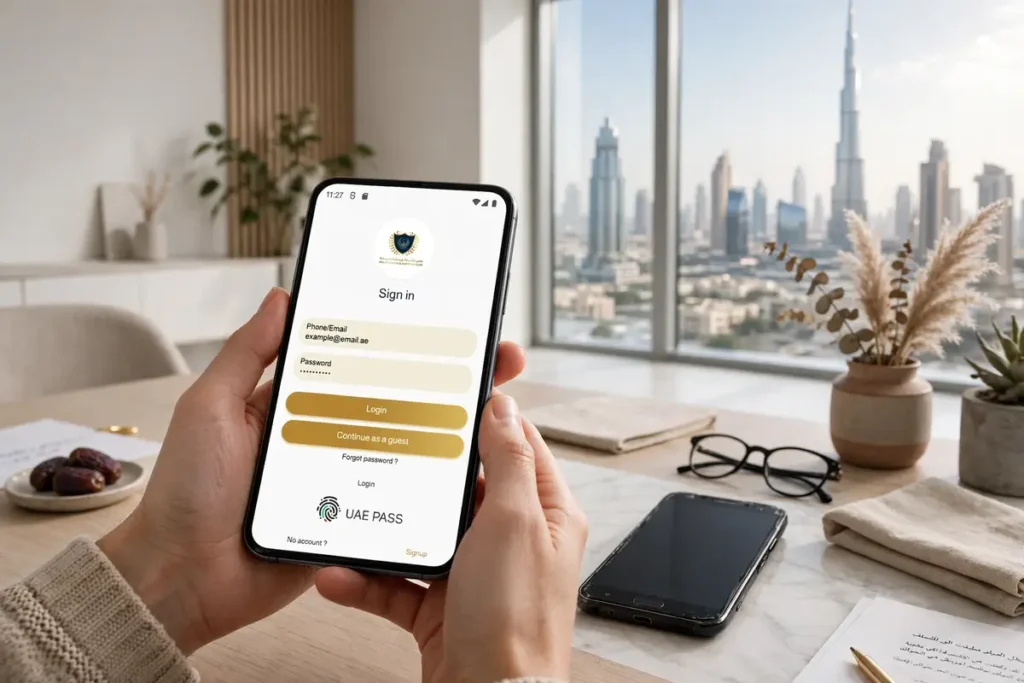
Open the Social Welfare Program portal for your social support status UAE check. The address is digitalservices.mocd.gov.ae. Log in with UAE PASS. Your UAE PASS is the same login you use for other federal services. Keep your phone near you. The login asks you to approve it on your phone.
Open My Cases after you log in. The list shows every case you filed with the ministry. Pick the approved application number for your social welfare file. The portal opens four parts. Application Summary. Monthly Allowance Summary. Calculation Method. Distribution Among Family Members. Each part shows live facts from your file.
Read the status line first on your social support status UAE page. It tells you if the file is under review, approved or needs more papers. Then read the allowance part. It shows the monthly amount the ministry worked out for your family. The calculation part shows how the ministry reached that amount. The distribution part shows how the amount splits among family members.
Note: Save a screenshot of the status page. Keep it with your reference number. A screenshot helps if you call the helpline later. The helpline staff can find your file faster with the number in front of them.
What the status page shows you
The Application Summary lists your name, your Emirates ID number and the date you filed. It lists the reason you applied. It lists the case worker team that holds your file. It shows the current stage in plain words.
The Monthly Allowance Summary shows the amount for the current month. It shows the date the money goes out. It shows the bank account the money goes to. Check the account number on this page. A wrong account number is the most common reason a payment goes missing.
The Calculation Method shows the income the ministry counted for your family. It shows the family size it used. It shows the base allowance and any extra parts. Read this part line by line. A wrong family size or a wrong income figure changes the amount.
The Distribution Among Family Members shows how the total splits. Each member gets a share. The split follows the ministry rules for your case type. A new baby or a child who left school can change the split. Update your family facts fast when life changes.
Example: Ahmed files for his family of five in Abu Dhabi. The portal shows an approved status. The monthly summary shows the amount. The calculation part shows the family income the ministry counted. Ahmed spots one error. The ministry counted an old salary. He uploads a new salary certificate the same day. The amount gets fixed before the next payment.
What each status means
Under Review means a case worker still reads your file. For the social welfare request, the ministry lists 21 working days as its service time. Working days skip Friday, Saturday and public holidays in the UAE. A file filed on a Sunday can take four full weeks on the calendar.
Approved means the ministry accepted your file. Now the allowance part shows the monthly amount. The payment date shows on the same page. Money goes to the bank account on your file.
More Papers Needed means the file stopped. Inside My Cases, the portal names the missing paper. Upload it through the same portal. The clock starts again after you upload. A file can sit for months if the paper never arrives. It won’t move on its own.
Rejected means the ministry said no to this request. The page shows the reason. Read it with care. A missing paper and a failed income test are very different reasons. One needs a new upload. The other needs a new request with fresh facts.
Tip: Check the portal once a week while you wait. Don’t call the helpline every day. The portal shows the same facts the helpline sees. That’s why BoloSara24 points readers to the portal first. A weekly check catches a change fast enough.
If your status is stuck
First, count the working days since you filed. The ministry lists 21 working days. If that time has not passed, wait. The file is still inside its normal time.
Second, open the portal and look for a message. The ministry posts requests for papers inside My Cases. Many people miss the message and wait for a call that never comes. Don’t be one of them. The portal is the first place to look.
Third, call the toll free number 800623. Have your Emirates ID number and your reference number ready. Ask for the exact stage of your file and the exact paper that is missing, if any. Write down the name of the person you spoke with and the date.
Fourth, ask for a To Whom It May Concern certificate if another body asks for proof. The ministry issues this letter to show if a person gets social support from the ministry. You need a personal profile on the official platform to ask for it. The letter helps with banks, schools and other bodies that ask for proof of support.
Example: Mariam waited six weeks with no news. She opened My Cases and found a message. The ministry needed her tenancy contract. She uploaded it that night. Her file moved to approved in nine working days. The message had sat there for three weeks. She just had not looked.
Papers to keep ready
Required Documents: The social welfare request needs your Emirates ID first. The ministry lists Emirates ID under its general papers for the service. Keep a clear copy of the front and back. Keep your family book if you have one. Keep your salary certificate or your income proof. Keep your tenancy contract or your housing proof. Keep your bank account details with the IBAN.
Keep every paper as a clean PDF. A blurry photo can bounce the file back. Name each file in plain words, like salary-certificate.pdf. A clear name helps the case worker find the right paper fast.
Checklist: Emirates ID copy. Family book. Income proof. Tenancy contract. Bank IBAN. Reference number from your first filing. UAE PASS login that works. A phone that gets the UAE PASS approval prompt.
Do you know your reference number? It came by text and email when you filed. Search your inbox for the ministry name. The number is the key to every status check and every helpline call.
Common mistakes
Common Mistakes: Five errors slow files down. First, people file and never open My Cases again. Second, people use an old UAE PASS login and get locked out. Third, people upload a photo of a paper instead of a clean scan. Fourth, people change bank accounts and never tell the ministry. Fifth, people trust a random website that looks like the ministry portal. The real portal is digitalservices.mocd.gov.ae. No other site takes your file.
Never pay an agent who promises a fast approval. The service is free of charge. You don’t pay a fils for it. The ministry lists the fee as free on its own page. A person who asks for money to speed up your file is not from the ministry. Report the number to the helpline on 800623.
Never share your UAE PASS code with anyone. The ministry never asks for your code by phone or by chat. A caller who asks for the code wants your identity, not your file.
Read the UAE housing application status UAE guide if you also wait on a housing file. The steps are close cousins. The UAE pension application guide covers the pension file for retired citizens. Families who need a home can read the apply housing grant UAE guide. Students can read the UAE scholarship application guide. The Sheikh Zayed Housing UAE guide covers the federal housing programme. People who track other papers can read the check UAE passport status guide.
The bottom line
A social support status UAE check takes five minutes once you know the path. Log in with UAE PASS on digitalservices.mocd.gov.ae. Open My Cases. Read the four parts of your file. Watch for messages that ask for papers. Call 800623 only after the 21 working days pass or after the portal asks for help. BoloSara24 checked the ministry pages on 29 November 2026. BoloSara24 found the portal, the free fee and the 21 working days all match the ministry site. The portal, the free fee and the 21 working days all match the ministry site. Keep your reference number close. Your file moves when you do. BoloSara24 will update this page when the ministry changes its portal or its times.
Frequently Asked Questions
How do I check social support status UAE online?
Open digitalservices.mocd.gov.ae and log in with UAE PASS. Open My Cases and pick your application number. The page shows your application summary, monthly allowance summary, calculation method and the split among family members.
How long does a social welfare request take in UAE?
The ministry lists 21 working days as its service time. Working days skip weekends and public holidays. A file can take about four calendar weeks. The portal shows the live stage while you wait.
Is the social support status check free?
Yes. The ministry lists the service fee as free of charge. The status check costs nothing. Never pay an agent who promises a faster result.
What do I need to log in to the portal?
You need a UAE PASS account and your phone. The login asks you to approve it on your phone. You also need your application reference number to find your file in My Cases.
What does More Papers Needed mean?
It means your file stopped until you upload a named paper. Open My Cases to see which paper is missing. Upload it through the same portal. The file moves again after the upload.
Who can get social welfare in UAE?
The Social Welfare Program is for UAE citizens with limited income. The ministry says the beneficiary must be a UAE citizen. The allowance calculator on the ministry site helps families see the base allowance before they apply.
Official Sources
Ministry of Community Empowerment Social Welfare Application: The official service page with the free fee, the 10 minute apply time and the 21 working days service time.
Ministry of Community Empowerment To Whom It May Concern Certificate: The official page for the letter that proves a person gets social support from the ministry.
Ministry of Community Empowerment Allowance Calculator: The official tool to work out the social welfare base allowance. The toll free helpline is 800623.
Disclaimer: BoloSara24 is an independent guide. It is not the Ministry of Community Empowerment and it is not a government body. Rules, amounts and times can change. Confirm the current facts on the ministry pages before you act. This guide gives general facts only. It is not legal or financial advice.
Last Updated: 29 November 2026.