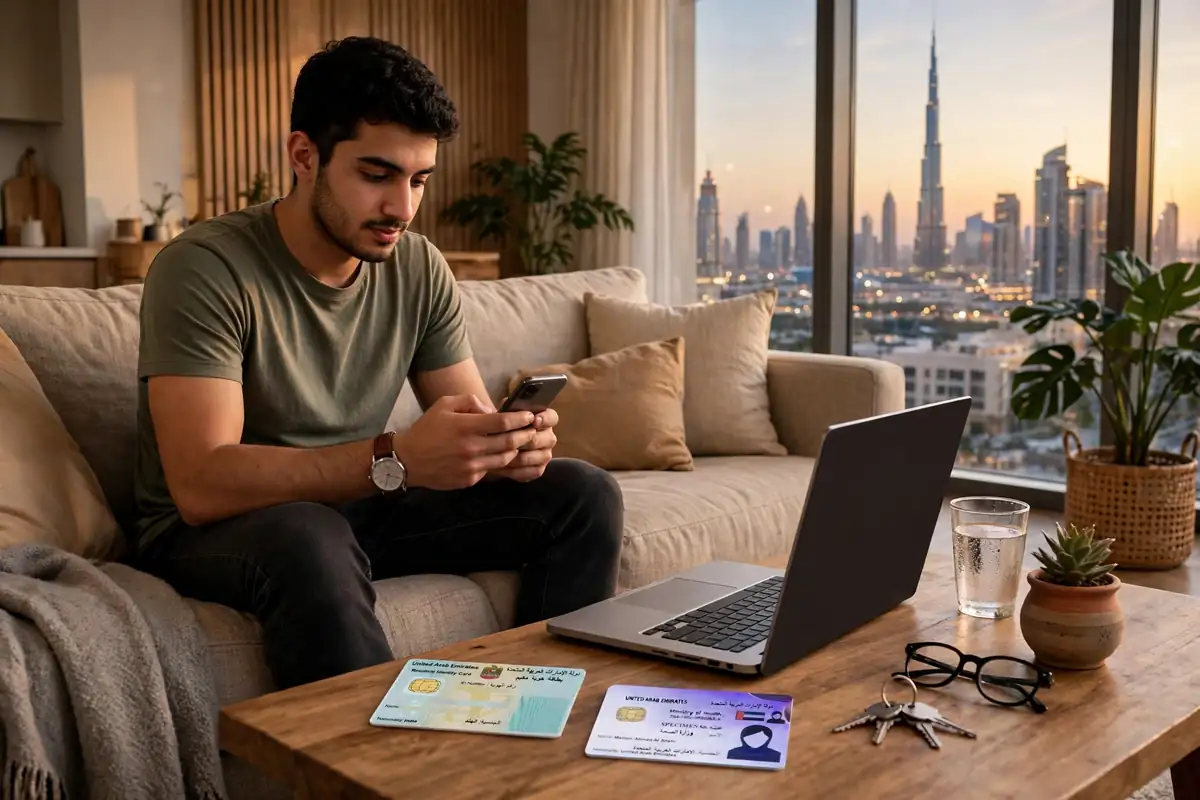
A health card status check UAE takes only a few minutes online. You log in to the EHS service with UAE Pass. You see your card state, your end date, and your application progress. You don’t need to visit a centre just to ask. The exact steps sit here in plain words.
Quick Answer: Open the EHS website or the EHS app and log in with UAE Pass. Open your health card requests to see the status. An active card shows its end date. A new request shows under review, approved, or returned for fixes. Keep your Emirates ID number ready.
What a health card status check UAE shows you
A health card status check UAE answers three plain questions. Is my card active right now? When does it end? Where does my new request stand? The EHS system shows all three in one place. You see the card number, the holder name, and the end date. You also see the state of any request you sent.
A card can sit in one of a few states. Active means you can use it at EHS clinics today. Expired means the end date has passed. Under review means an officer still checks your file. Returned means the officer needs a fix from you. Approved means the card is ready to use. Read the state word with care. Each state calls for a different next step.
Your health card links to your Emirates ID. The card holds its own validity period. That period can end while your Emirates ID still runs. A status check catches that gap before your clinic visit. Run a health card status check UAE a week before any planned visit.
What you need before you start
Keep three things ready. Your Emirates ID number is the first. It has 15 digits. Type it with no spaces and no dashes. Your date of birth is the second. The system uses it to confirm your identity. Your UAE Pass login is the third. The full tracking view needs UAE Pass.
Set up UAE Pass before you start the check. You need your Emirates ID and a face scan to set it up. The setup takes about 5 minutes. Keep your phone near you. The app asks you to approve the login on your phone.
Sara lives in Ajman and she applied for a new card on a Monday. She kept her request number in her notes app. She also kept the payment receipt on her phone. Both helped her when she checked the status on Thursday. The receipt proved she had paid. The request number helped the call centre find her file fast.
Checklist: Emirates ID number, date of birth, UAE Pass on your phone, and your request number when you have one. Keep the payment receipt too.
How to run a health card status check UAE online
Use the EHS website or the EHS app for your health card status check UAE. Both show the same account view. The website works 24 hours a day, 7 days a week. The app works the same way on your phone.
- Open the EHS website and find Patient Services.
- Open the health card service and click Start Now.
- Log in with UAE Pass and approve the request on your phone.
- Open your requests or your health card list.
- Find the card or the request you want to check.
- Read the state, the card number, and the end date.
- Save a screenshot of the result for your records.
The screen shows your card when one exists. It shows the end date in plain numbers. BoloSara24 lists only official EHS steps here. It shows a request state when you applied lately. A new online request moves fast. The smart service takes about 5 minutes with a valid Emirates ID. A manual file takes 3 working days from the date you send it. A Person of Determination file takes up to 8 working days.
How to Check: Log in with UAE Pass and open your health card requests. The state and the end date sit on that screen. Don’t trust a memory of the date. Read the live screen.
Health card status check UAE through the EHS app
The app suits people who check from their phone. Download the EHS app from your phone store. Log in with UAE Pass. The app shows your health card list on the home screen. Tap the card to see its full details.
The app also shows your past requests. Open the request history to see each step. A request can show as received, under review, approved, or returned. Tap a returned request to read the officer note. The note tells you what to fix. Fix that point and send the file again.
Turn on app alerts when the app offers them. An alert tells you the moment your card is approved. It also warns you when the end date nears. Alerts save you from a surprise at the clinic desk.
Omar works in Ras Al Khaimah and he travels a lot for his job. He checks his card on the app before each trip. He once found his card had 9 days left. He renewed it from the app that same night. His clinic visit the next week went ahead with no delay.
What each status means and what to do next
Active means your card works now. You can book a clinic visit. Note the end date and set a reminder one month before it. Renewal takes only a few minutes online.
Expired means you must renew before your next visit. Open the EHS service and pick Renew. Pay the fee for your group. UAE citizens pay AED 20. Expat residents pay AED 100. Add AED 15 as the smart service fee. Our guide to renew your health card in the UAE covers each step.
Under review means the officer still holds your file. Wait for the stated time. A manual file needs 3 working days. Don’t send a second request while the first one waits. A second request can slow both files down. BoloSara24 checked the EHS review times on 29 November 2026.
Returned means the officer needs something from you. Read the note word by word. It may ask for a clearer ID copy or a missing paper. Fix only the point it names. Send the file again. The 3 working days count starts again from the new send date.
Approved means the card is live. Your Emirates ID now works at EHS clinics. You don’t wait for a plastic card. Nothing arrives by post.
Track Status: Check once, then wait for the stated time. Check again only after that time passes. Daily checks don’t move your file faster.
When the check shows no card at all
A blank result has a few plain causes. You may have applied with a different Emirates ID number. You may have typed one digit wrong. You may have applied in a different emirate system. Dubai cards run through DHA. Abu Dhabi cards run through the Department of Health. EHS cards cover Sharjah, Ajman, Umm Al Quwain, Ras Al Khaimah, and Fujairah.
Check your typing first. Type the 15-digit Emirates ID number again with no spaces. Check your date of birth too. One wrong digit gives a blank result. Try the app when the website fails. Try the website when the app fails.
Call EHS when the blank result stays. The toll free number is 800 8877. Keep your Emirates ID number and your request number ready. The call centre can see your file and tell you its true state. Visit a Customer Happiness Centre when the phone route fails. Take your Emirates ID and your payment receipt with you.
Contact: EHS toll free 800 8877. Call with your Emirates ID number ready. The centre can check your file state for you.
Health card status check UAE for family members
Parents can check a child’s card from their own login. The child card links to the child Emirates ID. You need the child ID number and date of birth. A spouse can check with the spouse login. Each person sees only their own cards and requests.
Keep a small record for each family member. Write the card end date next to each name. Write the request number next to each new file. A shared note on the family phone works well. Run a health card status check UAE once a month for each family member. A five-minute monthly check stops a last-minute rush.
Do you check your family cards on one day each month? Pick a fixed day, like the first Sunday. A fixed day turns a chore into a habit. Your clinic visits will thank you for it.
Families who move with children should also read the UAE visa guide for children. They should also read the steps for a passport for a child in the UAE. A health checkup in the UAE is a good time to confirm every family card still works. When a family visa needs renewal, read how to renew a UAE family visa online.
Common mistakes to avoid
Many people type the Emirates ID with spaces or dashes. The form wants 15 digits in a row. Spaces break the search. Type the digits straight through.
Some people check the wrong system. A Dubai health card does not show on the EHS portal. An Abu Dhabi card does not show there either. Match the system to your emirate before you worry.
Some people send a second request when the first one waits. The second file can confuse the officer. It can also double your fee. Wait for the stated time first. Call the centre when that time passes with no news.
Some people ignore the returned note. The note names the exact fix. A new photo or a clear ID copy often solves it. Read the note before you act. BoloSara24 keeps this page in line with the EHS service page.
Common Mistakes: Don’t check daily and don’t send duplicate requests. Check once, wait for the stated time, and call 800 8877 when the time passes.
Frequently Asked Questions
How do I run a health card status check UAE online?
Log in to the EHS website or the EHS app with UAE Pass. Open your health card requests. The screen shows the state, the card number, and the end date.
What do I need for a health card status check UAE?
You need your 15-digit Emirates ID number, your date of birth, and UAE Pass for the full view. Keep your request number and payment receipt ready too.
How long does a new health card request take?
The smart online service takes about 5 minutes with a valid Emirates ID. A manual file takes 3 working days. A Person of Determination file takes up to 8 working days.
Why does my check show no card?
You may have typed the ID number wrong. A health card status check UAE needs 15 digits in a row. You may also sit in the wrong system. Dubai cards run through DHA and Abu Dhabi cards run through the Department of Health. EHS covers the Northern Emirates.
What does “returned” mean on my health card request?
It means the officer needs a fix from you. Read the note on the request. Fix the named point and send the file again. The review time starts again from the new send date.
Can I check my child’s health card status?
Yes. A parent can check from the parent login with the child Emirates ID number and date of birth. Each family member needs their own check.
Official Sources
Emirates Health Services: Issue of a Health Card. The official EHS service page with the smart service, fees, validity, and review times.
Ministry of Health and Prevention (MOHAP). The federal ministry that oversees health services in the Northern Emirates.
UAE Pass. The official digital ID you use to log in and track your EHS requests.
Federal Authority for Identity, Citizenship, Customs and Port Security (ICP). The body that issues the Emirates ID your health card links to.
Disclaimer: BoloSara24 shares general information only. Times and rules can change. Check the EHS page before you act. This page is not medical advice and it does not replace the EHS service page.
Last Updated: 29 November 2026.



