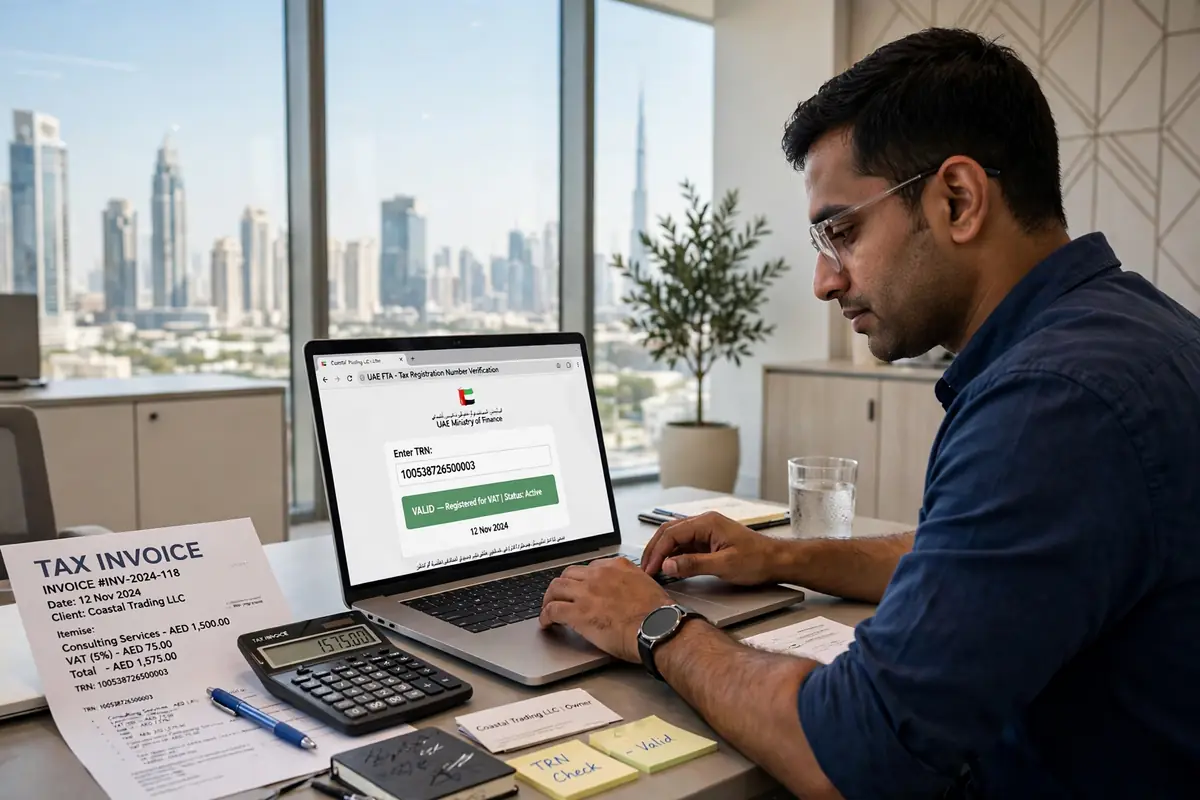
Check TRN number UAE free on the Federal Tax Authority site. The check takes about two minutes. You need no login and you pay no fee. You type the number, you type a code from an image, and you read the result.
A TRN is a Tax Registration Number. It has 15 digits. The Federal Tax Authority, known as the FTA, gives one to each firm or person that registers for tax. The number sits on tax invoices. It also sits on the VAT registration certificate. A wrong digit can cost you money. That is why smart buyers check first and pay later.
Quick Answer: Open tax.gov.ae and click TRN/TIN verification. Pick TRN. Type the 15 digit number with no spaces. Type the code from the image and click Submit. A valid number shows the name. Compare that name with the name on your invoice.
What a TRN is
Think of a TRN as a tax ID card for a firm. It proves the firm is on the FTA register and can charge VAT. It goes on each tax invoice the firm sends. To check TRN number UAE for a supplier, use the free FTA tool. Your own TRN sits on your VAT registration certificate and on your EmaraTax dashboard.
An example TRN looks like 100123456700003. Most TRNs start with 100, and the next digits name the firm. The number has digits only. A TRN with 14 digits or 16 digits is not a TRN. Count the digits before you type.
The TIN is a shorter cousin of the TRN. TIN means Tax Identification Number. It has 10 digits. It is the first 10 digits of the TRN. E-invoicing uses the TIN as the firm ID. The same FTA tool checks a TIN when you pick the TIN tab.
Example: Ahmed runs a small shop in Sharjah. A new supplier sends an invoice with a TRN. Ahmed opens tax.gov.ae and checks the number. The result shows a legal name that differs from the supplier name on the invoice. Ahmed calls the supplier and asks for a corrected invoice. That one check saves him a VAT dispute later.
Where to find a TRN
Look at the tax invoice first. A valid tax invoice must show the supplier TRN. Copy the number from the invoice itself. Don’t copy it from an email footer or a website page. Those copies go out of date fast, so trust the invoice itself.
Your own TRN lives in three places. It sits on your VAT registration certificate. It sits on your EmaraTax dashboard after you sign in. It sits on each tax invoice you send. You still need to check TRN number UAE on the FTA site before you pay a supplier. Keep the certificate in a safe file. You’ll need the number for each VAT return. Our guide to file a VAT return in UAE shows the return steps in plain words.
Tip: Save a dated note each time you check a supplier TRN. Write the date, the number and the name the tool showed. File it with the invoice. That note is your proof that you checked.
How to check TRN number UAE step by step
The tool sits on the FTA site and works from any page of tax.gov.ae. You need no account. You need no UAE PASS login for this one check. It is the only free way to check TRN number UAE online, and it takes two minutes.
How to Check: Open tax.gov.ae and click TRN/TIN verification. Leave TRN picked. Type the 15 digit number with no spaces or dashes. Type the code from the image and click Submit. Read the result on the next screen.
- Open tax.gov.ae in your browser.
- Click TRN/TIN verification in the links menu and leave TRN picked.
- Type the number with digits only.
- Type the code from the image in the box.
- Click Submit and read the result.
The BoloSara24 team checked the tool on tax.gov.ae on 29 November 2026. It asks for the number. It also asks for a code from an image. It doesn’t ask for a login or a payment. Each check needs a fresh code.
Processing Time: About two minutes for one check. The page loads fast. The result shows at once after you submit. A slow image code is the only delay most users meet, so type it with care.
Note: The code from the image has 5 characters. Type it with care. A wrong code gives an error on screen. A wrong code loads a new image. The tool sets no published limit on checks.
How to read the result
A valid TRN shows the registered legal name. Compare that name with the invoice name. Match the legal name on the trade licence. A shop can trade under a short brand name while its legal name is longer. The trade licence shows the legal name.
A name match means your check TRN number UAE lookup found a live number. A name mismatch means stop. Ask the supplier for a corrected invoice or a copy of the VAT registration certificate. Don’t pay a large invoice on a mismatched TRN.
What if the tool shows no result? The number may have a typo. Check each digit against the invoice one by one. The number may also sit outside the register. Ask the supplier for proof of registration. Never guess. A guess can cost you the VAT you planned to claim.
Important: The tool checks one number at a time. It does not search by firm name. If you hold only a name, ask the supplier for its VAT registration certificate. The certificate shows the TRN in full.
Why you must check before you claim VAT
Since 1 October 2026, VAT registered firms must check their suppliers before they deduct input VAT. FTA Decision No. 13 of 2026 sets that rule. It came into force on that date in October 2026. A firm that skips the check risks its VAT claim. You can’t claim VAT on a bad number, and the FTA will ask questions.
The rule is simple. You buy goods or services. You plan to deduct the VAT on that buy, so first prove the supplier holds a valid TRN. The free FTA tool gives you that proof in two minutes. A check TRN number UAE lookup takes two minutes. A VAT dispute takes weeks.
Example: Sara files VAT returns for a Dubai firm. She checks three supplier TRNs each month. One month a name mismatches. She holds the payment and asks for a corrected invoice. The supplier sends a fresh invoice. It shows the right legal name. Sara claims the VAT with a clean file. Her file stays clean because she checked.
Firms that register for tax for the first time can read our tax guide. It shows how to apply for corporate tax registration in UAE. Firms that need a tax home paper can read our tax paper guide. It shows the tax residency certificate in UAE. BoloSara24 keeps each guide short so a busy owner can finish it in one sitting.
The TIN and e-invoicing
The UAE moves to national e-invoicing. A pilot phase opened on 1 July 2026. Mandatory e-invoicing starts on 1 January 2027 for firms with annual revenue of AED 50 million or more. The Ministry of Finance runs the e-invoicing plan. Check the ministry page for the current dates before you plan your year.
Your TIN is the first 10 digits of your TRN, so it is easy to find. E-invoicing uses the TIN to name your firm on the network. The FTA tool checks a TIN on its own tab. You can check TRN number UAE or a TIN on the same tool. Pick TIN, type the 10 digits and submit with the image code.
Did you check the TRN before you paid the last invoice? That’s the habit that saves you. If not, start with the next one. A two minute check beats a month of letters with the FTA.
Cost: Free. The TRN check costs nothing. The FTA charges no fee for the tool. It asks for no login. Any site that asks you to pay for a TRN check is not the FTA site. Close it and open tax.gov.ae.
Check on your phone too
The FTA also runs the UAE Tax mobile app. The app holds the same TRN check. Open the app, pick the check, type the number and the code. The result shows the same legal name.
Freelancers who bank in the UAE can read our freelancer bank guide. Read our ID guide when your bank asks for a fresh ID. It shows how to update Emirates ID with your bank in UAE.
Warning: Never type your EmaraTax password on a TRN check page. The real tool asks for the number and an image code. Nothing more. A page that asks for your password is a fake page. Close it at once.
Common mistakes to avoid
Most failed checks fail on small slips that take seconds to fix. Each slip is easy to fix.
Common Mistakes: Type the TRN with spaces or dashes and the tool rejects it. Copy the number from an old email footer. Compare the brand name. The legal name is the one that counts. Pay a large invoice on a mismatched TRN and you risk your VAT claim. Skip the check. Claim the VAT anyway and the FTA may refuse it.
Do and Dont: Do copy the number from the invoice itself. Do compare the legal name. The trade licence shows it. Do save a dated note of each check. Dont pay on a mismatched name. Dont trust a TRN from a chat message. Dont share your EmaraTax password with anyone, not even a friend who asks.
Frequently Asked Questions
How do I check TRN number UAE without a login?
Open tax.gov.ae and click TRN/TIN verification. The tool needs no login. Type the 15 digit TRN, type the code from the image and click Submit. A valid number shows the registered legal name.
Does the TRN check cost money in UAE?
Yes, it is free. The FTA tool is free. Use it to check TRN number UAE as many times as you need. Any site that asks you to pay for a TRN check is not the official FTA site.
How many digits does a UAE TRN have?
A TRN has 15 digits. A TIN has 10 digits. The TIN is the first 10 digits of the TRN. Any other length is not valid.
Can I search a TRN by company name in UAE?
No. The FTA tool checks one number at a time. It does not search by firm name. Ask the supplier for its VAT registration certificate.
What does it mean if the TRN name does not match my invoice?
Stop. Ask the supplier for a corrected invoice or a copy of the VAT registration certificate. Don’t pay a large invoice on a mismatched TRN. Run a fresh check TRN number UAE lookup on the corrected invoice. A mismatch can block your VAT claim.
What is the difference between a TRN and a TIN in UAE?
A TRN has 15 digits. It is your tax registration number. A TIN is the 10 digit tax ID used for e-invoicing. The TIN is the first 10 digits of the TRN. The FTA tool can check each one.
Official Sources
Federal Tax Authority: runs the free TRN/TIN check.
Ministry of Finance: runs e-invoicing.
UAE Government Portal: links to tax services.
Disclaimer: BoloSara24 is an independent guide. It has no link with the UAE government, the Federal Tax Authority or any other authority. The BoloSara24 team checked these facts on 29 November 2026. Rules and dates change, so confirm the current rule on the FTA site before you claim VAT. This is general information, not tax advice.
Last Updated: 29 November 2026.