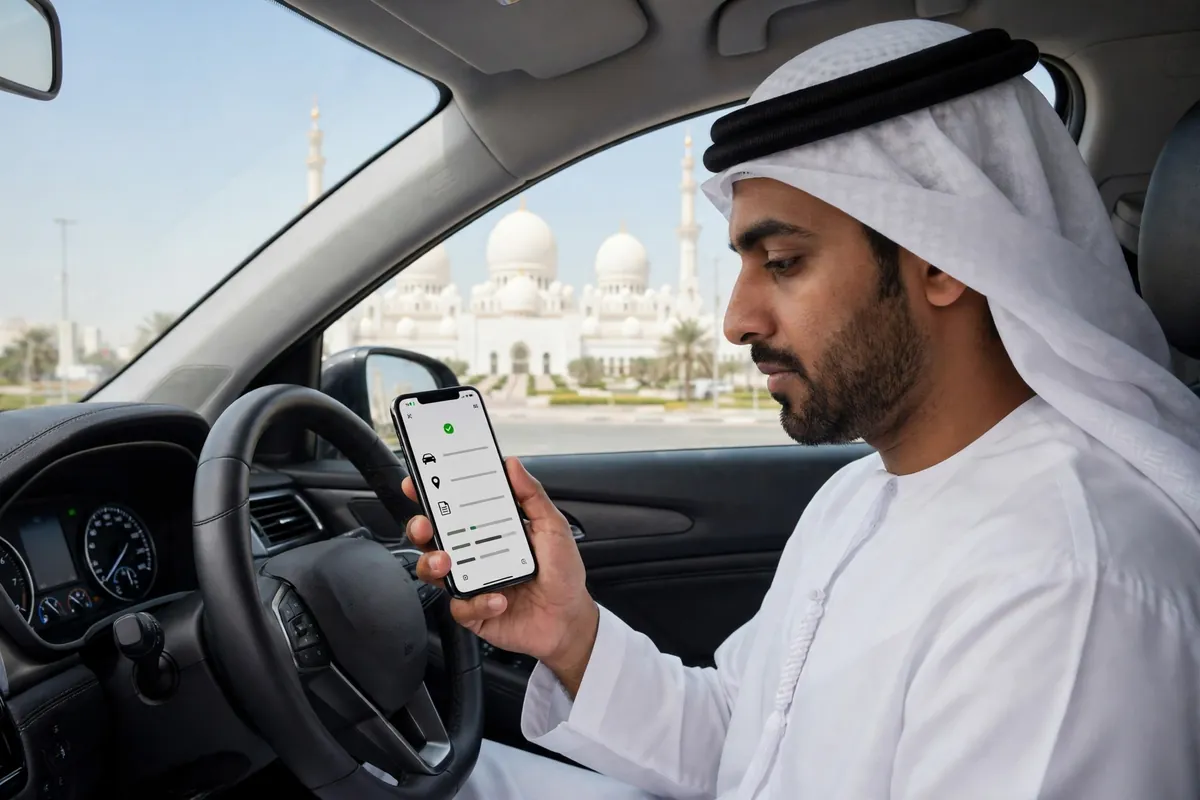
Do you drive in Abu Dhabi and want to know what you owe? You can check traffic fines Abu Dhabi UAE in a few minutes on your phone. BoloSara24 shows you the official ways to do it. TAMM is the main channel for Abu Dhabi fines. The Abu Dhabi Police website and the MOI app work too. You need only one search detail. Your plate number, your licence number, your Emirates ID, or your traffic code number will do. Each channel is covered step by step. The 35% early payment discount is covered too. You will learn what to do when a fine looks wrong.
Quick Answer: Open TAMM and sign in with UAE PASS. Search for Traffic fines payment. Your fines show with the date, the place, the amount, and the black points. Pay within 60 days and most fines drop by 35%. You can also search by plate number or traffic code number.
Check traffic fines Abu Dhabi UAE on TAMM
TAMM is the Abu Dhabi government services platform. Abu Dhabi Police moved its traffic services there. TAMM is now the first place to check an Abu Dhabi fine. You need a UAE PASS account to sign in. Set up UAE PASS first if you don’t have it yet. The check itself is free. You pay only for the fine.
Open the TAMM app or the TAMM website. Sign in with UAE PASS. Type “Traffic fines payment” in the search bar. Open the service. Your own fines appear on the screen. Each fine shows the date, the place, the amount, and the black points. The amount shown already has any discount in it. Pick the fines you want to pay. Pay by card and save the receipt.
Don’t see a fine you expect? Wait a few days. A new fine can take a few days to show in the system. Cameras send the record to the police first. The police then load it onto TAMM. Check again after three or four days.
Tip: Pay on TAMM when you want the discount. The 35% early payment discount shows on TAMM. Bank apps and the MOI app show the full amount. The same fine costs more there.
Pay for someone else on TAMM
You can pay a fine for a family member or a friend. TAMM has a Pay for Others option. Open Traffic fines payment. Choose Pay for Others. Search with their Emirates ID, licence number, plate number, or traffic code number. Their fines appear. You pay by card as normal. Keep the receipt and send them a copy. This helps when a parent or a spouse does not use apps.
Ahmed lives in Abu Dhabi and his father visits from Pakistan each winter. His father drove the family car and got a speeding fine. Ahmed opened TAMM, chose Pay for Others, and typed his father’s traffic code number. The fine showed at once. He paid it within 60 days and saved 35%. His father never touched an app.
Check traffic fines Abu Dhabi UAE on the police website
The Abu Dhabi Police website gives you a second official channel. Open the e-services site and find Traffic Fine Inquiry. You can search with your plate number, traffic file number, Emirates ID, or licence number. Some public inquiry tools need no login at all. They list the official value and black points for each violation code.
The police app adds one extra help. It shows the camera photo for many fines. A photo matters when you plan to object. You can see the car, the plate, and the place. If the photo shows a different car, you have strong proof. Download the Abu Dhabi Police app from your official app store. Sign in with UAE PASS or create an account with your Emirates ID, email, and mobile number.
Note: Abu Dhabi Police customer service answers on 800 3333. Call them when a fine will not load or a payment fails. They can confirm a violation over the phone.
Use the MOI app for fines from every emirate
The Ministry of Interior app covers all seven emirates. That makes it the best single check when you drive between Abu Dhabi, Dubai, and Sharjah. One search shows fines from each police force. Open the MOI UAE app or the MOI website. Sign in with UAE PASS. Open Traffic Fines Payment. Search by traffic code number, plate number, or licence number.
Search by traffic code number when you can. You can check traffic fines Abu Dhabi UAE on MOI too, but pay on TAMM for the discount. The traffic code number links to you, not to one car. It pulls up fines on a car you have since sold. A plate search shows fines on that one car only. Both searches are free. The MOI service takes card payments and digital wallets like Apple Pay, Samsung Pay, and Google Pay.
Fines work differently from visa fines, so don’t mix the two checks. A traffic fine sits on your driving record. A visa fine sits on your immigration record. Each one needs its own portal and its own payment.
The 35% discount and how it works
Abu Dhabi Police run a standing early payment discount. It is not a one-off campaign. Pay within 60 days of the violation date and most fines drop by 35%. Pay after 60 days and up to one year and the discount drops to 25%. Serious violations do not qualify for any discount.
Take a real case. A speeding fine of AED 600 becomes AED 390 when you pay in the first 60 days. You save AED 210. Pay the same fine after 60 days and it costs AED 450. Pay it after a year and you pay the full AED 600. The lesson is plain. Check often and pay fast.
Fees: The check costs nothing on any official channel. You pay only the fine amount. TAMM states no added cost for the service. Never pay a third-party site a fee to check your fines.
Pay in instalments when the total is high
A big fine total can hurt. Abu Dhabi Police let you split fines into interest-free instalments over one year. You need a credit or debit card from one of the partner banks. Five banks take part. They are First Abu Dhabi Bank, Abu Dhabi Commercial Bank, Abu Dhabi Islamic Bank, Emirates Islamic Bank, and Mashreq. Ask your bank to set the instalment plan after you pay. The plan runs for up to 12 months. No interest is charged.
Do you have several fines at once? Add them up first. Pay the oldest fine first when money is tight. After you pay, check traffic fines Abu Dhabi UAE once more. The fine should show as paid. The oldest fine is closest to losing its discount. Then work through the rest in date order. This simple order saves the most money.
What each fine shows you
Every fine record carries five facts. The date and time tell you when it happened. The place tells you where the camera or patrol caught you. The violation type tells you the rule you broke. The amount tells you what you owe after any discount. The black points tell you how close you sit to a licence suspension. Read all five before you pay.
Black points deserve a careful look. Small speeding fines often carry no points at all. A phone at the wheel adds four points. A red light adds 12 points and a 30-day impound. Points sit on your licence, not on your car. They expire 12 months after the violation date. Reach 24 points in 12 months and your licence is suspended. Read how the black points system works before you ignore a fine.
Warning: Unpaid fines block other services. You cannot renew your car registration with unpaid fines. You cannot transfer car ownership either. Clear fines first, then do the other task.
Object when a fine looks wrong
Cameras can read a plate wrong. A fine can land on the wrong car. You can object through Abu Dhabi Police. Gather your proof first. The camera photo helps most. Your parking receipt or Salik record can help too. File the objection through the police complaints portal or at a customer happiness centre. You can check traffic fines Abu Dhabi UAE again after the objection to see the result. Keep the reference number they give you. Check the result on TAMM after a few days.
Don’t pay a fine you plan to object to. Payment can close the case. Object first and pay only when the objection fails. If the fine is small and the proof is weak, pay it and move on. Your time has value too.
Checklist: UAE PASS login ready. One search detail at hand. Plate, licence, Emirates ID, or traffic code number. Card ready for payment. Receipt saved after payment.
Visit a centre when the app will not work
Apps fail sometimes. A centre can help in person. TAMM service centres and Abu Dhabi Police customer happiness centres pull your record at the counter. They take card payment on the spot. Bring your Emirates ID and your car registration card. Find a government service centre near you before you travel. Book an appointment when the centre offers one. It saves a long wait.
Dubai drivers use the Dubai Now app for Dubai fines. Abu Dhabi fines need TAMM or the police channels. Each emirate runs its own system. Use the right one for the plate on your car.
BoloSara24 suggests you check traffic fines Abu Dhabi UAE once a month. A monthly check takes two minutes. It stops small fines from growing into big blocks on your record. Don’t wait for a letter in the post.
BoloSara24 readers often ask about instalments. The answer stays simple. Pay early when you can. The discount beats any plan.
The BoloSara24 team checked the TAMM traffic fines service on 29 November 2026. The team also checked the Abu Dhabi Police fines inquiry page the same day. Both pages list the same search options. Plate number, licence number, Emirates ID, and traffic code number all work. The 35% discount within 60 days and the 25% discount up to one year match the Abu Dhabi Police announcement.
Frequently Asked Questions
How do I check traffic fines in Abu Dhabi for free?
Open TAMM, the Abu Dhabi Police website, or the MOI app. Sign in with UAE PASS. Search with your plate number, licence number, Emirates ID, or traffic code number. The check is free on all three channels. You pay only when you choose to pay a fine.
Can I check Abu Dhabi traffic fines by plate number only?
Yes. A plate search shows all fines on that car, no matter who drove it. You need the plate code and number from the car registration card. It will not show fines you got in a different car.
How do I get the 35% discount on an Abu Dhabi fine?
Pay within 60 days of the violation date on TAMM or the Abu Dhabi Police website. The discount shows in the amount before you pay. Serious violations do not qualify. After 60 days the discount drops to 25% for up to one year.
Why does my fine show a higher amount on the MOI app?
The MOI app shows the full fine amount. The discount appears only on TAMM and the Abu Dhabi Police channels. Check on MOI, then pay on TAMM to get the lower amount.
How long does a new fine take to appear on TAMM?
A new fine can take a few days to appear. The camera record reaches the police first, then loads onto TAMM. Check again after three or four days if you know a fine is coming.
Can I pay an Abu Dhabi traffic fine in instalments?
Yes. Abu Dhabi Police offer interest-free instalments over up to one year. You need a card from one of the five partner banks. They are First Abu Dhabi Bank, Abu Dhabi Commercial Bank, Abu Dhabi Islamic Bank, Emirates Islamic Bank, and Mashreq. Ask your bank to set the plan after payment.
Official Sources
TAMM Abu Dhabi – Abu Dhabi government services platform; sign in with UAE PASS and open Traffic fines payment.
Abu Dhabi Police – Official site of Abu Dhabi Police; traffic services, fines inquiry, and the police app.
Abu Dhabi Police Traffic Fine Inquiry – Public fines inquiry by plate, traffic file, Emirates ID, or licence number.
Ministry of Interior UAE – Federal Traffic Fines Payment service for all seven emirates.
UAE Government Portal – The official portal of the UAE Government; lists the official channels for traffic fines.
Disclaimer: The information here is general only. It is not legal advice. Fine amounts, discounts, and rules can change. Always confirm the current amount on TAMM or the Abu Dhabi Police website before you pay.
Last Updated: 29 November 2026.