The Quick Answer
Quick Answer: You can check ADDC bill online UAE through the TAQA Distribution online account or the TAQA Distribution app. You need your account number. ADDC and AADC merged into TAQA Distribution in January 2025. The old addc.ae pages still work for bills and payments. Call 800 2332 if you need help by phone.
ADDC was the Abu Dhabi Distribution Company. It supplied electricity and water in Abu Dhabi. AADC did the same job in Al Ain. The two firms now work under one name. That name is TAQA Distribution. Your bill may still say ADDC. Your app may now say TAQA Distribution. Both names point to the same service.
Omar lives in Khalifa City. His bill used to come from ADDC. In 2025 the app name changed. He thought his account had moved. It had not moved. He signed in with the same account number. His bill and his history were still there. Your account works the same way.
BoloSara24 checked the TAQA Distribution and ADDC pages on 29 November 2026. The steps in this guide follow those official pages. Use only addc.ae or the official TAQA Distribution app for the check. A fake site can steal your card details.
Find Your ADDC Account Number
Your account number is the key to every check. It sits on any old ADDC bill. Look near the top of the bill. The bill shows your name, your address, and your account number in one block. That block also shows the bill number and the bill date. Keep the bill number close if you call the centre. The staff ask for it.
Your tenancy contract can help too. A Tawtheeq tenancy in Abu Dhabi triggers your account. TAQA Distribution says your account is set up for you when your tenancy is registered with Tawtheeq or ADGM. The supply is already connected. You only need to activate your online account. That is a big time saver for new tenants.
New owners follow a different route. Homes outside the Tawtheeq and ADGM areas need a start of service request. You apply to start the service. TAQA Distribution then gives you an account number. Keep that number in your phone. Save it as a note with the word ADDC.
Tip: Take a photo of your first bill. Save it in your phone. The account number stays in that photo. You will never hunt for it again. A photo beats a search through old emails.
Lost the number? Call 800 2332. That is the TAQA Distribution call centre number. The staff can find your account with your Emirates ID and your address. Have both ready before you call. Don’t share your account number with a stranger who calls you first. The real centre never asks for card details on a cold call.
How to Check ADDC Bill Online UAE in the Online Account
Step 1. Open the TAQA Distribution site or the addc.ae residential pages. Look for My Account or the online account link. The site will ask you to sign in or to activate your account. Pick the option that fits you.
Step 2. Activate your online account if this is your first time. You need your account number for this step. The site sends a code to your phone or email. Type the code to finish the activation. Set a password you will remember. Save it in a safe place.
Step 3. Sign in with your account details. Open the bills section. Your latest bill shows at the top. It shows the total amount due. It shows the due date. It shows the split between electricity and water.
Step 4. Open the bill to read each line. The bill shows electricity use and water use as separate lines. It shows municipality fees too. It shows any balance carried from the last bill. The total at the bottom adds them all with VAT.
Step 5. Download the bill if you need a copy. A PDF helps with a visa file or a landlord dispute. Save it with the month in the file name. That habit keeps your files in order.
Note: The online account lets you pay your own bills and other people’s bills. You can set up Autopay for regular payments. You can check how much water and electricity you have used. You can compare your use with past months. You can start or stop services when you move in or out.
Check ADDC Bill Online UAE in the App
The TAQA Distribution app is the best tool for a monthly check. It runs on Android and iPhone. Download it from the official store only. Check the publisher name before you install it. A fake app can steal your login.
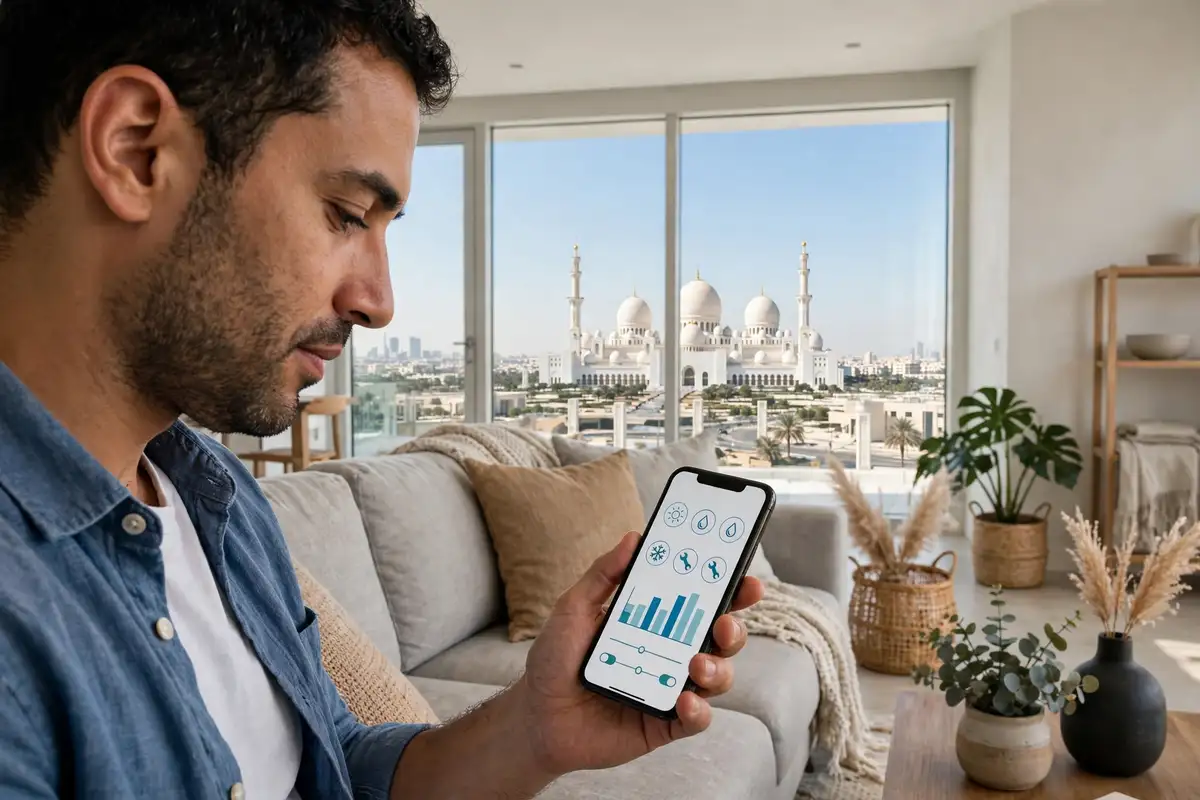
Sign in with your online account to check ADDC bill online UAE. The app shows your current bill on the home screen. It shows your use in a simple graph. It lets you pay with a card. It lets you update your contact details. It sends a notice when a new bill is ready.
The app also shows your consumption history. You can see a hot month at a glance. You can see a cool month too. A spike in one month often has a cause. A guest stayed with you. The AC ran all day. A tap leaked for a week. The graph helps you spot the cause fast.
Autopay in the app pays the bill on the due date. It takes the money from your card. It saves you from a late payment. Check the card date each year. An expired card stops Autopay. Update the card before it expires.
Other Ways to Check Your ADDC Bill
TAMM is the Abu Dhabi government services portal. It holds many Abu Dhabi services in one place. Sign in to TAMM with your account. Find the TAQA Distribution service. Your bill shows there too. TAMM suits people who already use it for other Abu Dhabi services.
Phone is the simple route. Call 800 2332. That is the TAQA Distribution call centre. Give your account number. The staff can read your balance. They can take a card payment by phone too. Keep your bill number close during the call.
Online chat is open from 08:00 to 20:00, Monday to Saturday. That time comes from the TAQA Distribution site. Use the chat on the site for a quick question. A chat agent can point you to the right page. The chat does not run all night. Call 800 2332 outside chat hours if the matter is urgent.
Payment kiosks also exist. MBME kiosks take ADDC payments in Abu Dhabi. Partner banks and exchange houses take payments too. A kiosk suits a cash payment. The online account and the app suit a card payment. Pick the route that fits your day.
Read Your ADDC Bill Line by Line
Your bill has a few main parts. The top block shows your name and address. It shows your account number and your bill number. It shows the bill date and the payment due date. Read the due date first. That date is the one that matters most.
The middle part shows your use. Electricity use is measured in kilowatt hours, written as kWh. Water use is measured in cubic metres. Each service has its own line. The bill shows the use for the month in clear numbers. It shows the charge for each line too.
The bill also shows municipality fees. Those fees come from the Abu Dhabi authorities. TAQA Distribution collects them on the bill. The bill shows them as a separate line. If you have a question on the municipality fee, call the Abu Dhabi Government Contact Centre on 800 555. That number is printed on the bill guide.
The bottom part shows the total. The total includes any amount carried from the last bill. It includes VAT. The bill shows the VAT line by itself. Check the total against your last payment. A carried balance means the last bill was not paid in full.
Fees: There is no single fixed fee for every home. A studio pays less than a 4 bedroom villa. A family of 5 uses more water than a single person. Your use sets your total. The bill shows your use in clear numbers. BoloSara24 does not list tariff rates here because TAQA Distribution updates its tariff document each year. Read the rates on the addc.ae tariff page for the current year.
What to Do If Your ADDC Bill Looks Wrong
First, check the bill dates. A long billing period can look high. A short period can look low. Compare the same month last year, not last month. Summer use is always higher in Abu Dhabi. The AC runs for more hours in August than in February.
Next, check your use in the app. A sharp jump often has a cause. A leaking tap can waste a lot of water. A faulty AC can use a lot of power. A new guest can push the use up for a week. The graph in the app shows the jump in plain form.
Check for a leak at home. Turn off all taps. Look at your water meter. If the meter still moves, water is flowing somewhere. A plumber can find the leak. Fix it fast. A leak can double a bill in one month.
Still sure the bill is wrong? Call 800 2332. Give your account number, your bill number, and the bill date. Ask for a meter check. Keep your bill PDF ready during the call. The staff can read the same lines with you. Email contactcentre@addc.ae works too for a written record.
Common Mistakes: The first mistake is to use an old ADDC link from a search result and pay on a copy site. Open addc.ae yourself. The second mistake is to ignore a carried balance. A carried balance grows each month. Pay the full total, not just the new month. The third mistake is to let Autopay run on an expired card. Update the card before it expires.
Do and Dont: Do check your bill each month on the same date. Do save the PDF each month. Do turn on the app notice for a new bill. Don’t pay on a site that is not addc.ae or the official app. Don’t share your bill photo online. Don’t wait for a second notice to pay.
Frequently Asked Questions
How can I check ADDC bill online UAE without a login?
The TAQA Distribution online account and app need a login or an activated account. There is no guest view like the DEWA View Bill page. Activate your online account with your account number, then sign in to see the bill.
What is TAQA Distribution and is it the same as ADDC?
Yes. ADDC and AADC merged into TAQA Distribution in January 2025. TAQA Distribution now runs power and water distribution in Abu Dhabi and Al Ain. Bills, tariffs and payments still sit on addc.ae pages.
Where do I find my ADDC account number?
It is on any old ADDC bill near the top. A Tawtheeq tenancy also triggers your account. Call 800 2332 with your Emirates ID if you lost the number.
Can I pay my ADDC bill through TAMM?
Yes. TAMM is the Abu Dhabi government services portal. Sign in to TAMM. Find the TAQA Distribution service. You can view and pay the bill there with a TAMM account.
What number do I call for ADDC bill help?
Call 800 2332. That is the TAQA Distribution call centre. Online chat runs 08:00 to 20:00, Monday to Saturday. Email contactcentre@addc.ae for a written record.
Why is my ADDC bill high this month?
Check the bill dates and the use graph in the app first. A longer period or more AC use can explain it. A water leak can also push the bill up. Call 800 2332 if the use still looks wrong.
Official Sources
ADDC, Understand Your Bill: the official ADDC page that explains each part of the bill, the account number, and the 800 2332 call centre.
ADDC, Abu Dhabi Distribution Company: the official ADDC site for the online account, bill check, payments and tariffs under TAQA Distribution.
UAE Government Portal, Public Utilities: the official UAE portal page that names TAQA Distribution as the power and water distributor in Abu Dhabi.
Read more on BoloSara24: ADDC connection in UAE, how to check DEWA bill online in UAE, register Tawtheeq in Abu Dhabi, close a DEWA account in UAE, pay a SEWA bill online in UAE.
Disclaimer: BoloSara24 is an independent guide. It is not TAQA Distribution and not a government body. Bills and portal steps can change. Check addc.ae before you pay.
Last Updated: 29 November 2026.



