A wrong Darb charge feels small. AED 4 here, AED 4 there. Then the fines start. A wrong fine can cost AED 100 or more. A Darb toll refund Abu Dhabi UAE drivers claim through a grievance on the Darb app. You show the proof. Darb checks the record. A wrong charge comes back to your wallet. A wrong fine gets wiped. File fast. The window runs short. That’s the one rule BoloSara24 repeats in every Darb piece.
Quick Answer: A Darb toll refund Abu Dhabi UAE drivers get by filing a grievance in the Darb app. Open Requests, pick Fines, choose the charge, attach proof and send it. You get a reference number to track it. The answer comes by email or SMS. It doesn’t come by post. Wrong charges go back to your Darb wallet. Close your account to pull the wallet cash out with an IBAN.
What Darb charges and why errors happen
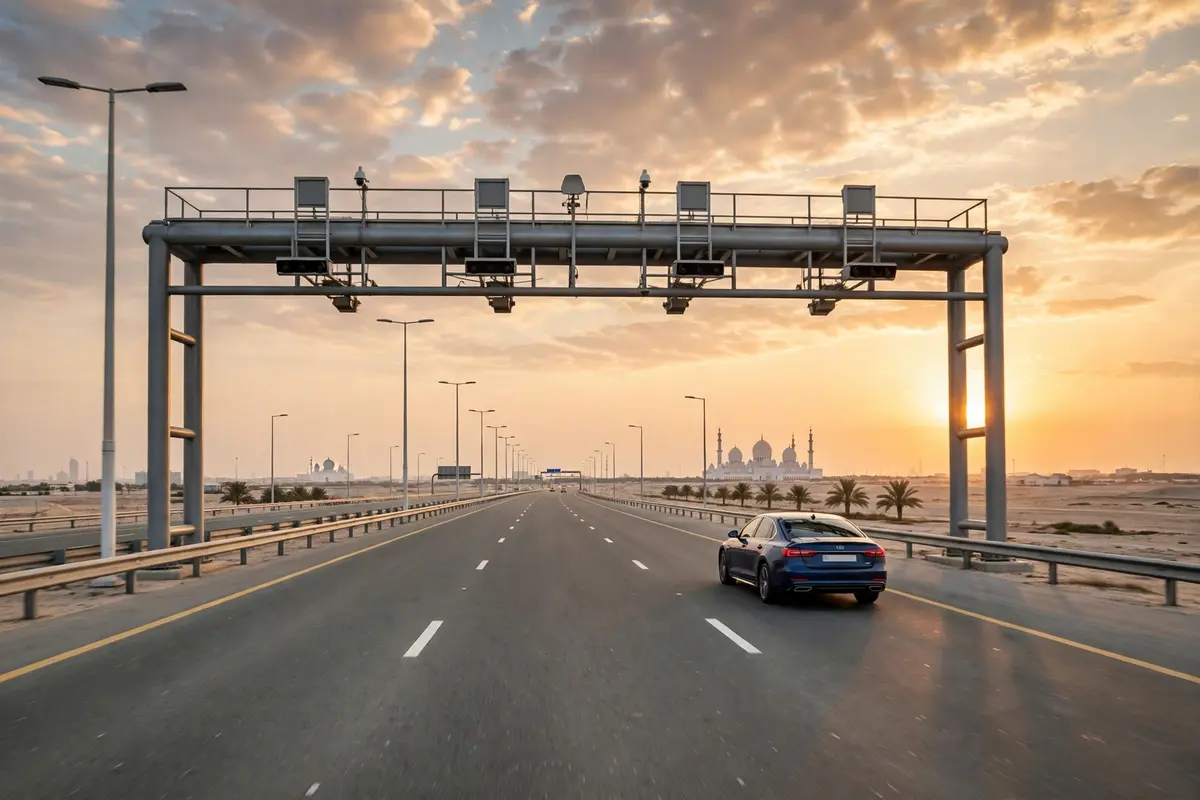
Darb reads your plate at the gate. No tag. No barrier. The camera reads the number and the AED 4 fee leaves your wallet. Peak hours run 7 to 9 in the morning and 3 to 7 in the evening. Sundays and public holidays are free. Two new gates at Ghantoot and Al Qurm run around the clock since 4 May 2026.
Errors happen in three ways. The camera misreads a plate. A charge lands on the wrong car. A charge repeats for one crossing. A car you sold still shows on your account. Each one is a fair grievance. Keep your proof ready before you file.
BoloSara24 checked the Darb guidance on 29 November 2026. The portal lists the AED 4 fee. It lists the peak hours. It lists the fine ladder. The fine ladder runs AED 100, then AED 200, then AED 400 for unregistered cars. An empty wallet on an out of emirate car draws AED 50 per crossing. The yearly cap sits at AED 25,000 per car.
Darb fines that lead to refunds
Most refunds start with a fine, not a toll. The fine ladder runs AED 100, then AED 200, then AED 400 for unregistered cars. Each step follows a 10 working day grace period. A car that crosses unregistered gets 10 working days to register. After that, the fines start.
An empty wallet draws a different fine. An out of emirate car with no cash in the wallet gets AED 50 per crossing. The grace period runs five working days. Abu Dhabi cars settle unpaid tolls at yearly licensing instead. Check which rule fits your plate before you file.
A Darb toll refund Abu Dhabi UAE case often starts here. A driver registers late and gets fined. A driver tops up late and gets fined. A driver sells the car and the fines keep coming. Each one is a fair grievance if the proof is clear. BoloSara24 notes the grace period is the key fact in most winning claims.
Two kinds of Darb toll refund Abu Dhabi UAE
A refund means two different things. Know which one you need. The steps differ.
First, a wrong charge or a wrong fine. You dispute it. Darb checks the record. A Darb toll refund Abu Dhabi UAE win sends a wrong charge back to your wallet. A wrong fine gets wiped from your file. No cash leaves Darb. The money stays in your wallet for future crossings.
Second, cash back from your wallet. You close your Darb account. You give an IBAN. Darb sends the left over wallet cash to your bank. This path fits people who sold the car or left the UAE. It takes weeks. The app shows the timing for your case.
Tip: Remove a sold car from your Darb account the day you sell it. A car left on your account keeps charging you. The buyer crosses the gates. The fines land on you. Remove the car first. Then close the account if you like.
How to file a Darb toll refund Abu Dhabi UAE grievance
File on the Darb app or the Darb site. The app is faster. Log in with UAE Pass. The steps run in one order.
- Open the Darb app. Log in with UAE Pass.
- Open Requests on the dashboard.
- Pick the grievance type. Choose Fines as the group.
- Pick the fine or the charge you dispute.
- Write what went wrong. Keep it short. Name the date, the time and the gate.
- Attach proof. A photo of your plate helps. A sale contract helps for a sold car. A bank line helps for a double charge.
- Send it. Save the reference number. It tracks your case.
The answer comes by email or SMS. It doesn’t come by post. A fair claim with clear proof wins most of the time. A vague claim with no proof loses. Attach the proof the first time. A second round takes longer.
Warning: File fast. Guides quote dispute windows from 10 to 30 days. The Darb app shows the live window for your fine. Don’t wait for the window to close. A closed window means the charge stands.
What proof to attach
Proof decides the case. Pick the proof that fits your claim.
| Claim | Proof to attach |
|---|---|
| Camera misread your plate | Photo of your plate, front and back |
| You did not pass that gate | GPS track or a work letter for that time |
| Double charge for one crossing | Bank lines showing both deductions |
| Car sold before the charge | Sale contract with the date and the buyer name |
| Fine after you registered | Registration receipt with the date |
| Wallet had enough cash | Wallet statement for that day |
A photo of your plate is the strongest proof for a misread. A sale contract is the strongest proof for a sold car. A bank line is the strongest proof for a double charge. One clear proof beats five weak ones.
Closing your account and getting wallet cash back
Sell the car or leave the UAE? Close the account. Remove the car first. Then ask for the wallet cash back. Give an IBAN. Darb sends the left over cash to your bank. The refund takes weeks. The app shows the timing for your case.
Don’t close the account while fines sit open. Pay them first. A closed account with open fines can block your next car registration. Clear the fines. Then close the account. Then take the cash.
Call Q Mobility on 800 3009 if the app stalls. The contact centre can check your case by the reference number. Keep the number handy when you call. It saves ten minutes of talk.
Other Darb guides follow the same portal. How to Check Darb Toll Balance in Abu Dhabi UAE shows the balance check. How to get a Darb toll exemption in Abu Dhabi UAE shows who rides free. Abu Dhabi trips by cab are simple too, and How to get a taxi in Abu Dhabi UAE covers them. Traffic fines follow the same MOI app, and How to check traffic fines in Ajman UAE shows the check. Fujairah fines have their own pay path, and How to pay Fujairah traffic fines in UAE covers it.
Frequently Asked Questions
How do I get a Darb toll refund Abu Dhabi UAE?
File a grievance in the Darb app. Open Requests, pick Fines, choose the charge and attach proof. You get a reference number. The answer comes by email or SMS. It doesn’t come by post. A Darb toll refund Abu Dhabi UAE win sends a wrong charge back to your wallet.
How long does a Darb refund take?
A grievance answer takes days to weeks. The app shows the timing for your case. A wallet cash refund after closing the account takes weeks. File fast and attach proof the first time.
Can I get cash back from my Darb wallet?
Yes, when you close the account. Give an IBAN. Darb sends the left over wallet cash to your bank. Don’t close the account while fines sit open. Pay them first.
What if Darb charged my sold car?
File a grievance with the sale contract. It proves the date the car left you. Remove the car from your account the day you sell it. A car left on your account keeps charging you.
What if the camera misread my plate?
Attach a photo of your plate, front and back. The photo proves the misread. The charge goes back to your wallet. The fine gets wiped from your file.
Who do I call if the app stalls?
Call Q Mobility on 800 3009. Keep your reference number handy. The centre can check your case by that number. It saves ten minutes of talk.
Official Sources
- Darb portal. The official Darb site for registration, wallet top up, fines, requests and grievances in Abu Dhabi.
- MOI traffic fines. The Ministry of Interior site for checking and paying traffic fines across all seven emirates, by plate, licence or traffic code.
- RTA dispute form. The RTA page for disputing a Dubai traffic fine within 30 days of issue.
- ICP. The Federal Authority for Identity, Citizenship, Customs and Port Security site for Emirates ID and residence rules.
Disclaimer
BoloSara24 is an independent guide. It is not a government body. It has no link with Darb, Q Mobility, the ITC, the MOI or the RTA. Facts in this piece were checked on the official pages linked here on 29 November 2026. Rules and fees change. Confirm the live rule with the official authority before you act. This piece is general information only. It is not legal advice.
Last Updated: 29 November 2026.