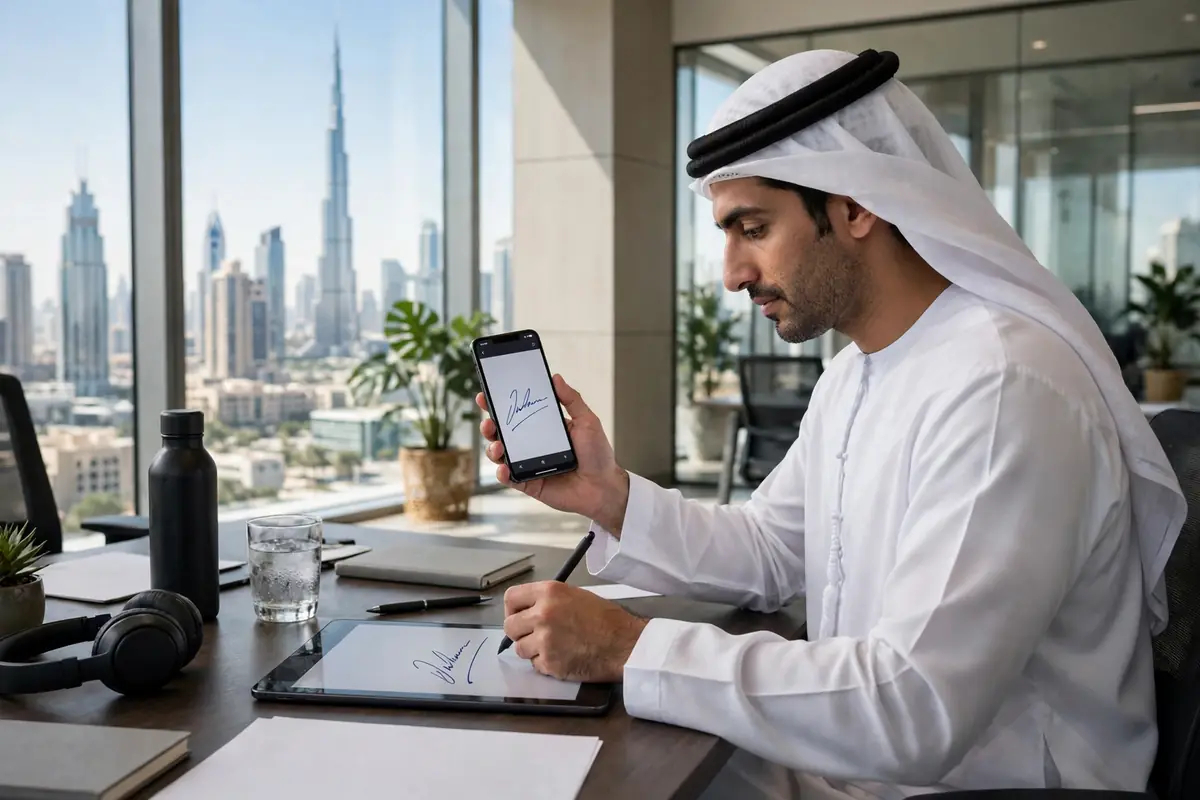
You need to sign a paper in the UAE. You sit far from the office. A digital signature UAE lets you sign that paper from your phone. It carries the same weight as a pen signature on paper.
BoloSara24 checked the TDRA UAE Pass page on 29 November 2026. The page lists Sign Document, Verify Signature and Digital Vault as live parts of the app. That check shapes every step in this piece. You don't need a printer or a courier to sign a paper now. You can finish the job from your sofa, and you'll see the proof in seconds.
Quick Answer: Get UAE Pass on your phone. Register with your Emirates ID and face scan. Set a signing password in the Profile tab. Open Sign Documents and upload a PDF. Place your mark and tick the read box. Then send. Your signed PDF comes back in seconds.
What a digital signature means in UAE law
A digital signature UAE is an electronic mark tied to your identity. Federal Decree-Law No. 46 of 2021 on Electronic Transactions and Trust Services gives electronic signatures legal effect in the UAE. A contract does not lose force just because it lives on a screen.
Two ideas matter here. A plain electronic signature links a mark to a document. A qualified electronic signature meets higher tests for control, identity and change detection. UAE Pass gives you a signing credential that meets the high bar for government papers.
Ahmed lives in Abu Dhabi. He rents a flat in Khalifa City. His landlord sends a tenancy addendum by email. Ahmed signs it on his phone in the evening. The landlord accepts it the same night. No print shop. No courier. No lost day.
Get a digital signature UAE on your phone
UAE Pass is the national digital identity app for the UAE. It works for citizens, residents and visitors. TDRA runs the service with Smart Dubai and Abu Dhabi Digital. The app is free to download from the Apple Store and Google Play.
Step 1: download and register
Download UAE Pass from your app store. Open it and start a new account. Citizens and residents need a valid Emirates ID and an active UAE mobile number. The app asks for your Emirates ID number. It then checks your face with a scan on your phone. Set a security PIN when it asks.
Visitors can join too. A passport works as the identity proof for a visitor account. Citizens and residents of GCC states can use a national ID card instead. The TDRA page names passports and GCC national IDs as the visitor path. If you plan to attest a paper for use abroad, read how to notarise a document in UAE first. That BoloSara24 piece shows which papers need a notary stamp after a digital sign.
Don't have an Emirates ID yet? You can still start with a passport. Your access stays limited until your Emirates ID is ready. Ask at a UAE Pass kiosk if the face scan fails twice.
Step 2: set your signing password
Open the Profile tab at the foot of the app screen. Tap Reset Signing Password. Pick face verification or a visit to a UAE Pass kiosk. Face verification is the fast path for most people.
Let the app scan your face. Create a password for your signature keys. Type it twice and tap Send. A success note shows on the screen. Tap Done. Your signing credential is now live.
Keep this password apart from your phone PIN. It guards every signature you place. If you forget it, repeat the reset path in Profile. You will need your face scan again.
Step 3: sign your first document
Go to the home screen and tap Sign Documents. Pick a PDF from your phone. The file must be a PDF. Other file types will not open in the signing screen.
Tap the place on the page where your mark should sit. A box shows on the PDF. Drag it to the right spot. Tap the green tick to fix the place. Tick the box that says you read the document. Tap Sign. Type your signing password and tap Send.
A note confirms your document is signed and checked by UAE Pass. The signed PDF lands in the Documents tab under Uploaded. Share it from there by email or chat.
Tip: Sign a test PDF first. Use a blank page with your name typed on it. Learn the drag and tick moves before you sign a real contract.
Papers you need for a digital signature UAE
Required Documents: Your Emirates ID card or number. An active UAE mobile number that can take an SMS. A phone with a camera for the face scan. A PDF of the document you plan to sign. A signing password you set in the app.
Visitors need a valid passport. GCC citizens and residents can use a national ID card. Keep the ID card close while you register. The app reads the number from it.
Note: Your phone must run a recent version of the app. Update UAE Pass before you start. An old app version can hide the Sign Documents button.
Sign a document step by step
How to Apply: The signing flow has five moves. Open Sign Documents and upload your PDF. Place your mark and tick the read box. Send with your password. Each move takes seconds.
Sara works in a Dubai free zone. Her boss sends an HR letter at 9 in the morning. Sara opens UAE Pass on her phone. She signs the letter before her 10 o clock meeting. HR gets the signed PDF by email at 9:20. The whole job takes 20 minutes from inbox to outbox.
What if the PDF will not upload? Check the file size first. Try a smaller PDF. Check that the file ends in .pdf. A photo of a paper is not a PDF. Scan the paper to PDF and try again.
What if the signature box lands in the wrong spot? Tap it and drag it again. The green tick only fixes the place when you tap it. You can move the box as many times as you need before you tap Sign.
Check a signed document
How to Check: Open UAE Pass and tap Verify Signature. Upload the signed PDF. The app tells you if UAE Pass checked the mark. A green result means the mark is real and the file is whole.
You can also check a signed PDF in Adobe Acrobat Reader. The reader shows the signature panel for the file. It names the signer and the time of the sign. Use this path when the other side has no UAE Pass.
Why does this check matter? A signed PDF can be copied and changed. The check proves the file you hold is the file that was signed. Send the check result with the PDF when the other side asks for proof.
A digital signature UAE for business papers
Companies use UAE Pass to sign government forms, tenancy papers and HR letters. A manager can sign a labour card form from home. A shop owner can sign a supplier deal from a trade show floor. The mark works the same for a person and for a company rep. If you run a shop, see two BoloSara24 pieces. Read how to get a travel agency licence in UAE. Read how to add a partner to a trade licence in UAE too. Both pieces show where a signed paper fits in a licence job.
Some papers still need a wet ink mark or a notary stamp. Land deals and some court papers sit in that group. Ask the receiving office before you sign. A quick call saves a rejected paper. Tenancy papers often sit in this grey zone. Read how to draft a rental agreement in UAE before you sign one.
Banks in the UAE accept UAE Pass signatures for many online forms. Each bank sets its own list. Ask your bank which forms take a digital mark. BoloSara24 found that bank lists change by product, so confirm before you send a loan form.
Example: Layla runs a small salon in Sharjah. She signs a supplier deal on her phone. She signs a staff leave form the same day. Both papers go out by email. Her week has no print shop trip at all.
Common mistakes with a digital signature UAE
Common Mistakes: People share the signing password with a colleague. Never share it. The password is your mark. A shared password means a shared identity.
People sign a PDF they did not read. Read every page first. A signature binds you to the whole text. The read box is not a formality. It is your last pause before you commit.
People sign a photo instead of a PDF. The app needs a PDF file. Convert photos to PDF first. A scanned PDF works fine if the text is clear.
People forget the signing password and lock the flow. Write it in a password manager. Reset it in Profile if you lose it. You won't get in by guessing it five times in a row.
Do and Dont: Do keep your Emirates ID number private. Do sign only papers you read. Do check a signed PDF before you send it on. Dont share your signing password. Dont sign a blank page. Dont use a public phone to sign.
Frequently Asked Questions
**Is a digital signature UAE free?**
Yes. UAE Pass costs nothing to download and use. The signing tool sits inside the app at no charge. That's the full cost. Your phone data plan is the only cost you may pay.
**Do I need an Emirates ID to get a digital signature UAE?**
Citizens and residents need a valid Emirates ID and an active UAE mobile number. Visitors can join with a passport. GCC citizens and residents can use a national ID card.
**Can I sign a Word file with UAE Pass?**
No. The app signs PDF files only. Convert your Word file to PDF first. Then upload the PDF to Sign Documents.
**How do I check if a signature is real?**
Open UAE Pass and tap Verify Signature. Upload the PDF. The app confirms the mark. Adobe Acrobat Reader can also show the signature panel for a signed PDF.
**What happens if I forget my signing password?**
Open Profile and tap Reset Signing Password. Pick face verification or a kiosk visit. Set a new password. Your old signatures stay valid.
**Can a visitor use a digital signature UAE?**
Yes. Visitors can create a UAE Pass account with a passport. They can sign documents in the app. Some government services still need an Emirates ID.
Official Sources
- UAE Pass, TDRA Digital Government Services: The official UAE Pass page with Sign Document, Verify Signature and Digital Vault steps.
- UAE Pass Official Website: The official UAE Pass site for account setup and kiosk locations.
Disclaimer: This piece gives general facts only. It is not legal advice. Rules change. Check the official UAE Pass page before you sign a paper that carries a big sum or a court date.
Last Updated: 29 November 2026.