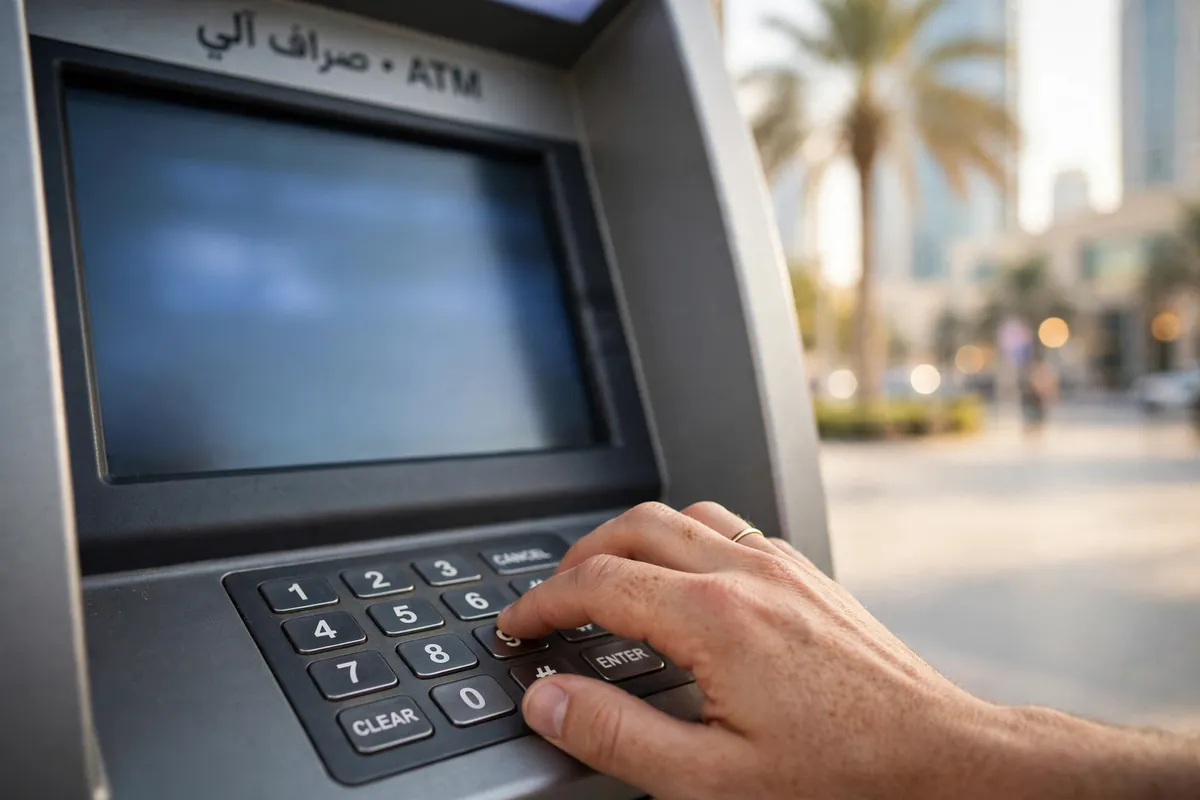
You forgot your ATM PIN. It happens to everyone. A reset ATM PIN UAE banks offer takes a few minutes in the app. You can also reset it at an ATM, by phone, or at a branch. You need your card, your phone, your Emirates ID. No one else can do it for you.
Quick Answer: Open your bank app and go to Cards, then pick your debit card. Tap PIN setup or reset. Prove it is you with a face scan or a one-time code, then type your new 4-digit PIN twice. Done. ADCB, Emirates NBD, CBD and Emirates Islamic all offer this in the app. A branch visit works too.
What you need before you reset your PIN
Required Documents: Your debit card, your Emirates ID, your registered mobile number. The bank sends a one-time code to that number, so keep the phone near you. A number you no longer use blocks the whole reset.
Get the bank app on your phone and log in with your normal app password or face scan. If you cannot log in, use the ATM route or the branch route instead. Both work with no app at all.
Know this: a PIN change needs your old PIN, and a PIN reset does not. A reset proves it is you in another way. A code, a face scan, or your Emirates ID at a branch all work. Pick the reset ATM PIN UAE route when the old PIN is gone from your mind.
Tip: Never write your new PIN on the card. Never save it in your phone notes. Memorise it on the spot.
Reset ATM PIN in the app
The app is the fastest route, and a reset ATM PIN UAE app flow takes about five minutes. You’ll finish in about five minutes. The steps differ a bit by bank.
The reset ATM PIN UAE steps at ADCB sit on its own help page. Log in to the ADCB Mobile Banking App. Go to the Debit Cards or Credit Cards section and pick the card you want to set the PIN for. Tap Service Requests and PIN setup or reset. Prove it is you with ADCB FacePass or a one-time password. Type your new 4-digit PIN. Type it again to confirm. The BoloSara24 team read those steps on the ADCB site on 29 November 2026.
CBD works the same way. Log in to CBD Mobile Banking. Go to Cards and pick the debit card, then tap Change or unblock PIN and type the new PIN. Confirm it with the one-time code from your mobile. The BoloSara24 team read those steps on the CBD digital banking page on 29 November 2026.
Emirates NBD names PIN change in its online banking help. The bank says the quickest way to change a card PIN is through online banking or mobile banking. Log in and open the card, then follow the PIN prompts on screen.
Emirates Islamic gives the same choice. Change your PIN through the mobile banking app. The bank’s help page names the app first, then the ATM, then the call centre.
Note: A reset in the app runs on a live mobile number. If your number changed, update it first. Read our guide on how to update your mobile number with your bank in the UAE before you start.
Reset ATM PIN at an ATM
No app? Use any ATM from your own bank. The ATM route takes your card and, in most cases, your old PIN. It’s a change, not a full reset. It still helps when you know the old PIN and want a fresh one.
Insert your card in the machine. Type your current 4-digit PIN. Tap Other Services on the screen, then PIN Change. Type your new 4-digit PIN and type it again to confirm. Wait for the done message on screen, then take your card back before you walk away.
Some banks let you set a PIN at the ATM with no old PIN. You prove it is you with a one-time code on your phone. The screen gives you the choice when it applies. Follow what the screen says.
Three wrong tries lock most cards, and the machine may keep the card. Don’t guess. If you are not sure of the old PIN, stop and use the app or the branch route. A guess costs you a trip to the branch.
Example: Omar lives in Sharjah and forgot his PIN on a Friday night. He tried the ATM twice and stopped. He opened the CBD app at home and tapped Change or unblock PIN. He typed a new PIN and then the code from his phone. His card worked at the ATM on Saturday morning.
Reset ATM PIN by phone or at a branch
A reset ATM PIN UAE phone call works when the app and the ATM both fail you. Emirates NBD names Reset your Debit or Credit Card PIN as a phone banking service. Call 600 540000. The bank’s phone agents work 24 hours a day, 7 days a week. They speak English, Arabic, Hindi. The BoloSara24 team read that list on the Emirates NBD phone banking page on 29 November 2026.
Emirates Islamic runs a 24-hour call centre on 600 599 995. Call that number if the bank blocked your card or your PIN is gone. The bank guides you to the fix on the call.
A reset ATM PIN UAE phone call to FAB runs on 600 52 5500. The bank puts that number on its own site. Call it when your card needs a reset and the app will not help.
A branch visit is the last route, and it never fails. Take your Emirates ID and your card. Ask at the desk for a PIN reset form. The bank reads your ID and resets the PIN, then you set a new PIN at an ATM. Some banks give you the new PIN at the desk, so ask before you leave.
Example: Maria lives in Dubai and lost her phone. She had no app and no code. She walked to her bank branch with her Emirates ID and her card. The desk reset her PIN in ten minutes, and she set a new PIN at the ATM outside the branch.
Keep your new PIN safe
Safety: A reset ATM PIN UAE safety rule is simple. Pick a PIN that means nothing to a stranger. Skip your birth year. Skip 1234 and four same digits. A good PIN is random and short, and only you know it.
Do you cover the keypad when you type? Cover the keypad with your free hand at an ATM. Look behind you before you type. A stranger with a phone camera can catch four taps in one second. Shield the keys each time.
Change your PIN at once if you think someone saw it. A reset takes five minutes in the app, and a stolen PIN can empty an account in less time. Speed wins.
Do and Dont: Do memorise the PIN on the day you set it. Change it after a shady ATM trip. Call the bank fast if a stranger asks for your PIN. Never share the PIN with staff, family, or friends. Don’t type it where cameras can see it, and don’t keep the same PIN on two cards.
Mistakes that lock your card
Common Mistakes: People guess the PIN three times at an ATM, and the third wrong try blocks the card. The machine may even keep it. A reset ATM PIN UAE app flow fixes it in minutes. A blocked card needs a reset or a branch visit. Guessing never helps.
People also set the new PIN to the old one. A reset that ends with the same four digits fixes nothing, so pick a fresh set of digits each time.
Some people reset the PIN and then forget it again the same week. Say the digits in your head three times. Type them once in the app to test. A test now beats a lock later.
Some people share the one-time code with a caller who claims to be the bank. No bank calls to ask for a code, and a caller who asks for one is a thief. Hang up and call the bank number on the card.
Read our guide on how to change your ATM PIN in the UAE. Lost your card? Read our guide on how to block a lost debit card in the UAE. Read our guide on the ATM withdrawal limit in the UAE.
Frequently Asked Questions
Can I reset my ATM PIN with no old PIN?
Yes. A reset ATM PIN UAE app flow needs no old PIN. You prove it is you with a face check or a one-time code. ADCB, CBD, Emirates NBD all offer it in the app. A branch visit with your Emirates ID works too, and it needs no app at all.
How many wrong PIN tries block my card?
Three wrong tries block most cards in the UAE. The ATM may keep the card after the third wrong try. Stop after two wrong tries. Reset the PIN in the app or call the bank instead of a third guess.
Can I reset my ATM PIN at any ATM?
A reset ATM PIN UAE app flow beats the ATM for a full reset. Use an ATM from your own bank for a PIN change. You can’t reset a PIN with no old PIN at an ATM. A PIN change at an ATM needs your current PIN in most cases. A full reset with no old PIN runs in the app, by phone, or at a branch.
How long does a PIN reset take?
About five minutes in the app. The bank sends a code. You type the new PIN twice, and the card works at once. A branch reset takes a bit longer.
Does a PIN reset cost money?
A reset ATM PIN UAE request carries no fee on the official help pages. Fees differ by bank and by package. Read your bank’s fee page if you want the exact rule.
What do I do if the ATM keeps my card?
Call your bank at once and ask them to block the card. Emirates NBD says to call 600 540000 right away if a card gets stuck. Visit a branch with your Emirates ID to get a new card. Read our guide on how to take cash out with no ATM card in the UAE while you wait.
Official Sources
ADCB set or reset your card PIN. ADCB shows the app steps. Log in and pick the card, then tap Service Requests and PIN setup or reset. Prove it is you with FacePass or a code.
Emirates NBD phone banking help. Emirates NBD lists Reset your Debit or Credit Card PIN as a phone banking service on 600 540000.
Emirates NBD online banking help. Emirates NBD shows Change PIN and block and unblock your card as online banking services.
Emirates NBD cards support. Emirates NBD says the quickest way to change a card PIN is online or in the app.
CBD digital banking. CBD shows the app steps to change or unblock a debit card PIN. Go to Cards and pick the card. Tap Change or unblock PIN, then type the code.
Emirates Islamic cash not dispensed at ATM. Emirates Islamic says you can change your PIN in the app or at any ATM. You can also call the 24-hour call centre. Call 600 599 995.
FAB standing instructions for property service charges. FAB lists its 24-hour phone banking number as 600 52 5500.
Read our guide on how to turn on a new debit card in the UAE. Read our guide on the best debit card in the UAE to compare cards.
Disclaimer: BoloSara24 is an independent site. It is not a bank, a lender, or a government body. It has no link with the Central Bank of the UAE or any bank named here. We checked the facts here on official bank pages on 29 November 2026. Bank rules and fees change. Check the official bank page before you act. These words give general facts only, and they are not legal or money advice.
Last Updated: 29 November 2026.