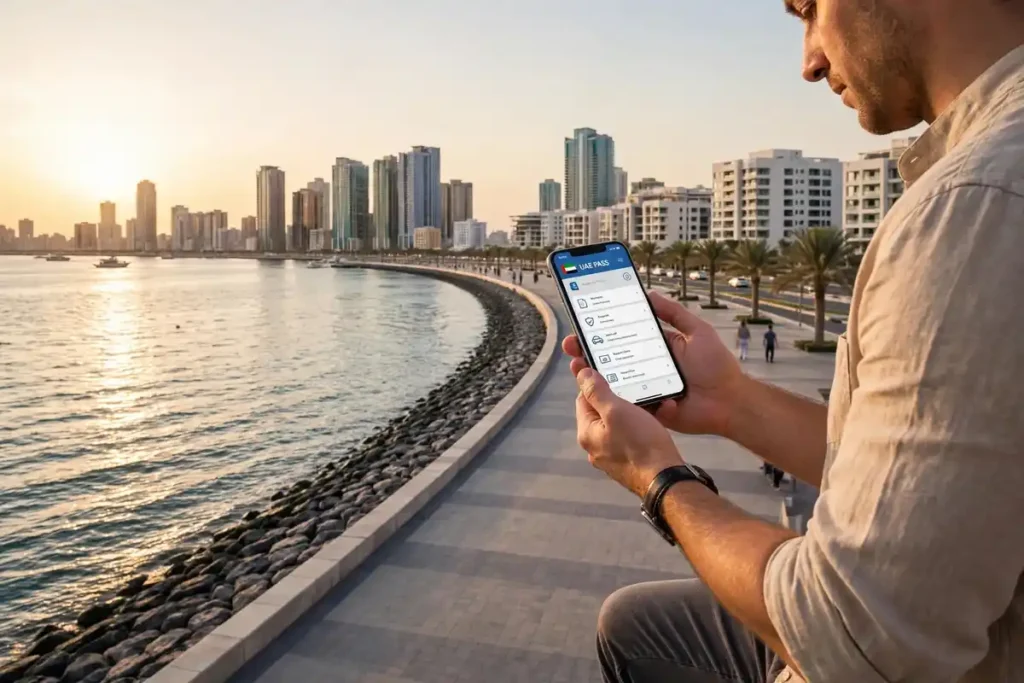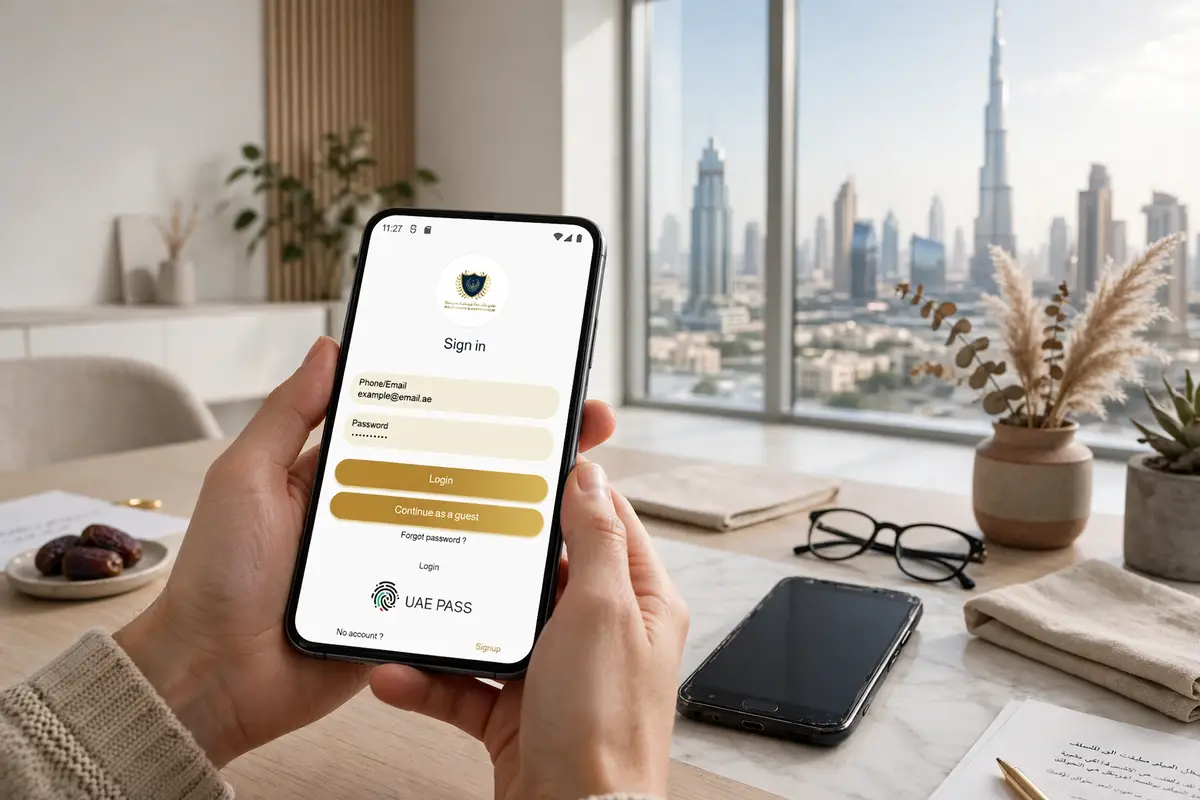
You bought a new phone. Your UAE PASS account still lives on the old one. You don’t need a new account. You move the same account to the new phone. Here is how to activate UAE Pass new phone UAE in plain steps. BoloSara24 checked the steps on the UAE PASS site on 29 November 2026. The official site shows the same recovery flow for a new device.
Quick Answer: Install the UAE PASS app on your new phone. Tap “I have an account”. Type your mobile number, email, or Emirates ID number. Pass the face check. Set a new PIN. Your account opens on the new phone.
Steps to activate UAE Pass new phone UAE
Start with the old phone in your hand. Keep it charged and near you. You may need codes that go to your old number and email. Don’t wipe the old phone yet. Wait till the new phone works well.
Step 1: Get the real app. Open the App Store on an iPhone or Google Play on an Android phone. Search for “UAE PASS”. Check the name twice. Download it from the official store only. Never use an APK file or a link from a stranger. A fake app can steal your codes.
Step 2: Open the app. The first screen asks if you have an account. Tap “I have an account”. This choice tells the app you already hold an account. Don’t tap “Create account”. A new account can split your papers across two accounts.
Step 3: Type your details. The app asks for your mobile number, email, or Emirates ID number. Type the details that match your old account. Use the number that still gets your SMS codes. Tap Continue.
Step 4: Pass the checks. The app sends a code to your mobile and a code to your email. Type both codes. Then the app asks for a face check. Hold the phone at eye level in good light. Move your head as the screen tells you. The check takes less than a minute in most cases.
Step 5: Set a new PIN. Pick a 4-digit PIN you can recall. Don’t use your birth year. Don’t share the PIN with any caller. Type it twice to save it. Your account now opens on the new phone.
Step 6: Test it. Open one government service with UAE PASS on the new phone. Try the UAE visa fees page on the ICP portal or any service you use a lot. If the login works, the move is done. Keep the old phone for one more day. Then you can wipe it.
Tip: Do the move at home on Wi-Fi you trust. A calm place helps the face check pass on the first try. Bright light from a window works best.
What you need before you start
Three things make the move smooth. First, your Emirates ID card. The app may ask for the ID number. Second, your old mobile number. It must still get SMS codes. Third, your email. It must still open on some device you own.
Ahmed lives in Al Barsha in Dubai. He bought a new phone on a Friday. His old SIM stayed in the old phone till Sunday. He moved UAE PASS on Saturday morning. The codes came to the old phone. He typed them on the new phone. The whole move took ten minutes. He kept the old phone till Monday. Then he wiped it and gave it to his brother.
Do you still have your old phone? Then the move is easy. The codes reach you. The face check matches your old account. You set a new PIN and you are done.
What if your number changed? To activate UAE Pass new phone UAE with a new number, update the number first. Do it in your UAE PASS profile while you can still log in. Do it on the old phone first. Then move to the new phone with the new number. The order matters here. A new number on a new phone at the same time can lock you out.
Your Emirates ID also links to your bank. Read how to update Emirates ID with your bank in UAE if your bank still shows old ID details. A bank with old details can block a payment later.
If your old phone is lost or stolen
A lost phone feels scary. Your account is still safe. The thief needs your PIN and your face to open it. Act fast all the same. First, call your telecom firm and block the SIM. Ask for a replacement SIM with the same number. A SIM swap takes a short visit to a shop with your Emirates ID.
Next, install UAE PASS on a trusted replacement phone. Tap “I have an account” and follow the same steps. The codes go to your number and email. If the number is back on a new SIM, the codes reach you. Pass the face check and set a new PIN.
Note: Never share your PIN or OTP with a caller who says he works for UAE PASS. Real support never asks for your PIN. A caller who asks for codes is a cheat. Hang up and call the official helpdesk yourself on 600 561 111.
After you activate UAE Pass new phone UAE, check your account details in the app. BoloSara24 lists the helpdesk number in the sources at the end. Look at the devices list if the app shows it. Remove the lost phone from the list. Change your email password too if the old phone held your mail. These two steps close the door on the lost phone.
Fatima lives in Sharjah. Her bag was stolen in a mall in October 2026. Her phone went with the bag. She blocked her SIM the same night. She got a new SIM the next morning. She moved UAE PASS to her spare phone that day. Her papers stayed safe in her account. She lost a phone, not her identity.
If you forgot your PIN
A forgotten PIN is common. You don’t need a new account for it. The fix uses the same recovery flow. Delete the app from the phone and install it again. Open the fresh app. Tap “I have an account”. Type your number, email, or Emirates ID number. Pass the mobile code, the email code, and the face check. Set a new PIN.
Don’t guess the PIN again and again. Too many wrong tries can lock the app for a while. Stop after two wrong tries. Use the recovery flow instead. It takes a few minutes and it works.
Your signing password is a different thing. It signs papers in the app. If you forgot that password, log in with your PIN first. Open your account in the app. Look for the signing password reset. If the reset fails in the app, visit a UAE PASS kiosk. At the kiosk, pick “Digital Signing” and then “Renew” under “Qualified Signing”. Take your Emirates ID with you.
Example: Omar in Abu Dhabi forgot his PIN after a long trip. He tried it three times. The app locked him out. He deleted the app and installed it again. He tapped “I have an account”. He passed the face check in good light. He set a new PIN. He was back in five minutes.
Common mistakes
Many people make the same five mistakes. The BoloSara24 team hears these most. You can skip all of them.
First, they create a new account. A second account splits your papers. Always tap “I have an account”. Second, they wipe the old phone too soon. Keep it till the new phone works. Third, they use a link from a text message to download the app. Use the official store only.
Fourth, they change their number and their phone on the same day. Change the number first on the old phone. Move the phone second. Fifth, they share OTP codes with a “support” caller. No real agent asks for your codes. Ever. A salary certificate in UAE is one work paper you may need soon after a move. Keep your ID details fresh in each place that holds them.
One more trap hides in plain sight. Some sites sell “UAE PASS help” for a fee. You don’t need them. The move is free. The app is free. The helpdesk on 600 561 111 is the real help. Save that number in your new phone now.
If the face check keeps failing, try again in daylight near a window. Remove dark glasses and a cap. Hold the phone still. A shaky hand blurs the check. If it still fails after three tries, visit a kiosk with your Emirates ID. Staff at the kiosk can help you in person. You can also read about UAE visa medical test centres. Your next job may need a medical test and a valid ID first.
Frequently Asked Questions
Can I use UAE PASS on two phones at the same time?
Yes, you can. Your account can live on more than one phone. Each phone needs its own PIN set during the move. Keep both phones safe. Remove a phone you no longer use.
Do I lose my papers when I move to a new phone?
No, you don’t. Your papers live in your account, not in the phone. The move links the same account to the new phone. Your papers show up again after you log in.
What if my old number no longer works?
Try the recovery flow first with your email. If the app still can’t check you, call the helpdesk on 600 561 111. You may need a kiosk visit with your Emirates ID. Update your number in your ICP records too. The two updates are separate jobs.
Is there a fee to move UAE PASS to a new phone?
No fee is listed for the move. The app is free. The recovery flow is free. A kiosk visit is free too. If a site asks you to pay for the move, leave that site.
How long does the move take?
Most moves take five to ten minutes. The face check takes less than a minute. Slow SMS codes can add a few minutes. A kiosk visit takes longer, so try the app first.
Can I move UAE PASS while I am outside the UAE?
Yes, you can, if your number and email still get codes. You can activate UAE Pass new phone UAE from abroad this way. The recovery flow works from any place with net access. You need a phone that can get SMS. Keep your UAE SIM live while you travel. Read UAE emergency passport rules if you travel with a lost passport too.
Official Sources
UAE PASS official site: download the app and read the account recovery steps.
ICP Smart Services: update your mobile number and ID records linked to your account.
Disclaimer: BoloSara24 is an independent guide. It is not a government body. Steps can change on the official app. Check the UAE PASS site first if a screen looks new.
Last Updated: 29 November 2026.