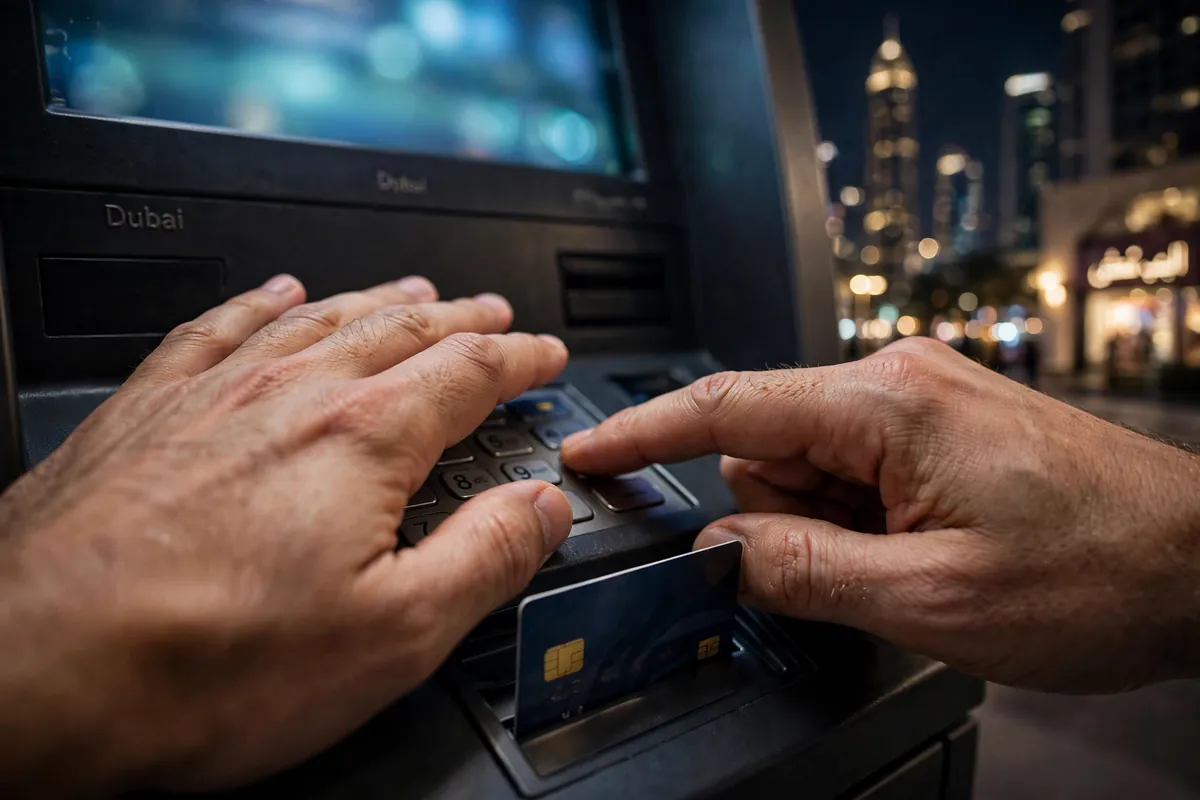
Your ATM PIN is the key to your cash. Change ATM PIN UAE banks let you change when you feel it is not safe. Change it when a person may have seen it. Change it when you forgot it. This guide shows you how to change ATM PIN UAE banks let you change in minutes. BoloSara24 checked each step on the bank pages named at the end on 29 November 2026.
Quick Answer: Open your bank app, pick the card, tap Change PIN or PIN Setup, and set a new 4-digit PIN. You can also change it at your bank ATM with your old PIN. ADCB lists the app steps on its site. Emirates NBD says the app or online banking is the fastest way. A branch can reset it with your Emirates ID.
When to change your ATM PIN
Change the PIN at once if a person watched you type it. Change it if you told it to a family member for one job. Change it if you typed it on a machine that looked odd. Change it if your card was lost and then found. Change it if you used the same PIN for years. A fresh PIN cuts the risk from an old leak. A PIN you never change is a PIN a thief may already know.
Change the PIN after a scam call too. A caller may ask for your card details. A real bank never asks for your full PIN. If you gave any digits away, change the PIN now. Don’t wait for a strange pay to show up. Block the card first if you gave the full card number away. Then change the PIN on the new card. A quick change costs you five minutes. A late change can cost you your balance.
How to change ATM PIN UAE banks offer in the app
ADCB lists the exact app steps to change ATM PIN UAE banks offer. Log in to the ADCB Mobile Banking App. Go to Debit Cards or Credit Cards. Pick the card. Tap Service Requests. Tap PIN setup or reset. Prove it is you with FacePass or a one-time code. Type your new 4-digit PIN. Type it again. The bank says the PIN setup is done. BoloSara24 read that page on 29 November 2026 and found the same steps for debit and credit cards.
Emirates NBD follows the same shape. Log in to the ENBD X app or online banking. Open Cards. Pick the card. Tap Change Card PIN. Type the new PIN. Type it again. Approve with a code sent to your registered mobile number or with Smart Pass. The bank help page says the app or online banking is the fastest way to change a debit, credit, or prepaid card PIN. Mashreq follows a like path. Open Mashreq Mobile. Pick Cards. Pick the card. Go to Reset PIN under Card Control. Set the new PIN.
Do you know your old PIN? The app may ask for it. The ATM always asks for it. If you forgot the old PIN, use the reset path in the app, not the change path. The reset path uses a code, not the old PIN. If the reset path fails, go to a branch. Take your Emirates ID. The branch can reset the PIN for you.
Change ATM PIN UAE at an ATM
The ATM way to change ATM PIN UAE banks offer is simple and it works with no phone signal. Go to an ATM of your own bank. Put the card in. Type your old 4-digit PIN. Pick Other Services on the screen. Pick PIN Change. Type a new 4-digit PIN. Type it again. Take the card out. The new PIN works at once. Use it for the next cash withdrawal to test it. Take a small amount first. If the machine takes the new PIN, the change worked.
Note: Some banks let you change the PIN at any ATM in the UAE. Most banks ask you to use their own ATM for a PIN change. Use your own bank ATM to be safe. A failed try at another bank ATM can lock the card for a while.
Change your PIN at a branch
Go to a branch to change ATM PIN UAE banks offer when the app and the ATM both fail. Take your Emirates ID and your passport. Take the card too. Tell the staff you want a PIN reset. The staff will check your ID. They will ask for the card number. They may ask you to fill a short form. Mashreq says you can visit any branch and the agent will guide you to change the PIN. The branch can set a new PIN on the spot or give you a temporary PIN to change at an ATM.
A branch visit takes longer than the app. Plan for 20 to 30 minutes with the wait. Go in the morning when the branch is quiet. Don’t share the new PIN with the staff. The staff will ask you to type it yourself on a keypad. A real staff member never asks to see your PIN. If a person asks for it, stop and ask for the branch manager.
Pick a safe new PIN
Pick four digits a stranger can’t guess when you change ATM PIN UAE banks offer. Your birth year is a bad pick. Your house number is a bad pick. A run like 1234 is a bad pick. Four same digits like 8888 is a bad pick. A year like 2001 is a bad pick. Pick digits you can recall from a word only you know. Don’t use the same PIN for two cards. If one card leaks, the other card stays safe. Do not use your phone lock code as your ATM PIN. A thief who sees one gets both.
Do not write the PIN on the card. Do not save it in your phone as “ATM PIN”. Do not keep it in a note with the card number. Don’t tell it to a driver, a maid, or a friend. If a family member needs cash, go with them or send the cash yourself. A shared PIN is a lost PIN. Change the PIN the same day if you ever shared it, even with a person you trust.
Tip: Test the new PIN with a balance check first, not a big withdrawal. Put the card in. Type the new PIN. Pick Balance Enquiry. If the balance shows, the PIN works. Then take cash if you need it. A balance check costs nothing and proves the PIN fast.
What if you forgot your old PIN
Forgetting the PIN is common, and BoloSara24 says do not guess it at the ATM. Don’t guess it at the ATM. Three wrong tries can lock the card. Use the app reset path instead. ADCB lets you reset the PIN in the app with FacePass or a one-time code. Emirates NBD lets you reset it in online banking or the app. Mashreq lets you set a PIN on Mashreq Online under Generate Card PIN. Pick the reset path, not the change path. The reset path does not need the old PIN.
If the app reset fails, call the bank. Emirates NBD lists 600 54 0000 for card help. The agent can guide you to a reset. The agent may ask you to visit a branch with your Emirates ID. Take both your Emirates ID and passport. The branch will reset the PIN and give you a new one to change at once. Set a PIN you can recall before you leave the branch.
How to change ATM PIN UAE safely after a scam
Act in this order after a scam to change ATM PIN UAE banks offer safely. First, block the card in the app. Second, call the bank and report the scam. Third, check your statement for strange pays. Fourth, change the PIN on the new card when it arrives. Do not change the PIN on a card a thief may hold. Block it first. A new PIN on a stolen card does not help. The thief holds the card. Only a block stops it.
Omar lives in Abu Dhabi. A caller claimed to be from his bank. Omar gave two digits of his PIN before he stopped. He blocked the card in the app in two minutes. He called the bank. He changed the PIN on the new card at an ATM the next day. No money left his account. Fast action saved his balance. You can do the same. Stop the call. Block the card. Call the real bank number on the card.
You can also read how to block a lost debit card in the UAE and how to activate a new debit card in the UAE for the steps that follow a block. To keep your account safe, learn how to use online banking in the UAE with care. If your card was lost, how to replace a lost credit card in the UAE shows the fee and the time. For a family card, how to get a supplementary credit card in the UAE shows how to add a card with a limit you control.
Common mistakes with a PIN change
People make five errors when they change ATM PIN UAE banks offer. They pick a birth year. They use the same PIN on two cards. They type the new PIN while a person watches. They try the old PIN three times at an ATM and lock the card. They write the new PIN on a paper in the wallet with the card. Each error is easy to avoid. Pick a random set of digits. Use a new PIN per card. Cover the keypad. Use the app reset if you forgot the old PIN. Memorise the PIN and throw the paper away.
Do and Dont: Do change the PIN at once if a person may have seen it. Do cover the keypad at every ATM. Do test the new PIN with a balance check. Do not share the PIN with any person. Do not write it on the card or in the wallet. Do not guess the old PIN three times.
Example: Huda in Sharjah changed her PIN at an ATM inside a mall. She covered the keypad. She typed a new PIN she picked from a word only she knows. She checked her balance with the new PIN. It worked. She then paid for groceries with the same card. The whole job took four minutes.
Frequently Asked Questions
How do I change my ATM PIN in the UAE?
Use your bank app, an ATM of your bank, or a branch. In the app, pick the card and tap Change PIN or PIN Setup. At an ATM, type the old PIN and pick PIN Change.
Can I change my ATM PIN without the old PIN?
Yes. Use the reset path in the app with a one-time code or FacePass. ADCB and Emirates NBD both offer a reset path. A branch can also reset it with your Emirates ID.
Is there a fee to change my ATM PIN in the UAE?
No. Banks do not charge a fee to change or reset a PIN in the app, at an ATM, or at a branch. Check your bank price guide if a fee ever shows up.
How many times can I try the wrong PIN?
Three wrong tries can lock the card at most banks. Do not guess. Use the app reset path if you forgot the PIN. Call the bank if the card locks.
Can I change my PIN at any ATM in the UAE?
Use your own bank ATM to be safe. Some banks allow a PIN change at any ATM. Most banks ask you to use their own machine for this job.
What should I do if someone saw my PIN?
Change the PIN at once in the app or at an ATM. If the card was also lost or stolen, block it first. Then change the PIN on the new card when it arrives.
Official Sources
ADCB Set or Reset Your Card PIN: App steps to set or reset a debit or credit card PIN.
Emirates NBD Using Your Debit Card: Change your debit card PIN at an ATM or in the app.
Emirates NBD Cards Help and Support: The fastest way to change a card PIN is online or mobile banking.
Mashreq Signature Debit Card: Set a PIN on Mashreq Mobile, Mashreq Online, or at a branch.
Disclaimer
BoloSara24 is an independent guide. It is not a bank and it is not linked to any bank named here. PIN steps and phone numbers can change. Check your own bank page or call your bank before you act. This guide gives general facts only. It is not bank advice for your own account.
Last Updated: 29 November 2026.