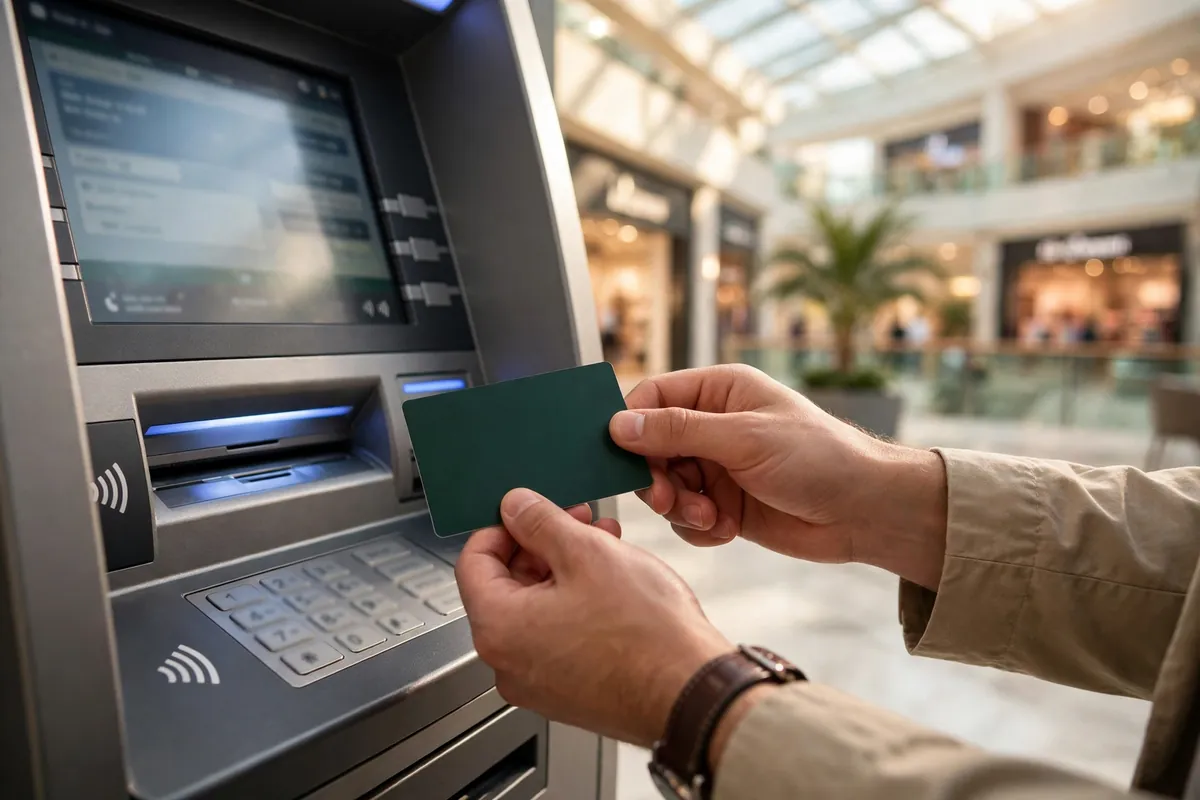
A new debit card sits in your hand. It looks ready. It is not ready yet. You must switch it on first. This guide shows you how to activate new debit card UAE accounts use every day. You can do it by app, by ATM, by SMS, or by phone. The whole job takes a few minutes. BoloSara24 checked each step on the bank pages named at the end of this guide on 29 November 2026.
Quick Answer: Open your bank app, pick the new debit card, enter its expiry date, set a 4-digit PIN, and approve the step with your passcode or one-time code. You can also put the card in your bank ATM and set the PIN there. Some banks let you send one SMS from your registered mobile number. The card stays dead until you finish one of these steps.
What you need before you start
Keep three things near you when you activate new debit card UAE banks issue. First, keep the new card. Second, keep your phone with the mobile number you gave the bank. Third, keep the letter or mailer that came with the card. That mailer may hold an activation code. Sara lives in Al Barsha in Dubai. Her new Emirates NBD card arrived on a Monday morning. She kept the mailer, her phone, and the card on one table. She finished the job in four minutes. You can do the same.
Check the name on the card. It must match your name. Check the expiry date. It must match the date on the mailer. If the name looks wrong, call your bank first. Don’t try to switch on a card with a wrong name. The bank must fix the card first. Your registered mobile number matters most. The bank sends codes only to that number. If you changed your number, update it at a branch first. The app can’t send a code to a number the bank does not hold.
Checklist: New card in hand, registered mobile phone charged and near you, card mailer open, bank app logged in or ATM near you, and a new 4-digit PIN picked in your head. Pick a PIN you can recall. Do not pick your birth year. Do not pick 1234. Do not pick four same digits.
How to activate new debit card UAE in the bank app
The app is the fastest way to activate new debit card UAE banks issue for most people. Emirates NBD shows the exact path on its Card Journey page. Log in to the ENBD X app. Tap Debit Card on the home page. Pick the card you want to switch on. Enter the expiry date from the card. Set your card PIN. Approve the request with your Smart Pass. The bank page says the same steps in plain words. BoloSara24 read that page on 29 November 2026 and found the SMS option on the same page.
Other banks follow the same shape. Log in. Open Cards. Pick the new card. Tap Activate. Set the PIN. Approve with a code. Mashreq shows a like path on its card pages. Open Mashreq Mobile. Pick Cards from the menu. Pick the card. Go to Reset PIN under Card Control. Set the PIN you want. ADCB asks you to open Debit Cards, pick the card, tap Activate Now, accept the terms, and set a 4-digit PIN. The names of the buttons change a bit from bank to bank. The order stays the same.
Activate new debit card UAE at an ATM
The ATM way to activate new debit card UAE banks issue works for every bank card. It needs no internet and no app. Go to an ATM of your own bank. Put the new card in the slot. The screen asks for a code. Type the 4-digit activation code from the SMS or mailer. Pick Other Services on the screen. Pick Debit Card Activation. Pick New Cards. Set a new 4-digit PIN. Type it again. Take the card out. The card is live now.
Emirates NBD lists ATM activation on its debit card help page. The bank says you must switch on the card and set a PIN before you use it for the first time. The same page says the bank won’t send you a set PIN. You set the PIN yourself at an ATM or by phone. That line matters. No bank sends a ready PIN in the post now. If a message claims it holds your PIN, treat it as a scam. Call the bank number on the back of your card.
Activate new debit card UAE by SMS
SMS suits you to activate new debit card UAE banks issue when the app will not open. Emirates NBD gives this exact way. Send ACT to 4459 from your registered mobile number. The bank then calls you from 04 316 0505 to finish the step. Answer that call. Follow the voice steps. Set your PIN on the call.
Mashreq gives a like SMS way for its cards. Send DCA, a space, and the last four digits of the card to 4250. Use your registered mobile number. The bank page shows the sample DCA 3457. Your own last four digits go in place of 3457. Mashreq also lets you switch on the card on Mashreq Online or at a branch. The SMS way needs no app and no internet. It needs only the right phone number.
Note: SMS text codes differ from bank to bank. ENBD uses ACT to 4459. Mashreq uses DCA to 4250. Do not mix the two codes. Don’t send a code you saw on a random blog. Check the code on your own bank page or on the card mailer. A wrong code does nothing. A code sent from a number the bank does not hold also does nothing.
Activate by phone banking
Phone banking helps you activate new debit card UAE banks issue when the app fails and no ATM sits near you. Call your bank. Emirates NBD lists 600 54 0000 for card help, 24 hours a day. The bank page says you can set your PIN by phone on that number. Keep your card, your Emirates ID, and your phone near you. The agent will check your identity. The agent will ask for the card number and the code from your phone. Then the agent will guide you to set the PIN.
Set a safe PIN and keep it safe
Your PIN is the key to your money after you activate new debit card UAE banks issue. Pick four digits that mean nothing to a stranger. Your birth year is a bad pick. Your house number is a bad pick. A year like 1990 is a bad pick. A run like 1234 is a bad pick. Four same digits like 7777 is a bad pick. Pick digits you can recall from a word or a date only you know. Do not write the PIN on the card. Do not save it in your phone as “ATM PIN”. Don’t tell it to a friend or a driver.
Change the PIN at once if you think a person saw it. You can change it in the app or at an ATM. The steps match the steps in this guide. BoloSara24 has a full guide on how to change your ATM PIN in the UAE if you need that job next. Tell the bank at once if the card leaves your hand for even a minute in a shop. A quick block costs nothing. A late block can cost a lot.
Tip: Test the card with a small buy after you switch it on. Buy a bottle of water. Pay with the PIN. If the pay goes through, the card works. If it fails, check the PIN first. Then check the app to see if the card shows as active. Then call the bank. Do not try the PIN many times in a row. Three wrong tries can lock the card.
Fees and time for activation
To activate new debit card UAE banks issue costs nothing at the banks named here. No bank in this guide charges a fee to switch on a new card. The card may carry an annual fee. That fee sits on the card terms, not on the activation step. Check your card terms in the app.
What to do after the card is live
You may also want to block a lost debit card in the UAE fast if the old card goes missing in the swap. You can read the best debit card in the UAE guide if you plan to pick a new card type next. For money moves, pay your credit card bill in the UAE on time each month. To keep your account safe, learn how to use online banking in the UAE with care.
Common mistakes to avoid
Do and Dont: Do set the PIN yourself on your own phone or at a safe ATM. Do keep the code SMS on your own phone. Do test the card with a small buy. Don’t share the PIN, the code, or the card photo with any person. Do not switch on the card on a public computer. Do not click a link in a text that claims your card needs activation.
What if activation fails
Start with the simple checks. Is the card number typed right? Is the expiry date right? Is the phone number the registered one? Is the code still fresh? Codes die fast. Ask for a new code if the old one fails. Close the app and open it again. A stuck app can block a good step. Try the ATM way if the app keeps failing. The ATM way needs no app at all.
If both ways fail, call the bank. Tell the agent the exact error on the screen. Tell the agent the time you tried. The agent can see the block on the bank side. The agent may ask you to visit a branch with your Emirates ID and passport. Take both. The branch can switch on the card and set a new PIN on the spot. Take the mailer too. It helps the branch staff find your card fast.
Example: Layla in Sharjah tried the app three times. Each try failed at the code step. She went to an ATM in her bank branch. She put the card in. She typed the code from a fresh SMS. She set a new PIN. The card worked at the till five minutes later. The app had failed. The ATM had not. Two ways beat one way every time.
Frequently Asked Questions
How long does it take to activate a new debit card in the UAE?
Two to five minutes in the app. Three to six minutes at an ATM. The SMS way adds a short call. Delivery of the card takes a few working days before you can start.
Can I activate my debit card without the app?
Yes. Use an ATM of your own bank, send the bank SMS code from your registered number, or call phone banking. ENBD lets you text ACT to 4459. Mashreq lets you text DCA and the last four digits to 4250.
Do I get a PIN with my new debit card?
No. Emirates NBD says the bank will not send you a set PIN. You set the PIN yourself when you switch on the card at an ATM, in the app, or by phone.
What do I need to activate my new debit card?
You need the card, the expiry date on it, your registered mobile phone for the code, and a new 4-digit PIN. Keep the card mailer near you for the activation code.
Can I use my old PIN on a new card?
Emirates NBD says you must set a new PIN for a renewed card. Your old PIN may be needed as part of that step. Read the mailer that came with the new card for the exact rule.
What should I do if the activation code never arrives?
Check that the bank holds your current mobile number. Ask for a new code in the app. If no code comes, call the bank or visit a branch with your Emirates ID and the card.
Official Sources
Emirates NBD Card Journey: Activate a debit card in the ENBD X app or by SMS ACT to 4459.
Emirates NBD Using Your Debit Card: You must switch on the card and set a PIN before first use.
Emirates NBD Cards Help and Support: Card activation, PIN change, and card blocking help in one place.
Mashreq Signature Debit Card: Activate by SMS DCA to 4250, on Mashreq Online, or at a branch, and set a PIN.
Disclaimer
BoloSara24 is an independent guide. It is not a bank and it is not linked to any bank named here. Card steps, SMS codes, and phone numbers can change. Check your own bank page or call your bank before you act. This guide gives general facts only. It is not bank advice for your own account.
Last Updated: 29 November 2026.